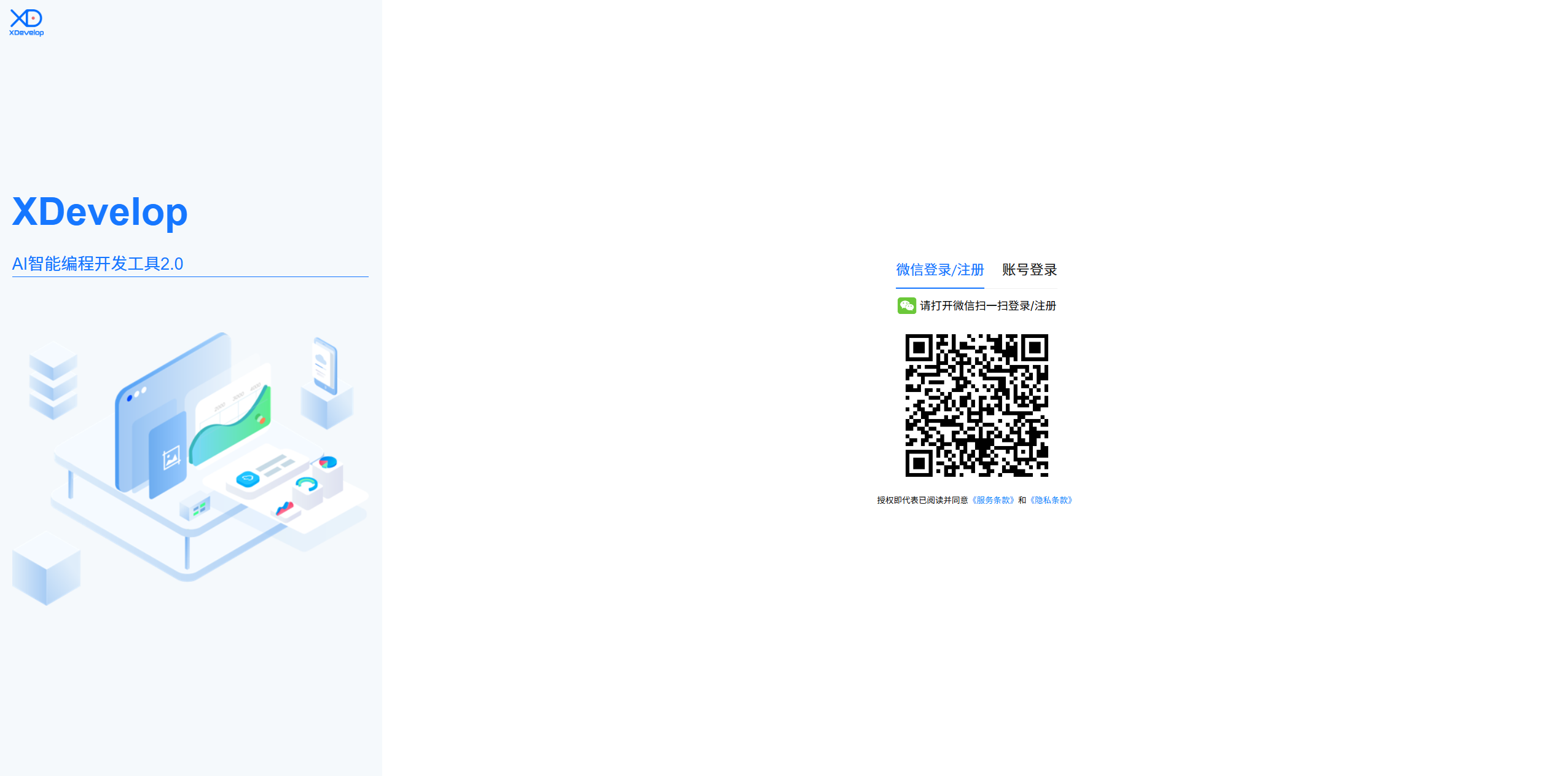
System Login
XDevelop uses WeChat QR code scanning for login — secure, convenient, and no need to remember additional account credentials.
Login Steps
1. Open the XDevelop client, and the system will display the login screen.
2. Use your phone's WeChat app to scan the QR code on the screen.
3. After confirming authorization on your phone, the system will automatically complete login and redirect to the main interface.
Tip
After the first login, your account information will be remembered, and you won't need to scan the QR code again for subsequent opens.
Notes
- Ensure your phone's WeChat is logged in and the network is working properly
- If the QR code expires, click the refresh button to get a new QR code
- After login, you can manage login devices in personal settings
Figure: WeChat QR code login screen