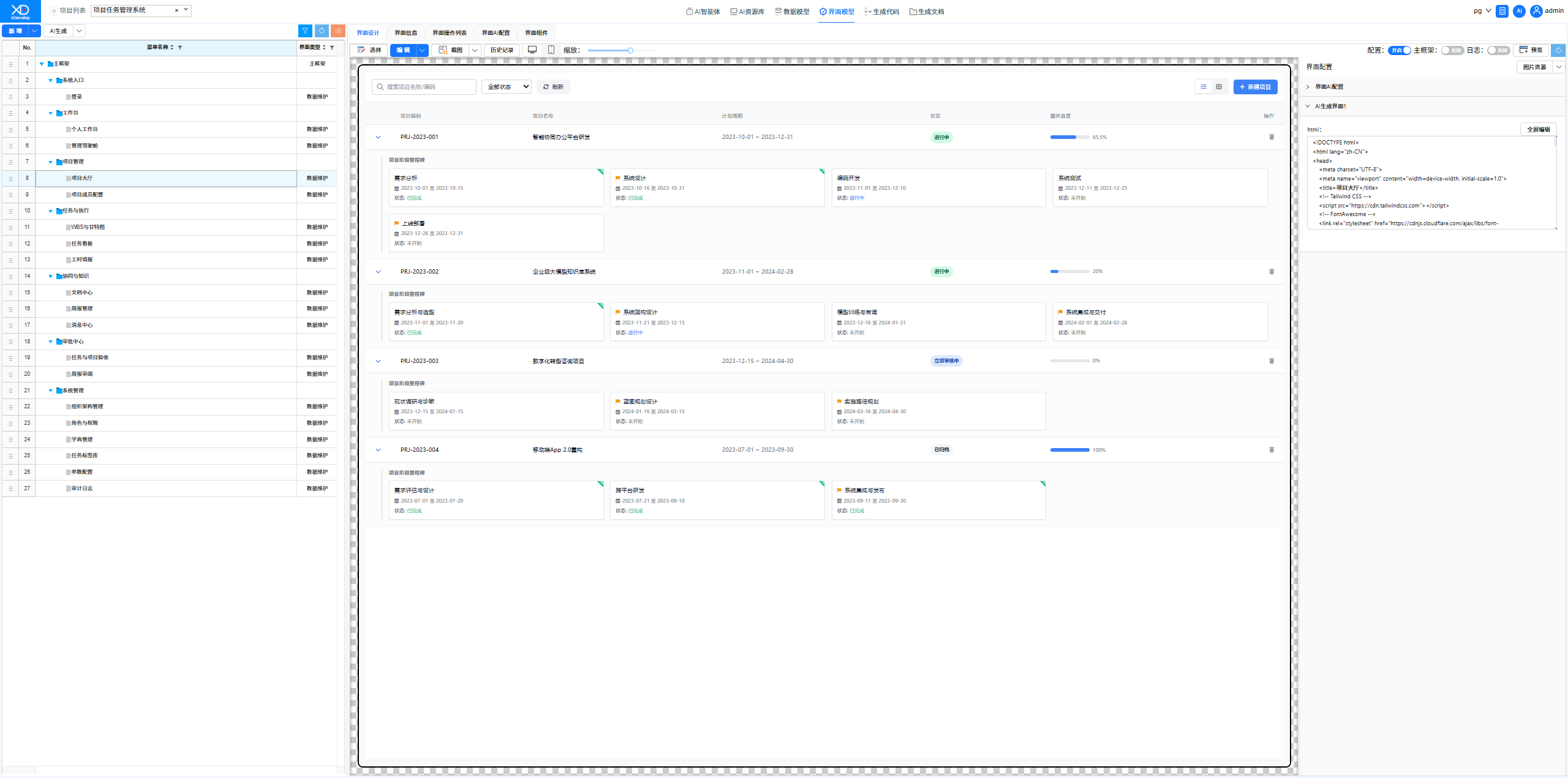
Project Task Management System
A project task management system helps enterprises track project progress, assign tasks, manage milestones, and deliver outcomes. Whether for software development teams, marketing teams, or engineering implementation teams, XDevelop can quickly generate a tailored project management tool.
Scenario Overview
A Project Management Office needs a lightweight project tracking system to manage multiple concurrent projects, assign tasks to members, and track progress and deliverables. Existing general-purpose project management tools are overly complex, requiring a customized system that fits the company's workflow.
System Functional Modules
Generation Process
Through XDevelop's one-click generation process, the system automatically designs core data models such as project tables, task tables, and member association tables, generates complete functional pages and business logic, and once compiled and running, you can create projects and assign tasks.
For a project management system, it is recommended to clearly specify the parent-child relationship between projects and tasks as well as permission control rules in the functional description, as this will directly affect the quality of the constraint specifications generated during the code definition phase.
Results Demonstration
- Login Page — Default user: admin, default password: 123456
- Management Dashboard — Global project data overview
- Project Hall — List and entry point for all projects
- Project Member Configuration — Project team formation and management
- WBS & Gantt Chart — Task breakdown and progress visualization
- Task Board — Kanban-style task management
- Timesheet Entry — Work-hour recording and statistics
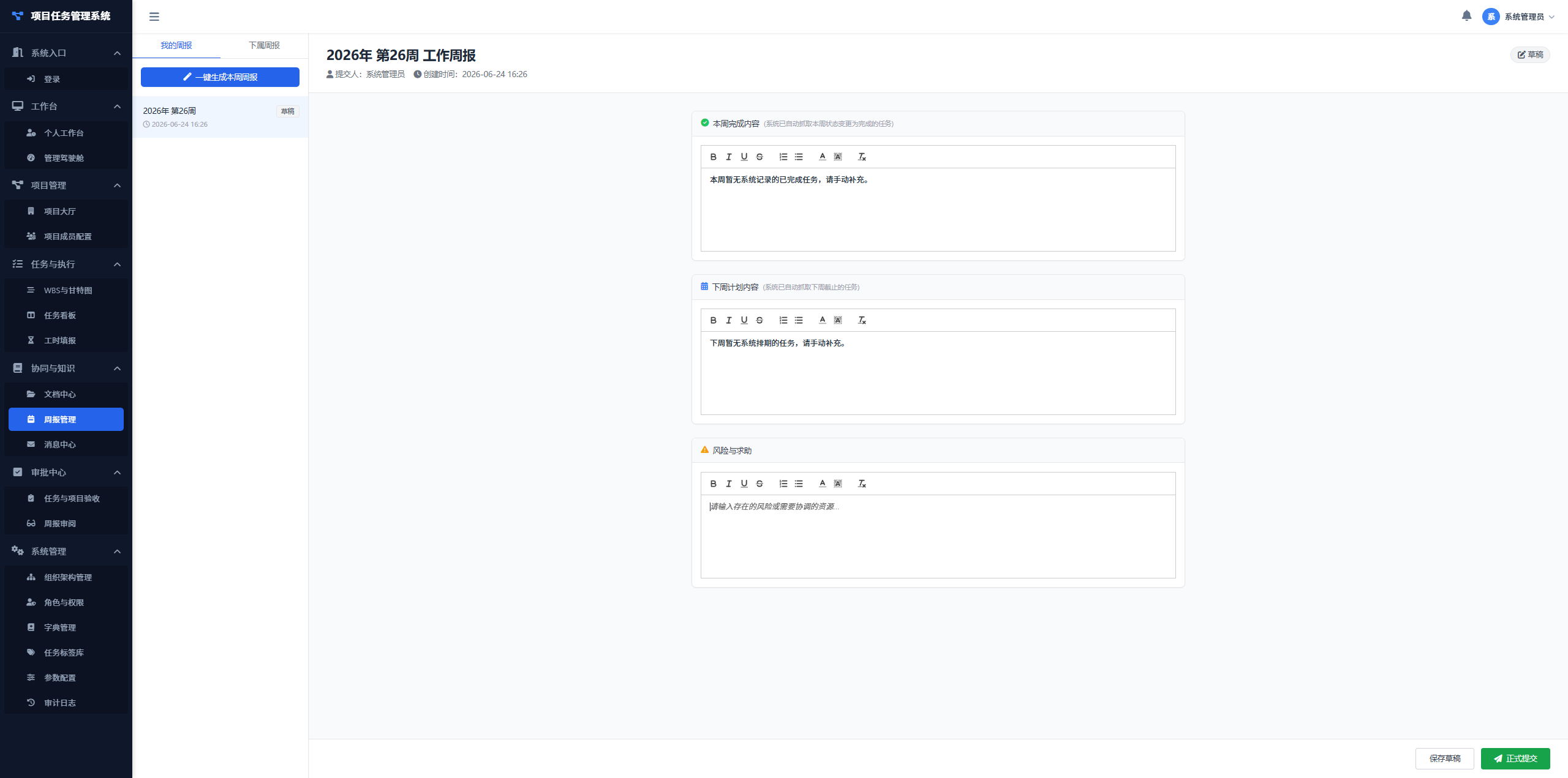
- Weekly Report Management — Weekly report composition and aggregation
Figure: Project Task Management System
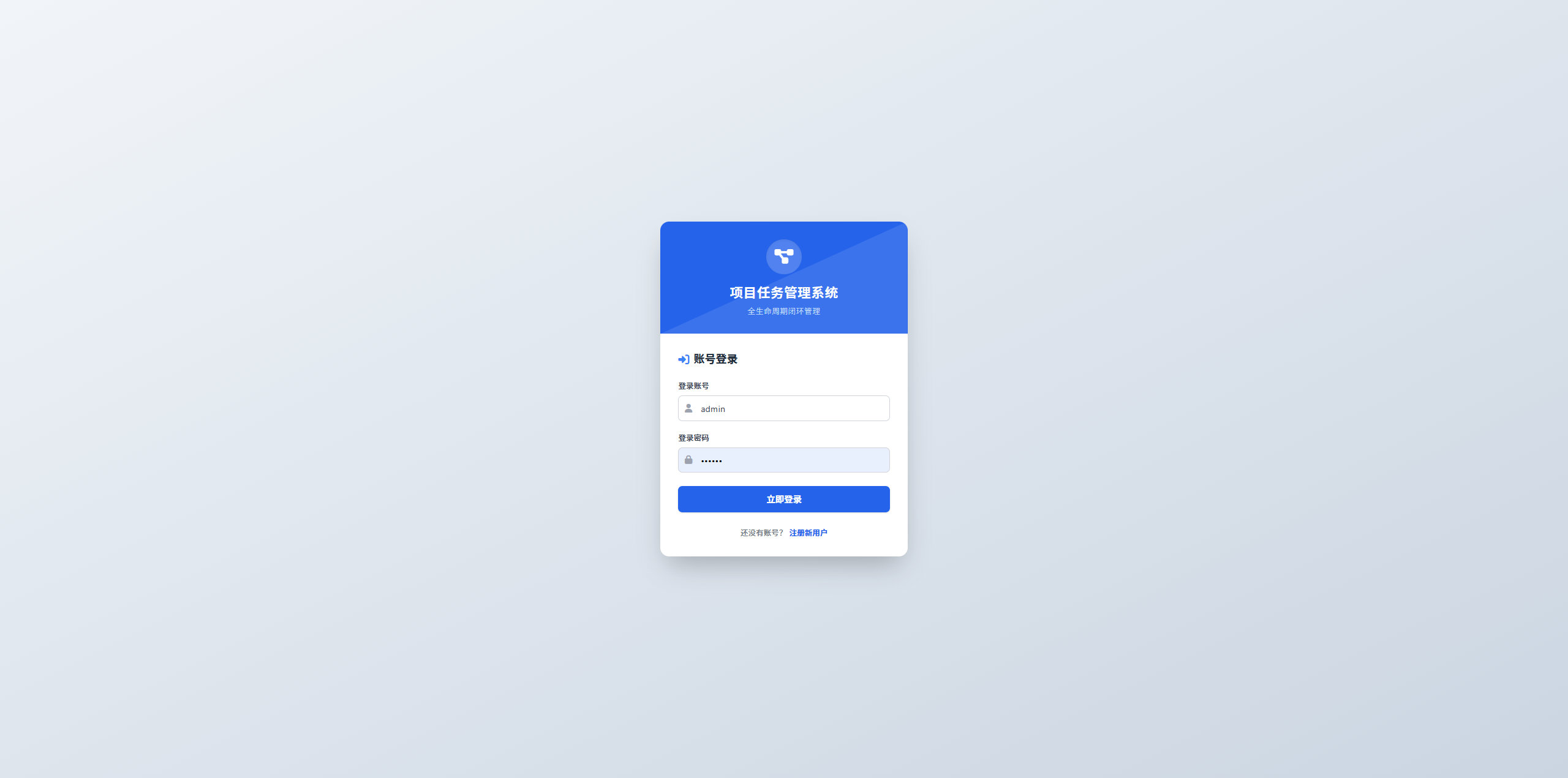
Figure: Management Dashboard Interface
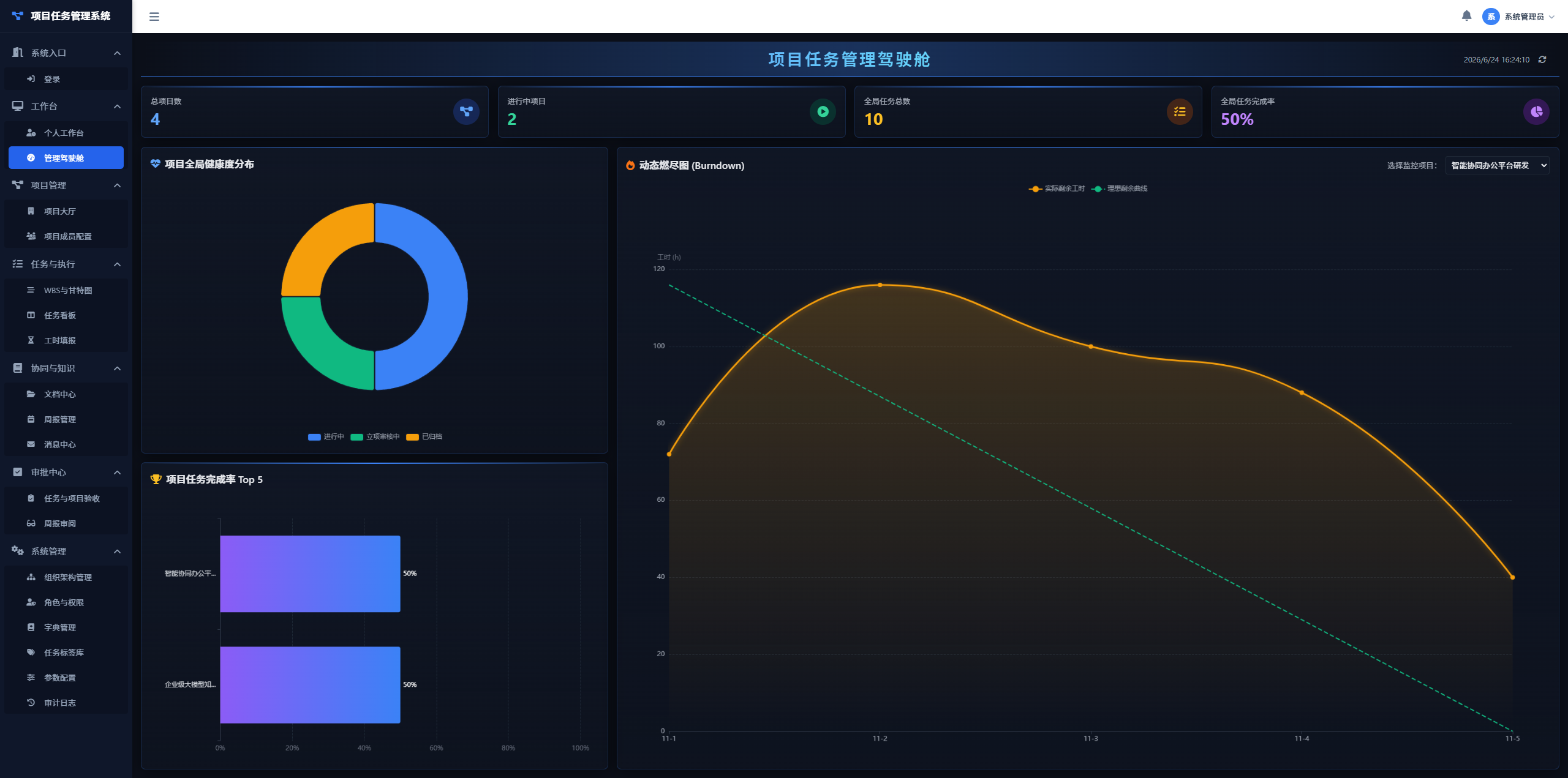
Figure: Project Hall Interface
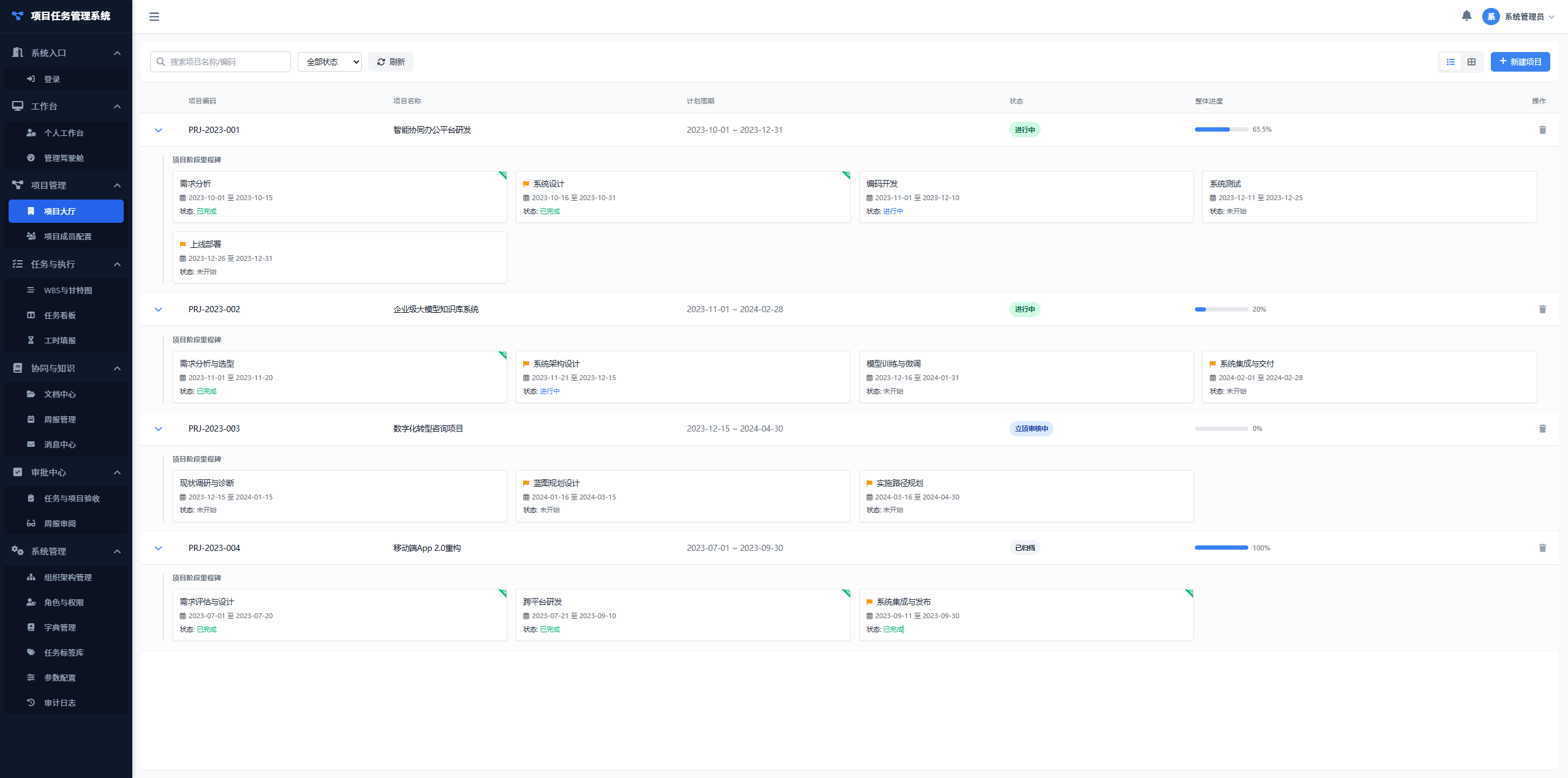
Figure: Project Member Configuration Interface
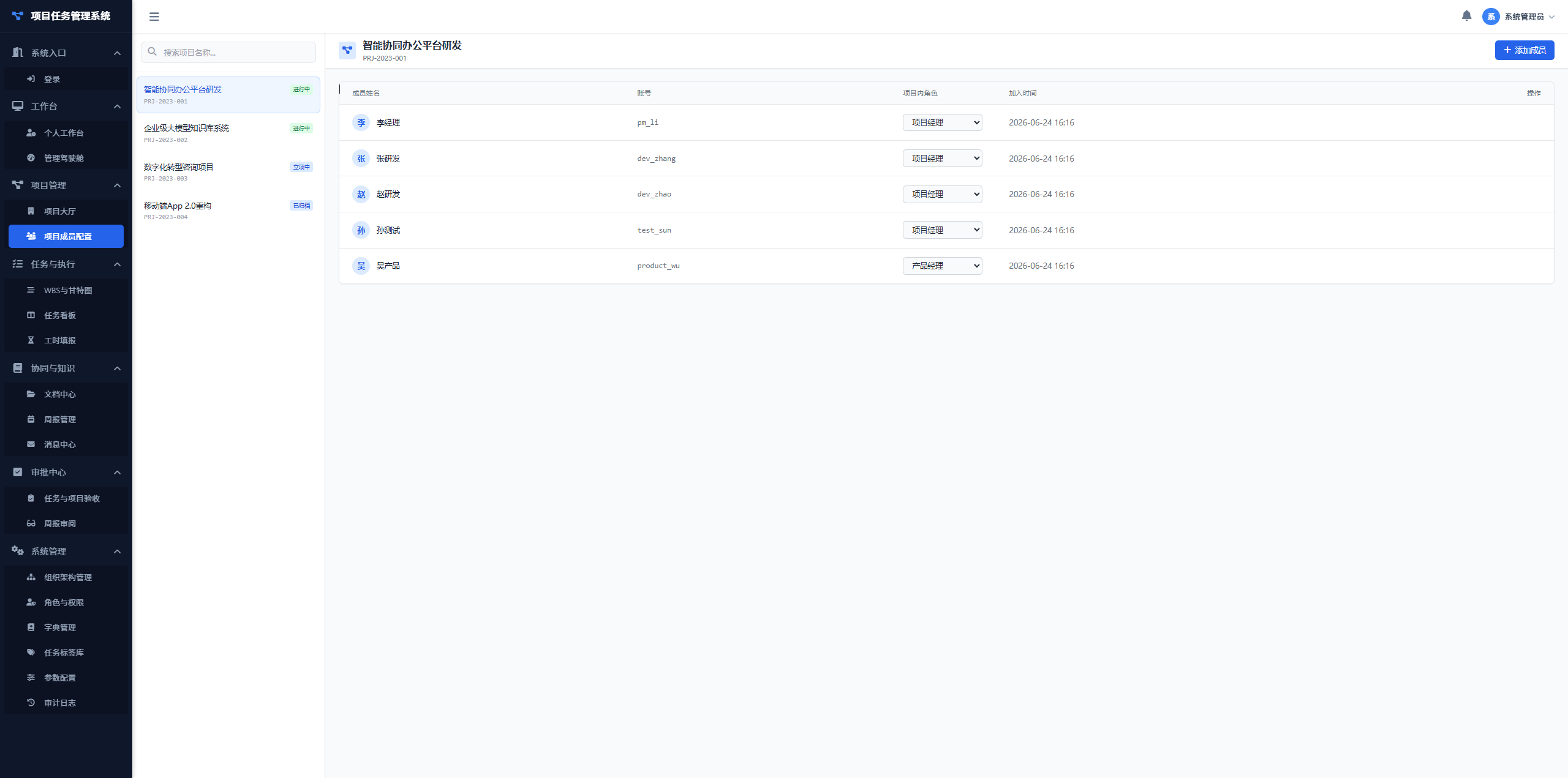
Figure: WBS & Gantt Chart Interface
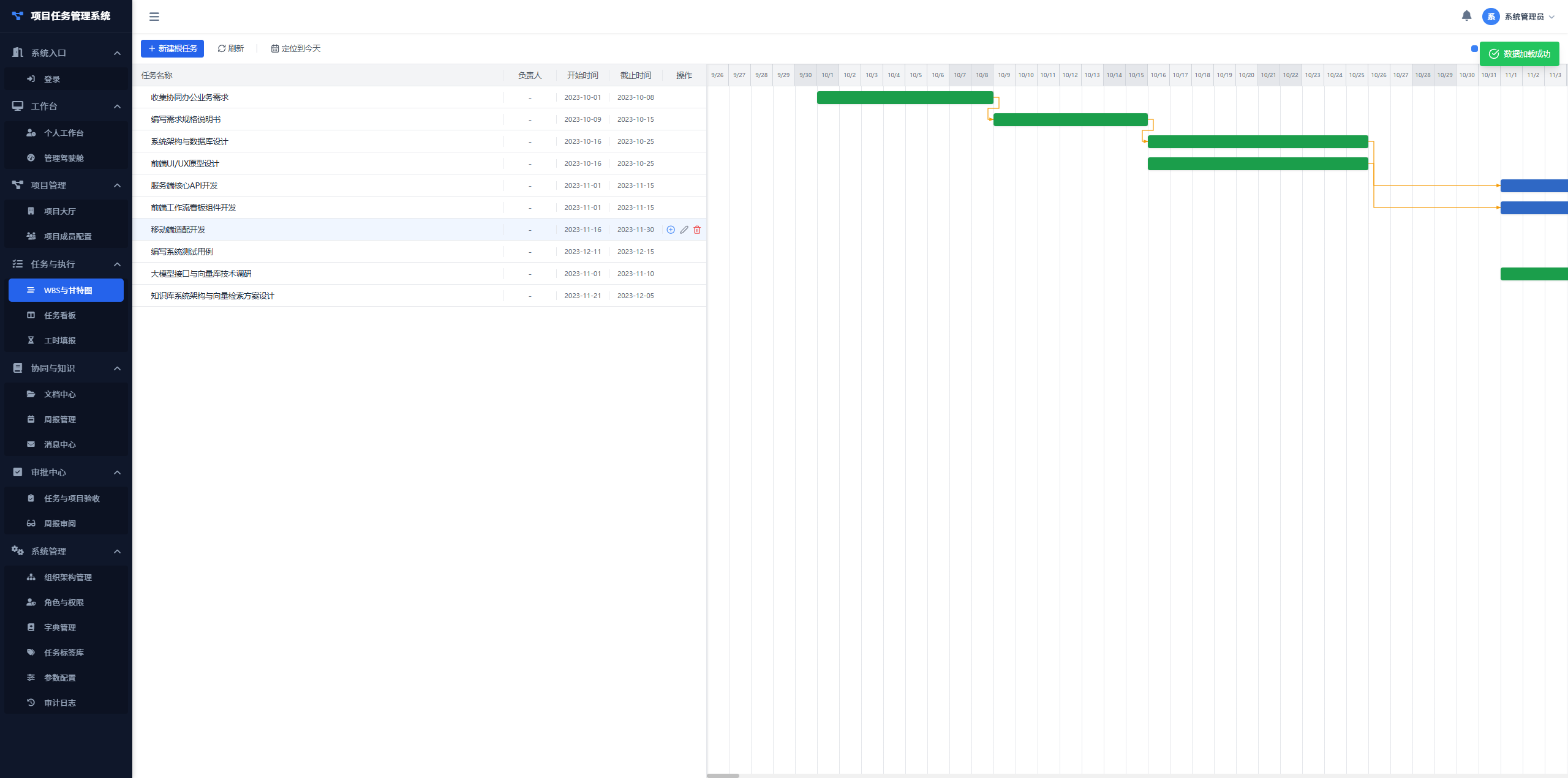
Figure: Task Board Interface
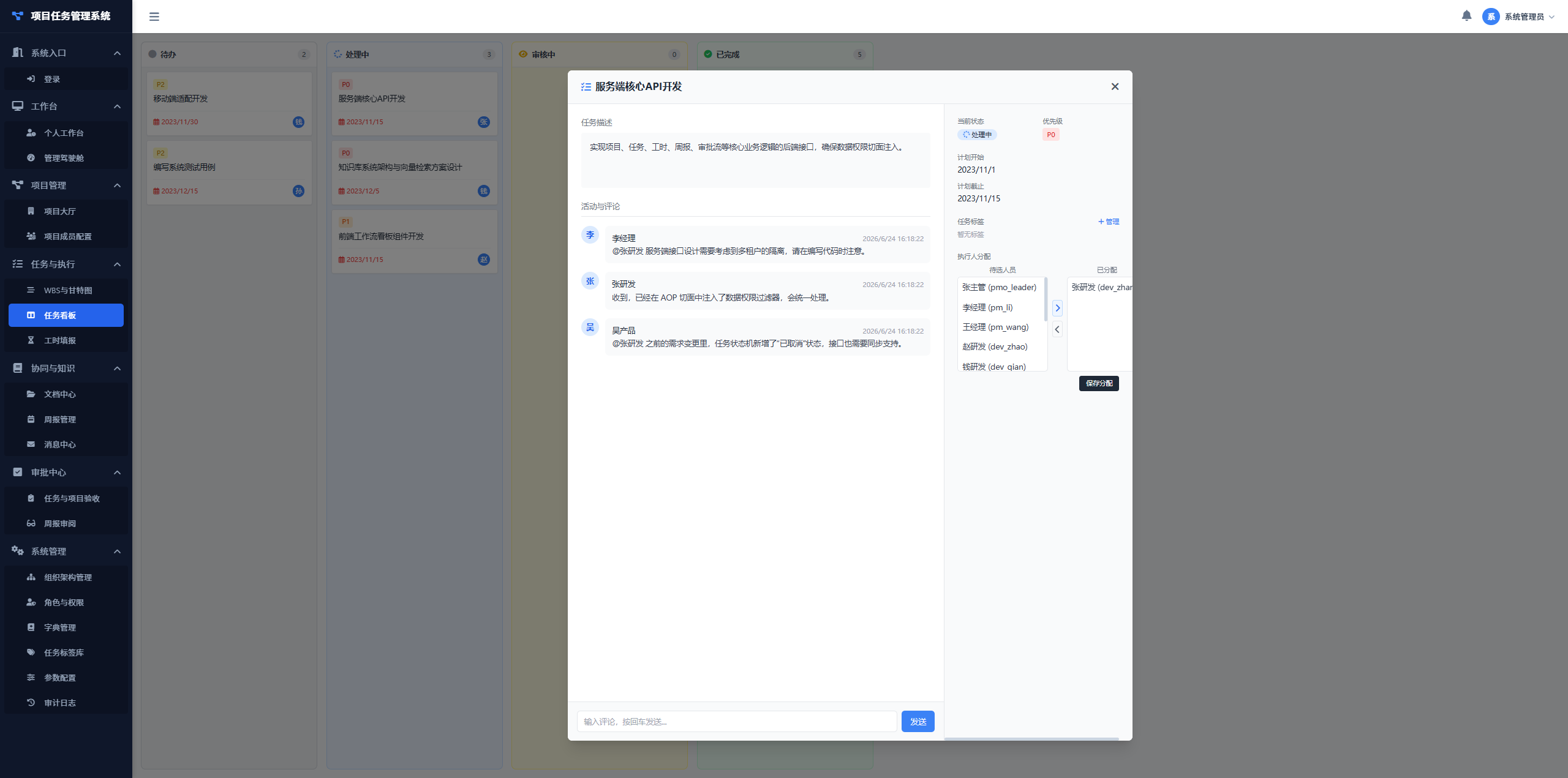
Figure: Timesheet Entry Interface
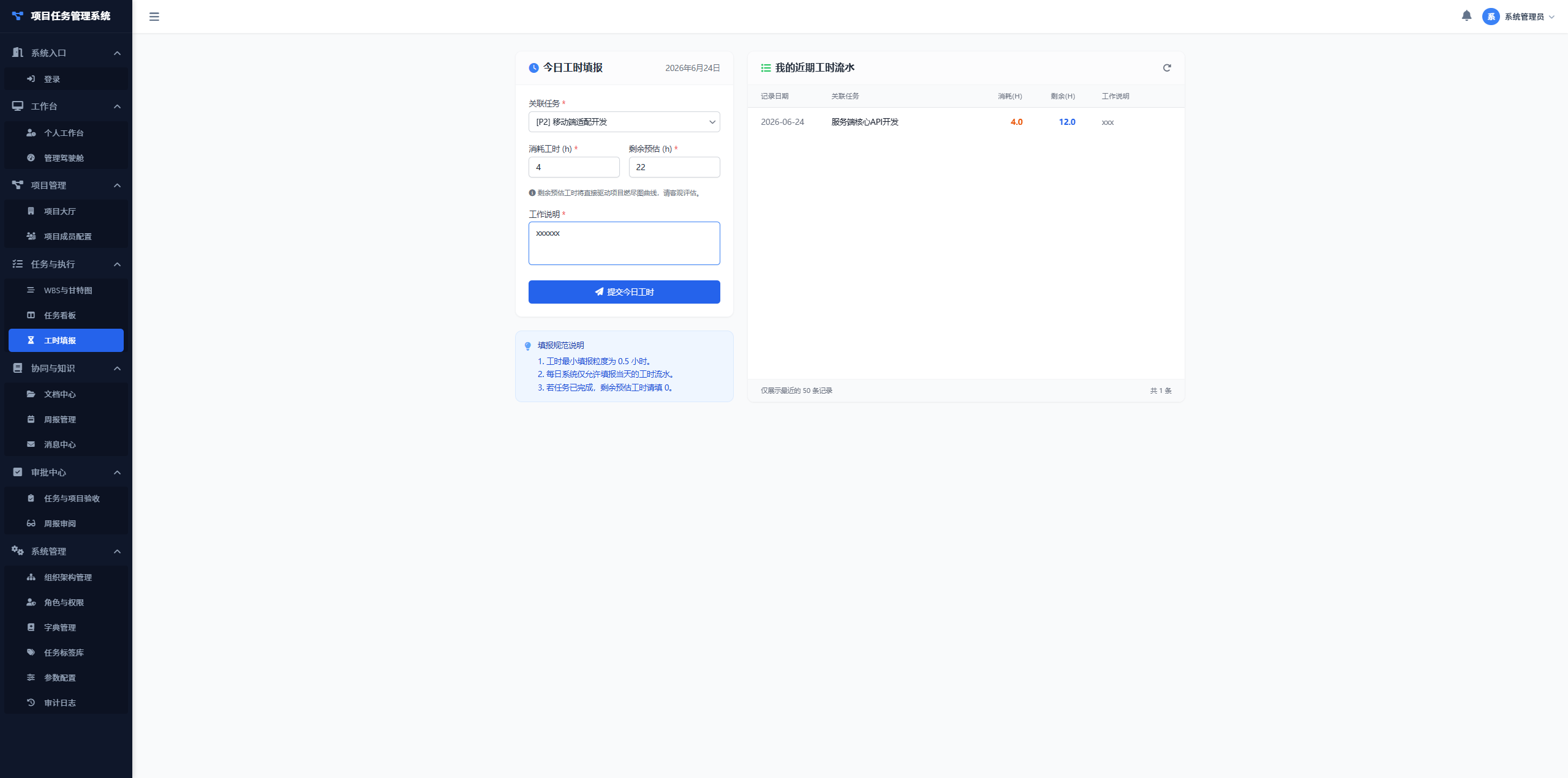
Figure: Weekly Report Management Interface
Modification Iteration Examples
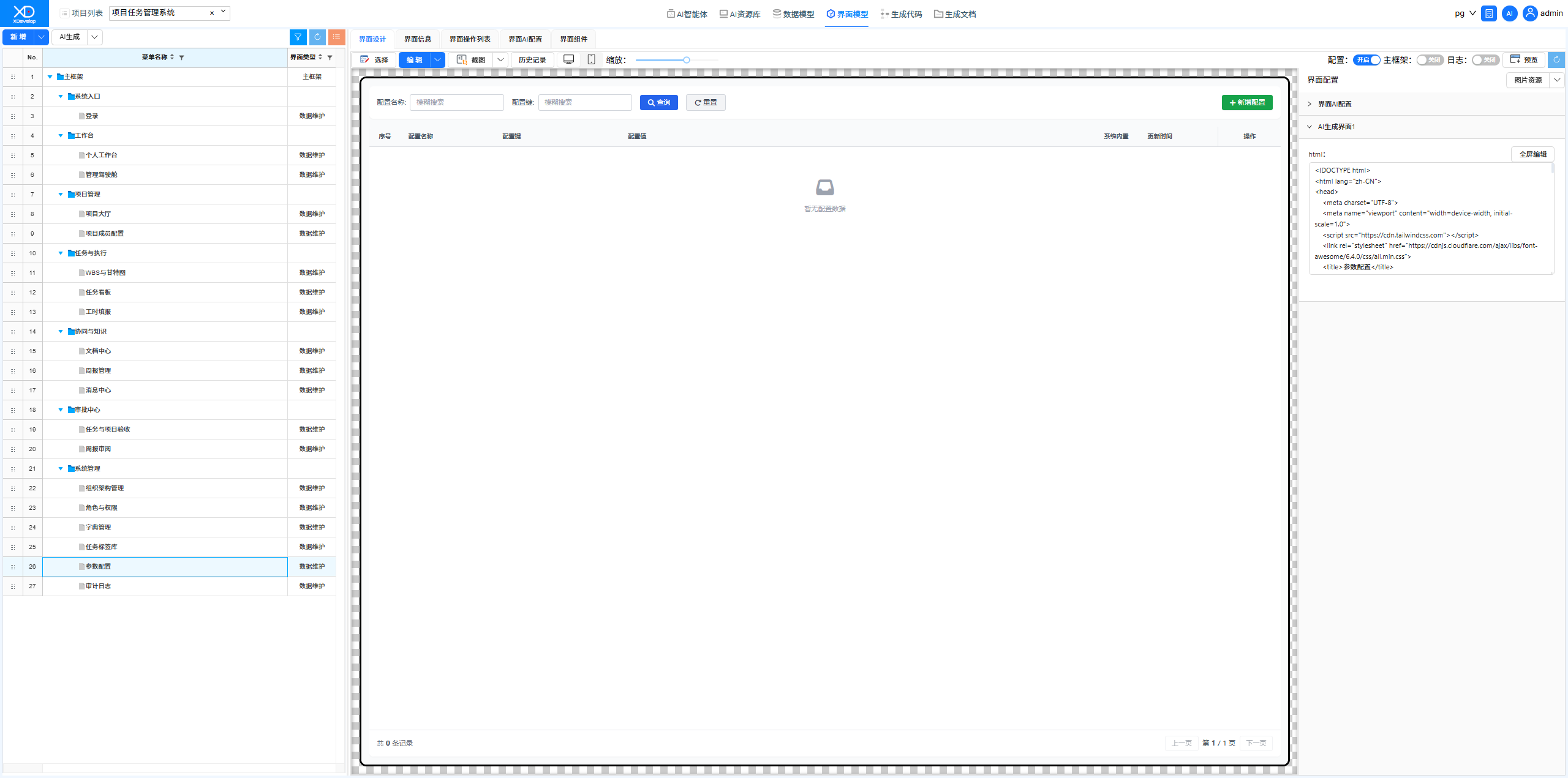
Parameter Configuration Interface Display Error
Discovered that all modal dialogs were expanded on initial entry to the parameter configuration interface, causing layout disorder. Described the issue through XD Dev Assistant, and AI automatically adjusted the frontend components' initial state and display logic.
Figure: Modification Iteration
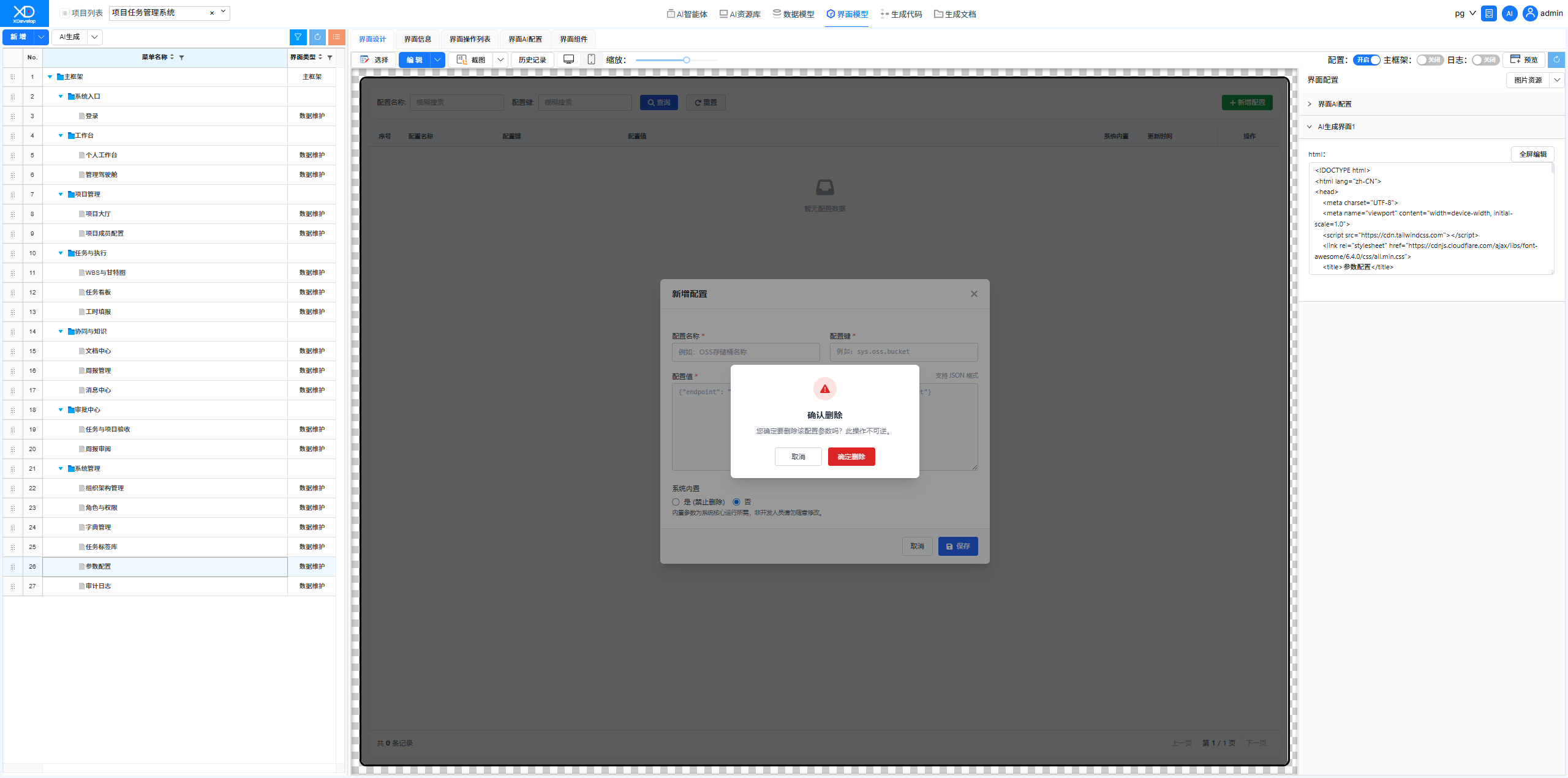 Figure: Sending Instructions
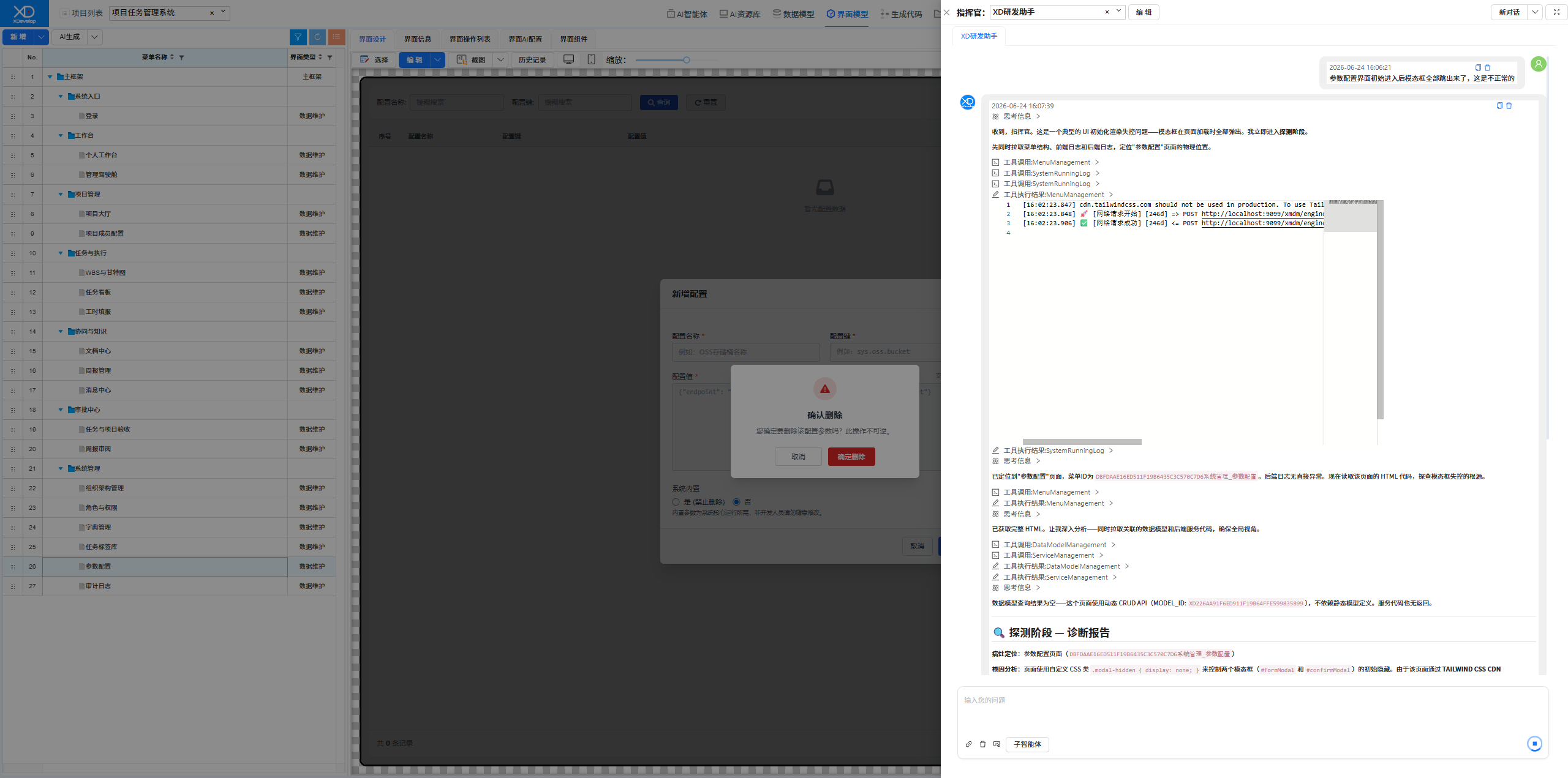 Figure: Selecting a Solution
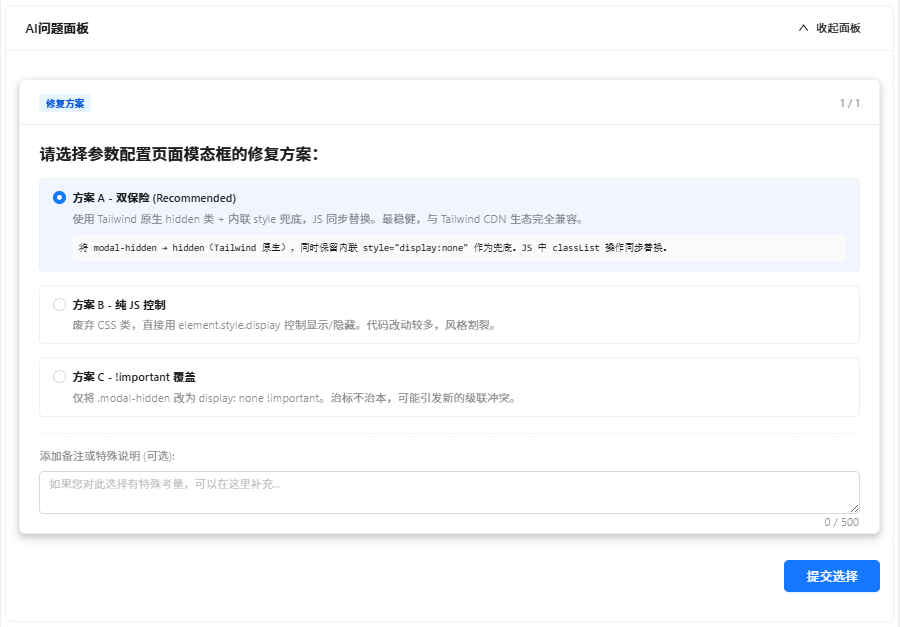 Figure: Fix Completed
Generating System Test Data
Used the XD Operations Assistant to bulk generate project management test data, including multiple projects, tasks at various stages, member assignments, timesheet records, etc. AI generated reasonable data based on real-world business scenarios.
Figure: Sending system test data generation instruction
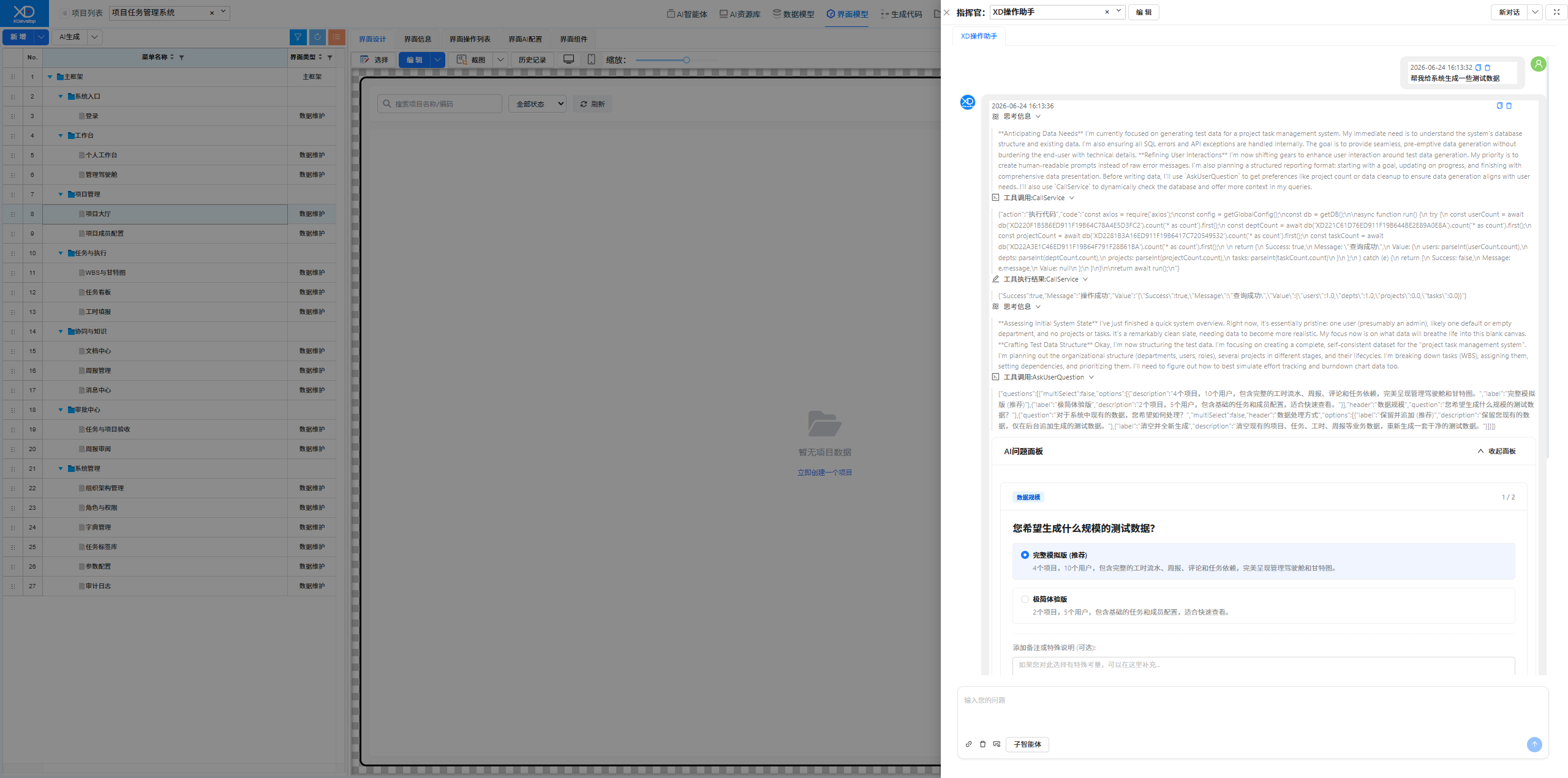 Figure: Solution Selection
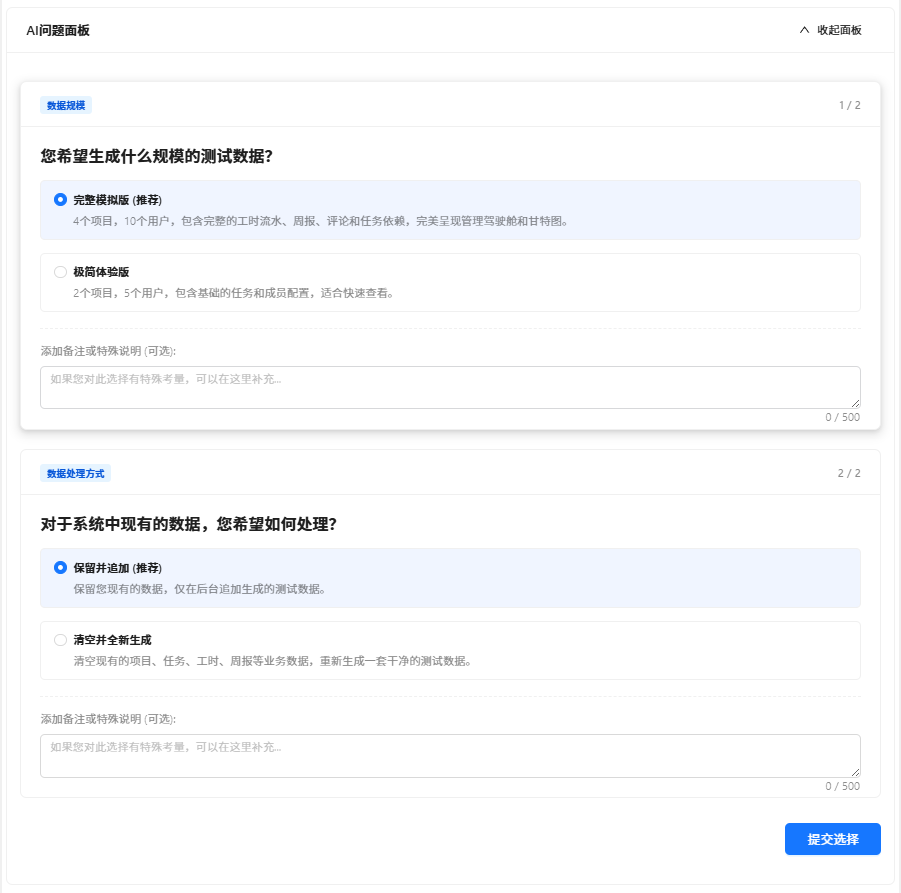 Figure: Data Generation Success Report
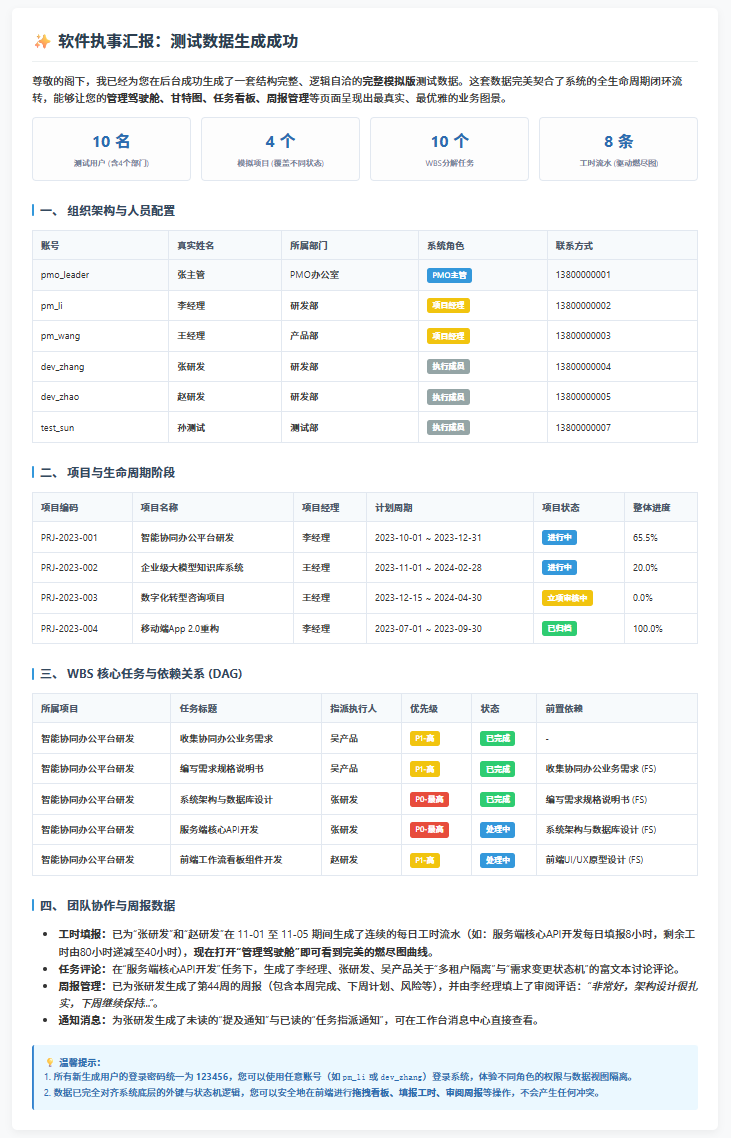 Figure: Data Generation Success Verification