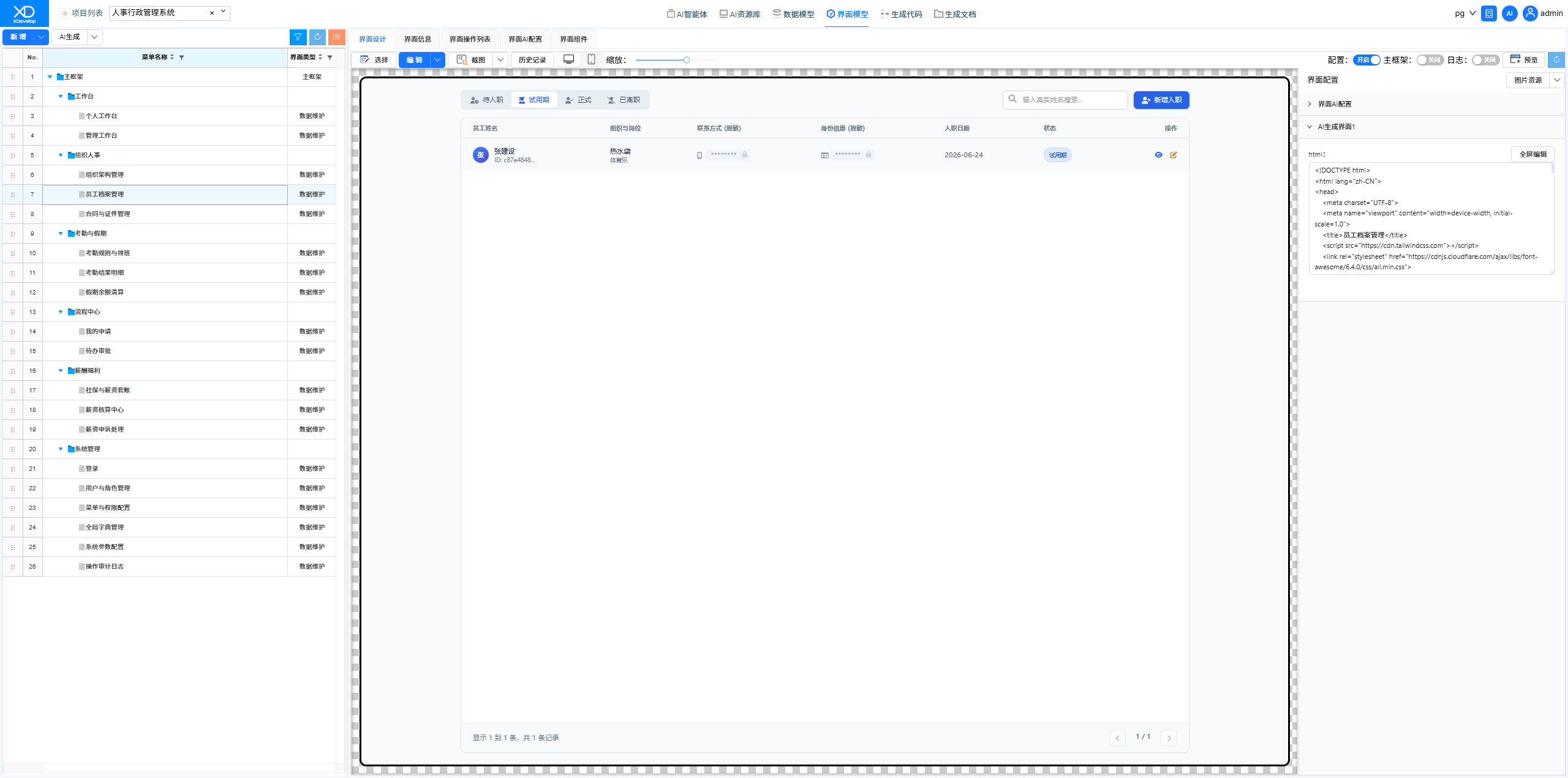
HR & Administration Management System
An HR & Administration system covers daily HR management functions such as employee records, attendance tracking, leave approval, and payroll calculation — essential digital infrastructure that every company needs. XDevelop can quickly generate an HR management system tailored to the enterprise scale.
Scenario Overview
The HR department of a mid-sized enterprise needs an HR management system to centrally manage employee information, attendance data, leave processes, and payroll calculations. The existing management approach relies on paper forms and scattered spreadsheets, resulting in low process approval efficiency and long data aggregation cycles.
System Functional Modules
Generation Process
Execute the one-click generation process in XDevelop. The system automatically generates data models such as employee tables, attendance tables, and leave tables based on the task description, builds complete functional menus and business code, and once compiled, you can start entering employee data and using various HR functions.
It is recommended to use the XD Operations Assistant to customize the approval workflows in the HR system after the initial version is generated, to match the company's actual organizational structure and approval rules.
Results Demonstration
- Login Page — Default user: admin, default password: 123456
- Personal Workspace — Employee self-service portal
- Organizational Structure Management — Department and position system management
- Employee Records Management — Full lifecycle employee information management
- Assessment Rules & Scheduling — Attendance policy configuration
- Assessment Result Details — Attendance data query and statistics
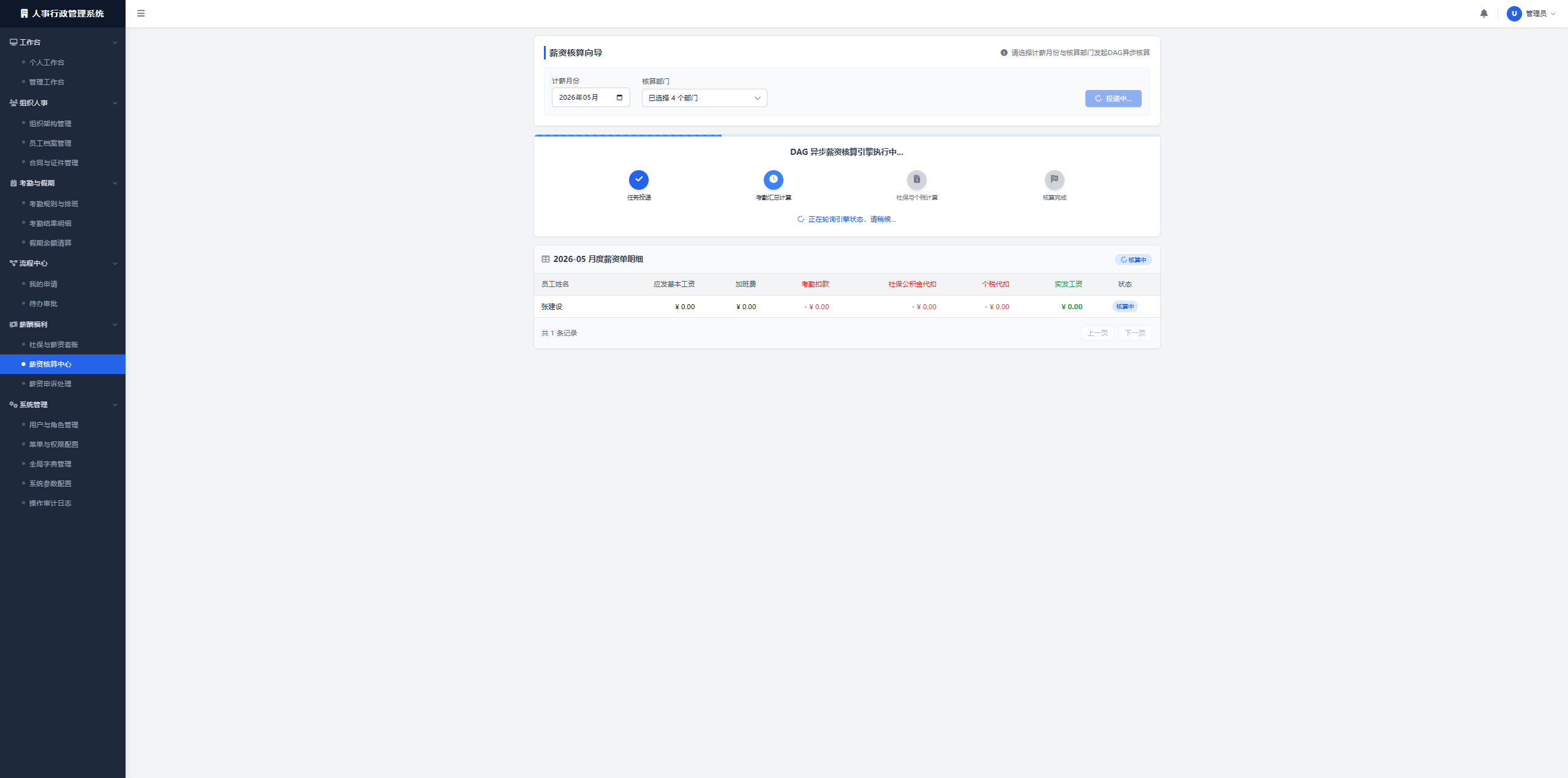
- Payroll Calculation Center — Payroll calculation and management
Figure: HR & Administration Management System

Figure: Personal Workspace Interface
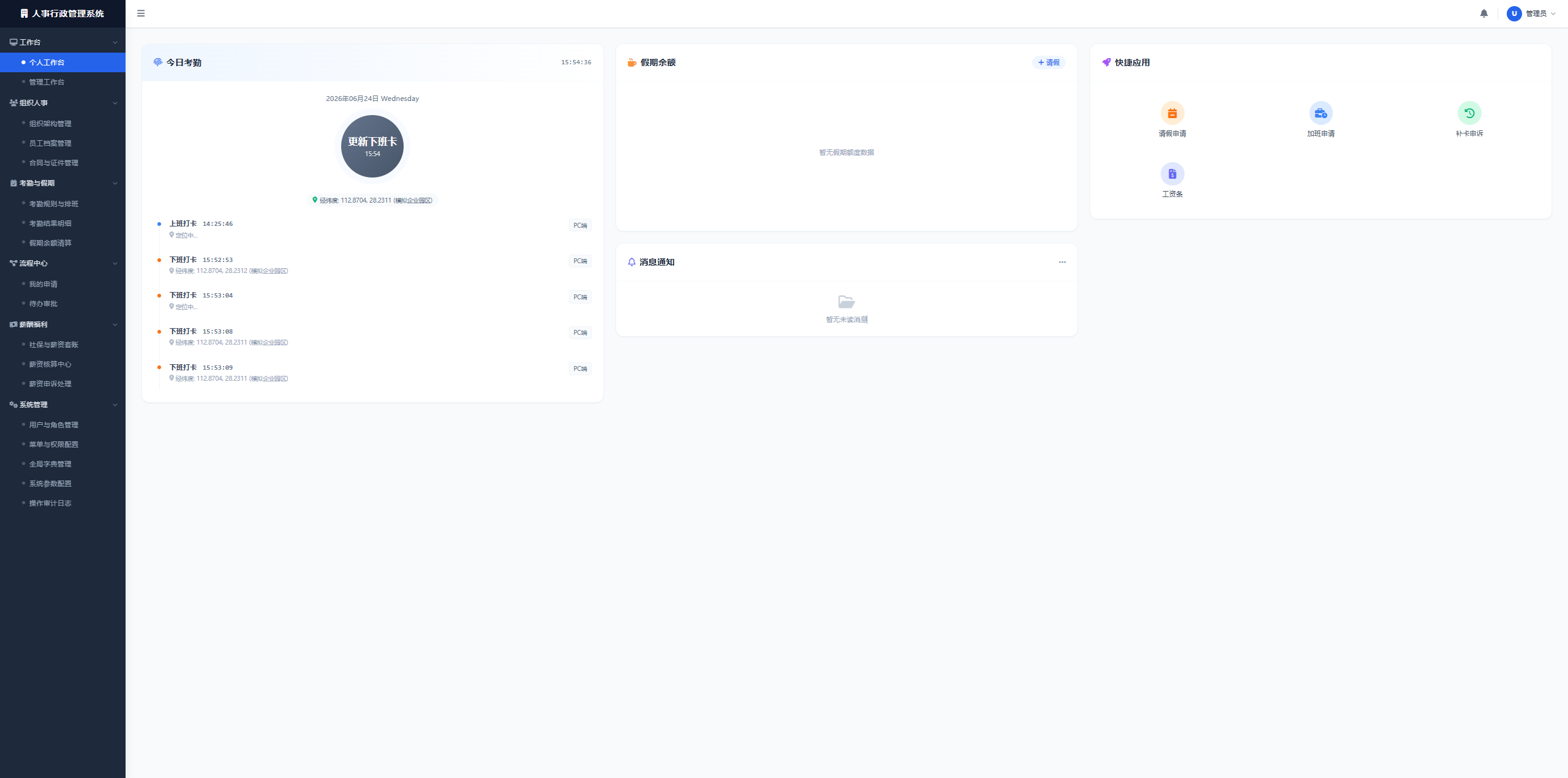
Figure: Organizational Structure Management Interface
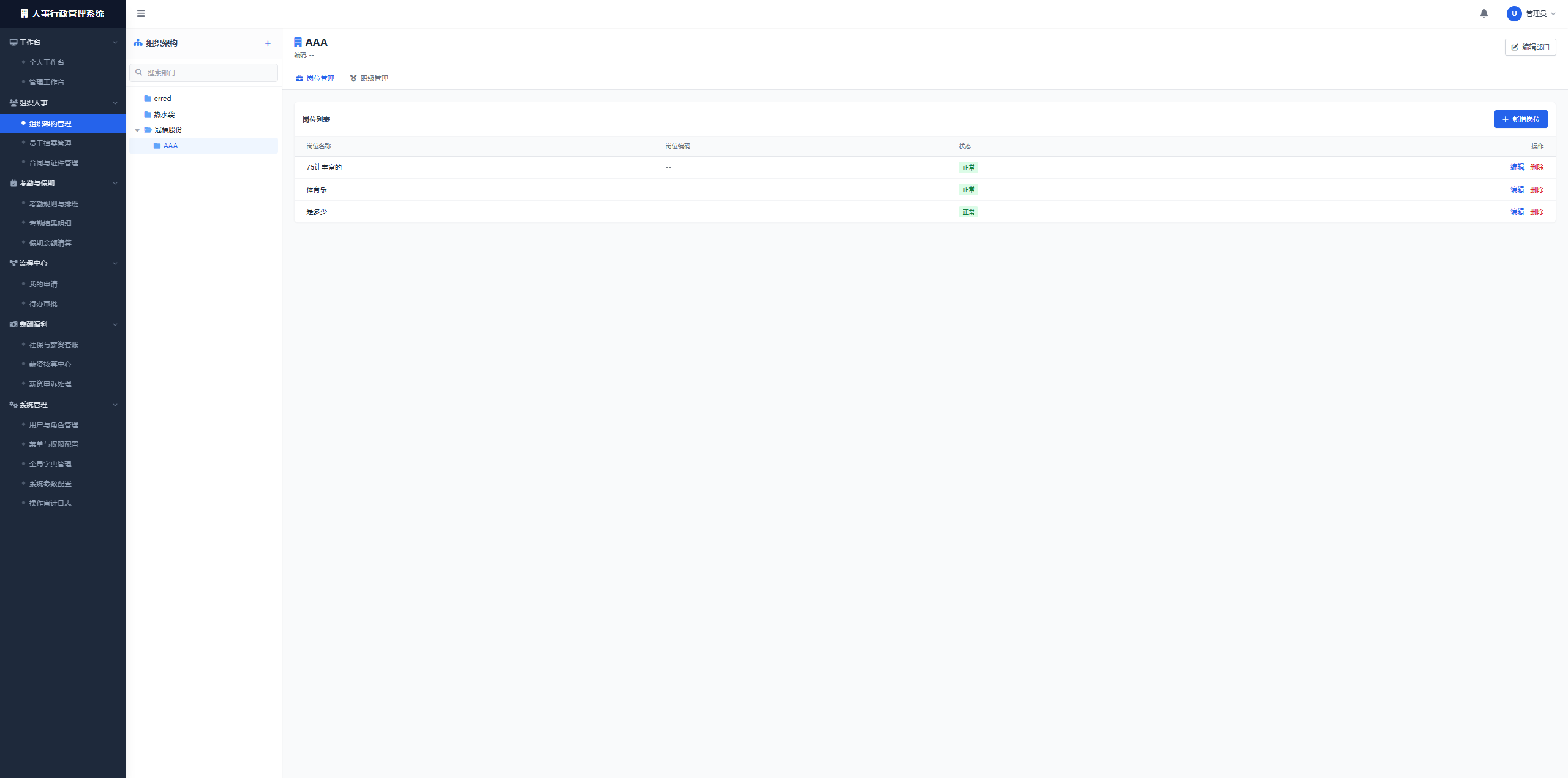
Figure: Employee Records Management Interface
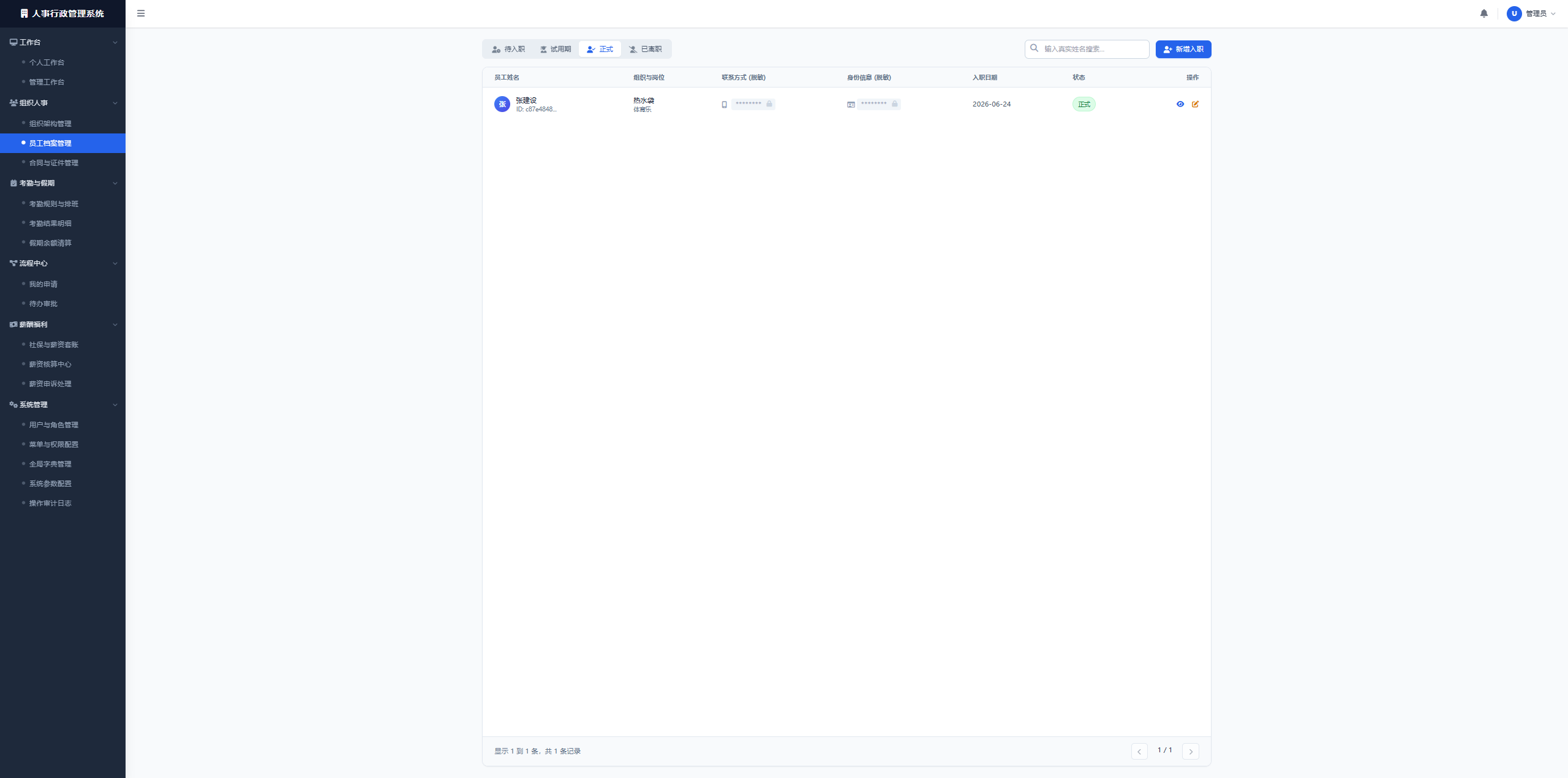
Figure: Assessment Rules & Scheduling Interface
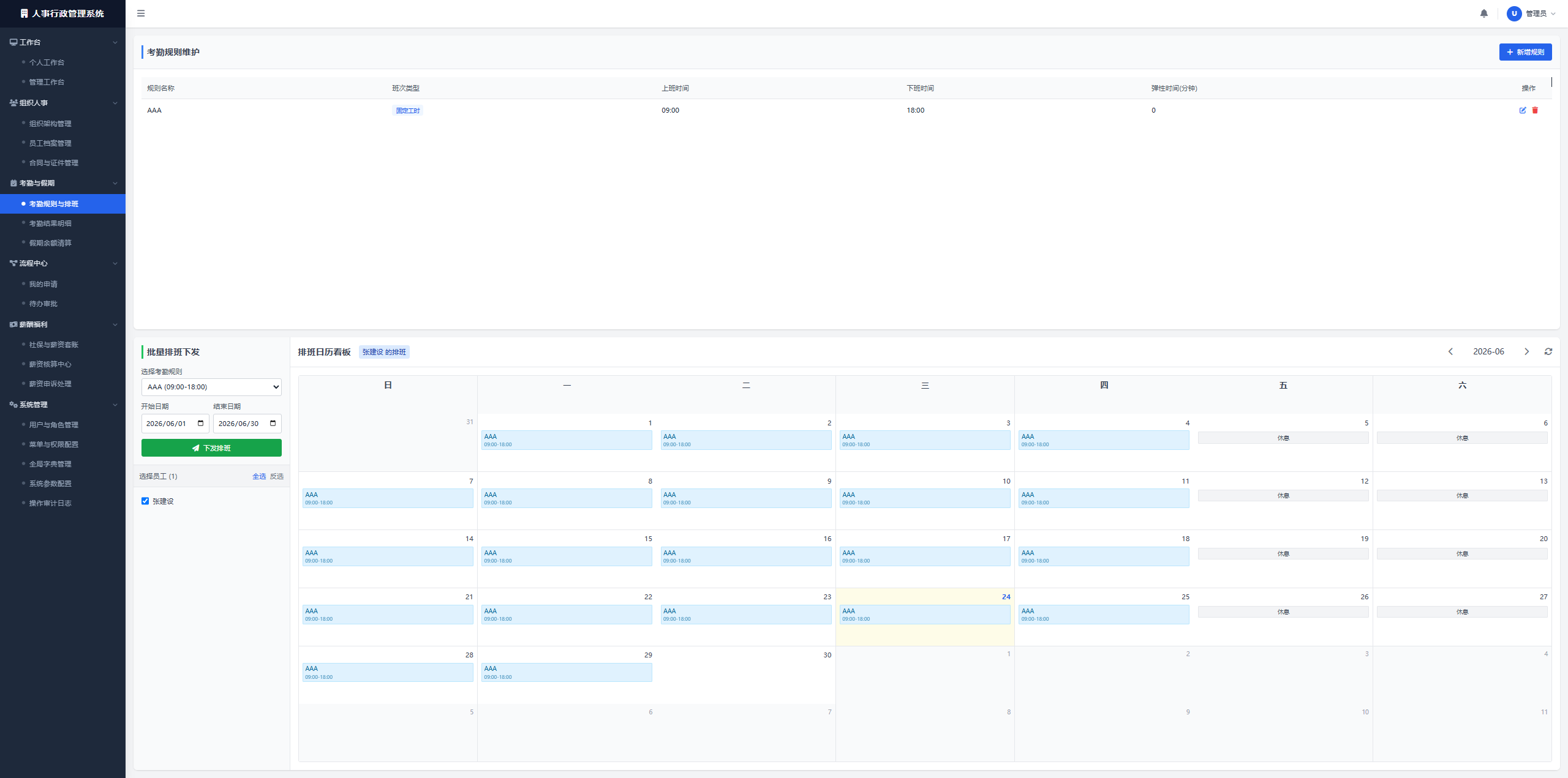
Figure: Assessment Result Details Interface
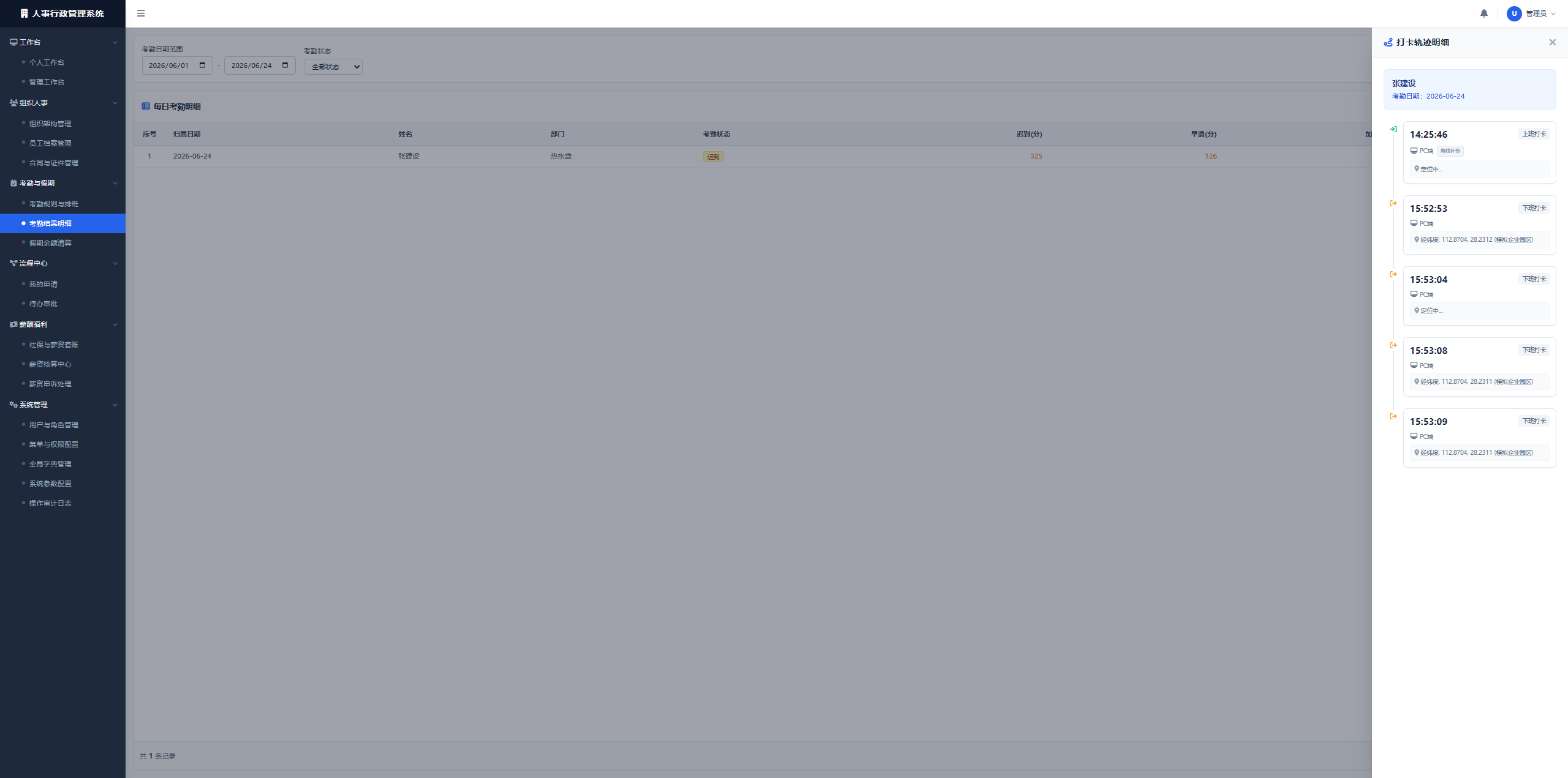
Figure: Payroll Calculation Center Interface
Modification Iteration Examples
Batch Errors on Interfaces After Initial System Run
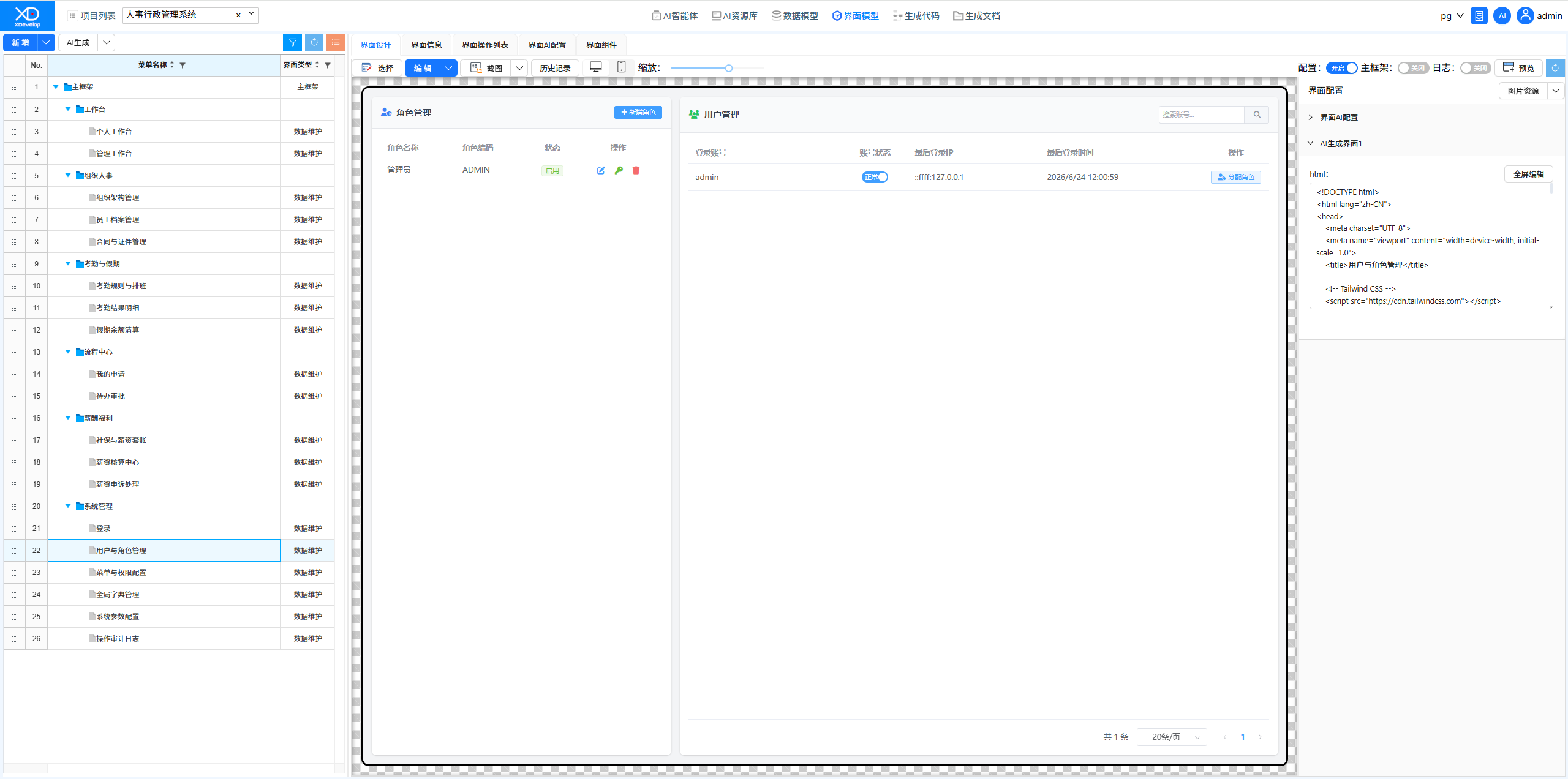
After the system's first compilation and run, errors were found on multiple pages. Using the XD Dev Assistant, all issues were diagnosed and fixed in one session. AI analyzed the error logs, identified data model association issues, automatically fixed them, and verified the results.
Figure: Modification Iteration
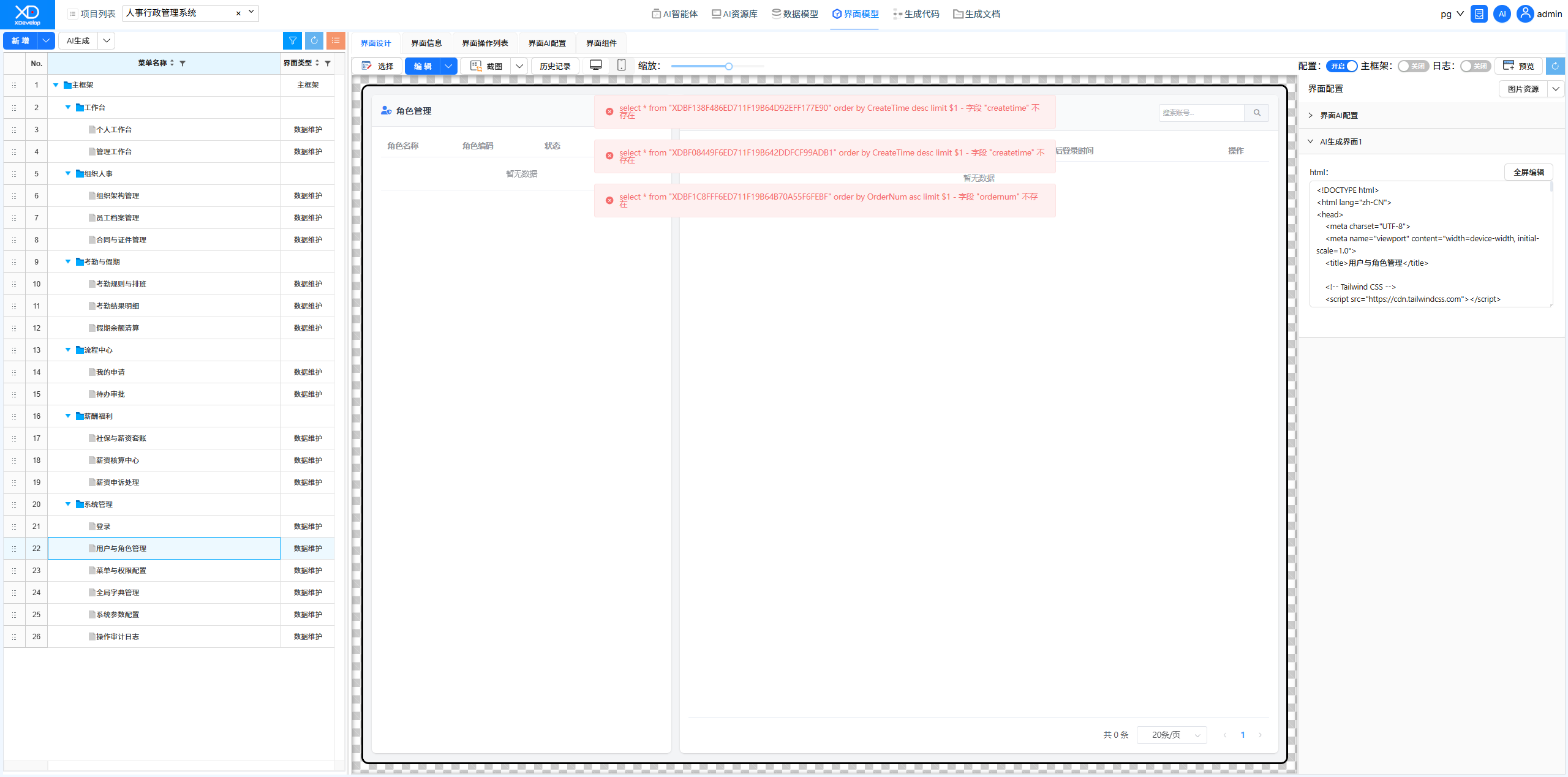 Figure: Selecting a Solution
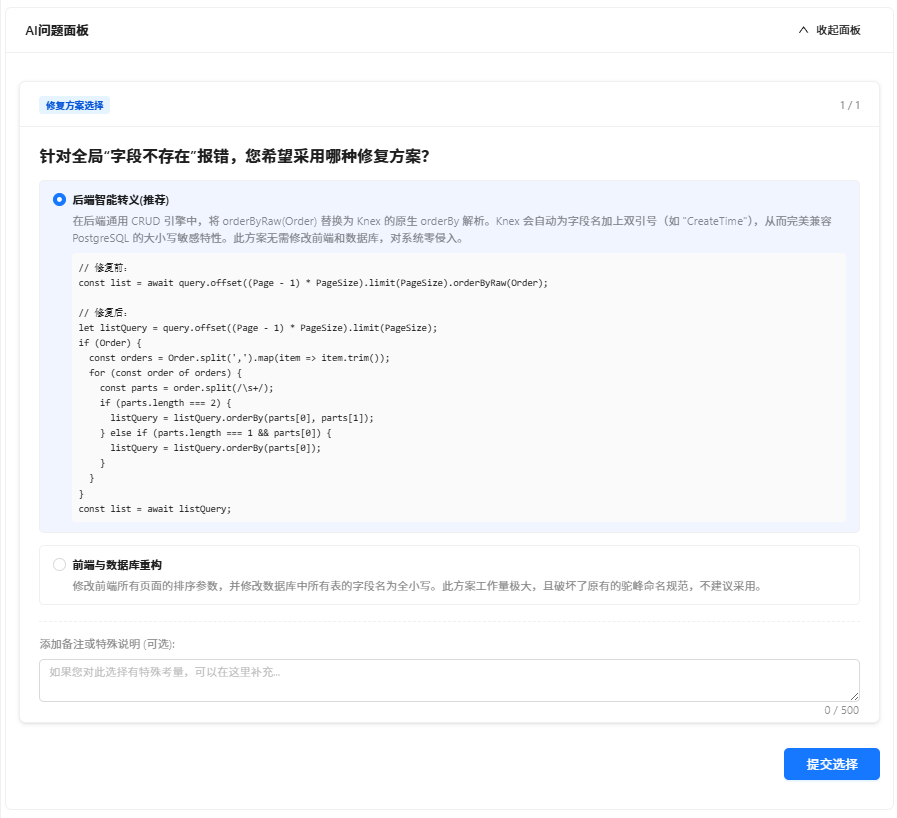 Figure: AI Response
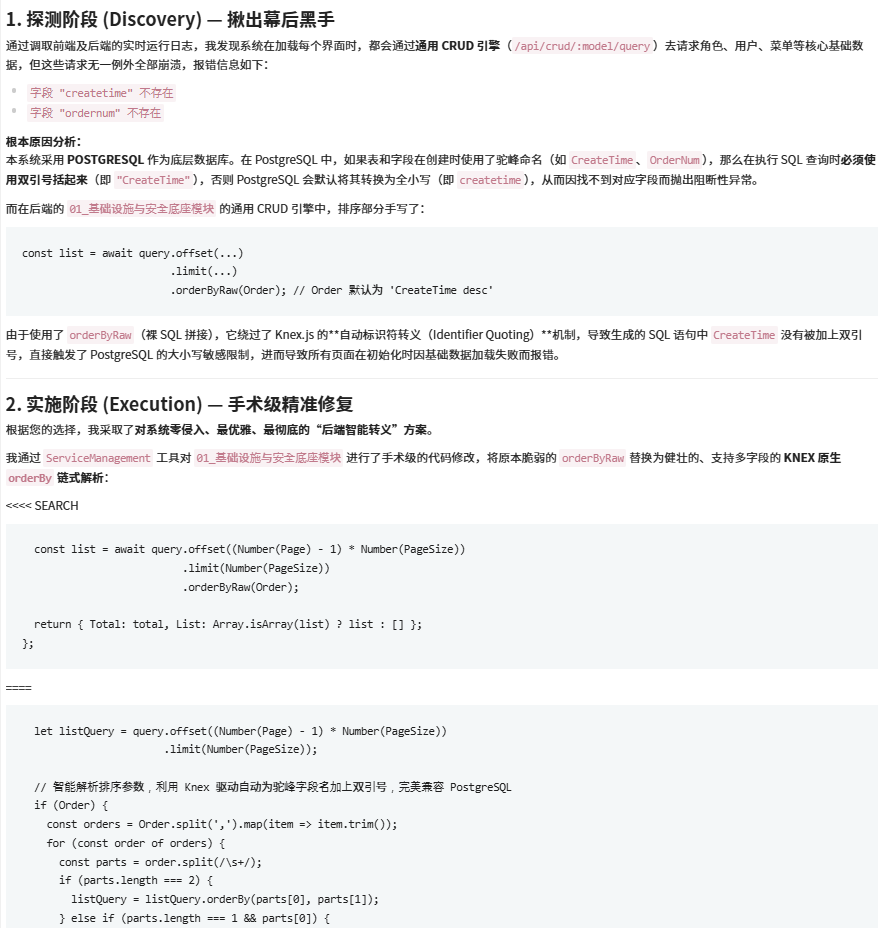 Figure: Data queried successfully, fix completed
Data Entry for Menu & Permission Configuration Interface
Used the XD Operations Assistant to bulk initialize menu tree data for the menu and permission management interface. AI automatically generates structured menu configuration data based on the system framework.
Figure: Original Menu & Permission Configuration Interface, no data
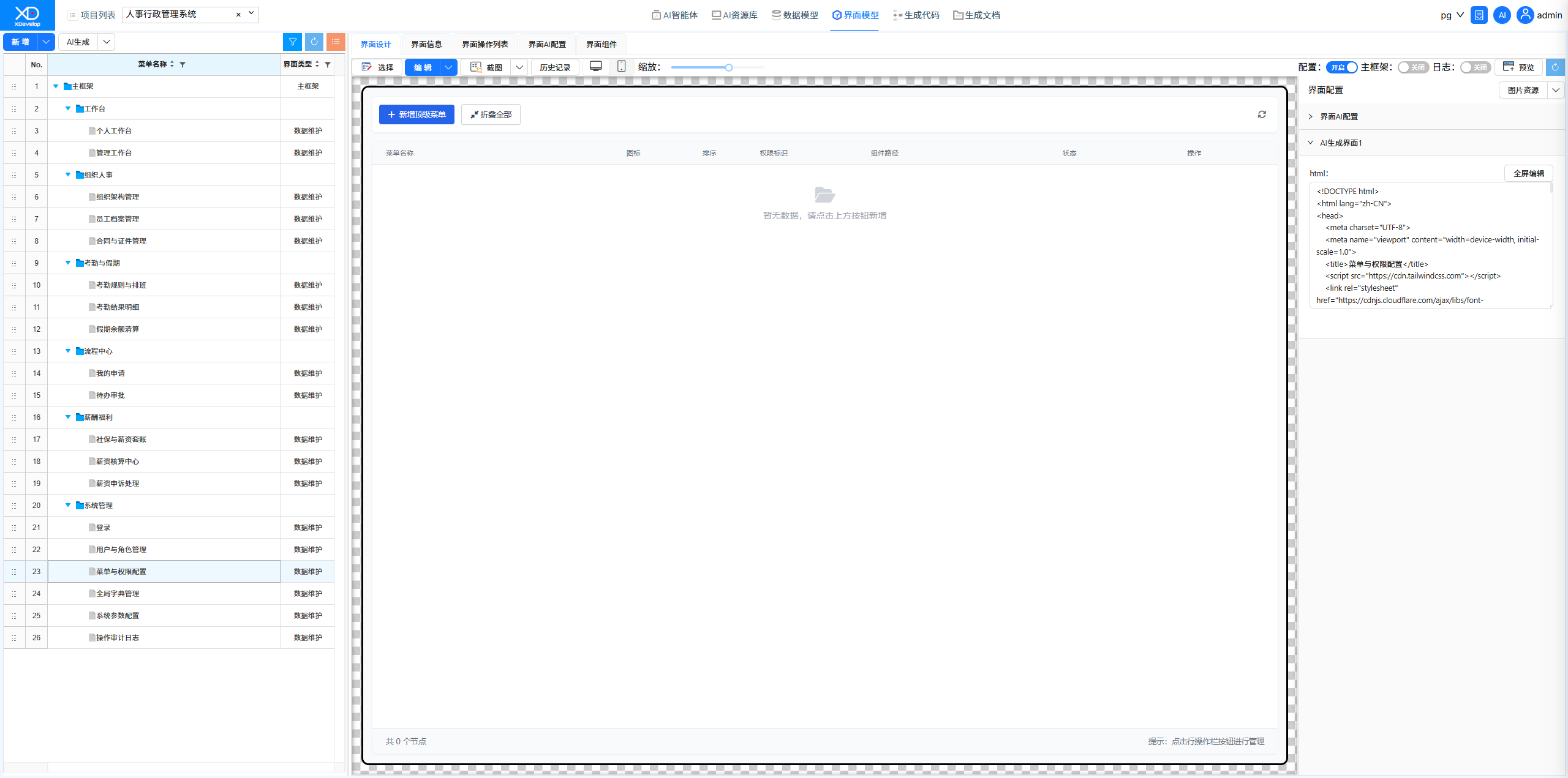 Figure: Sending data entry instructions using XD Operations Assistant
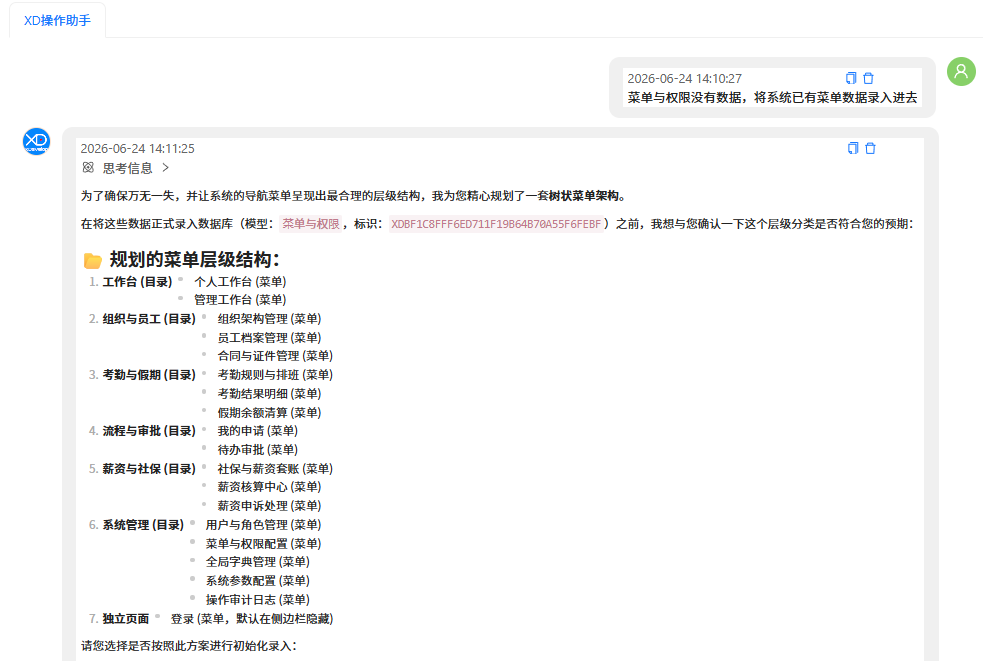 Figure: Selecting a solution and filling in special notes
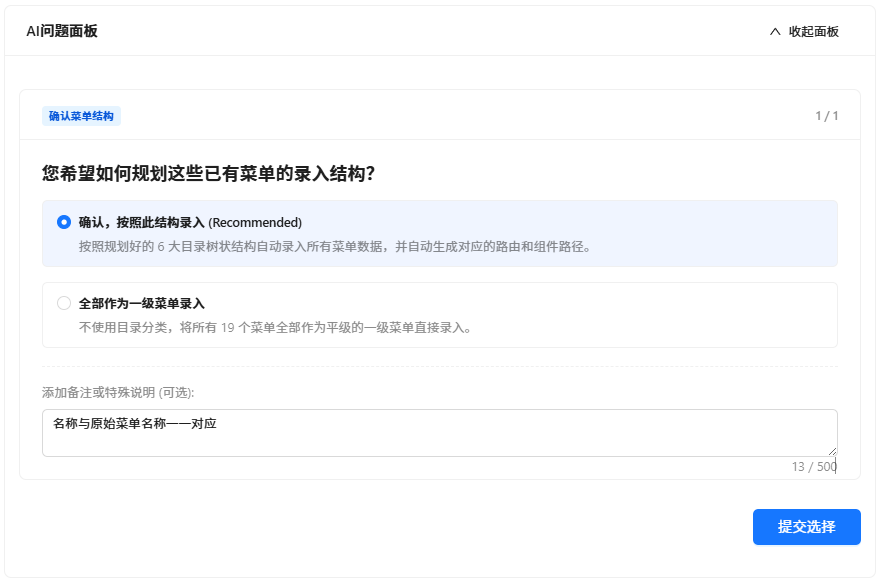 Figure: Data Initialization Success Report
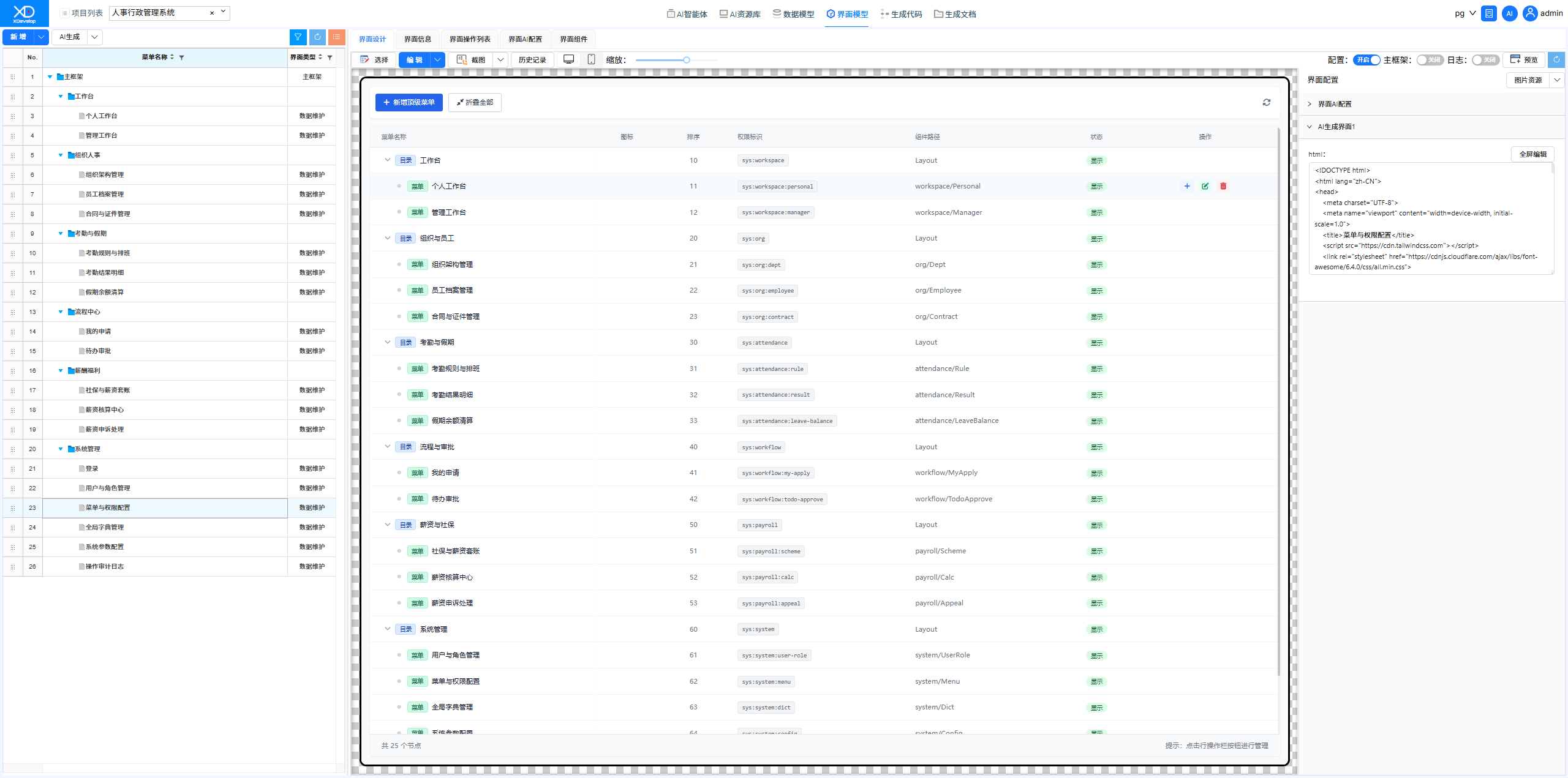
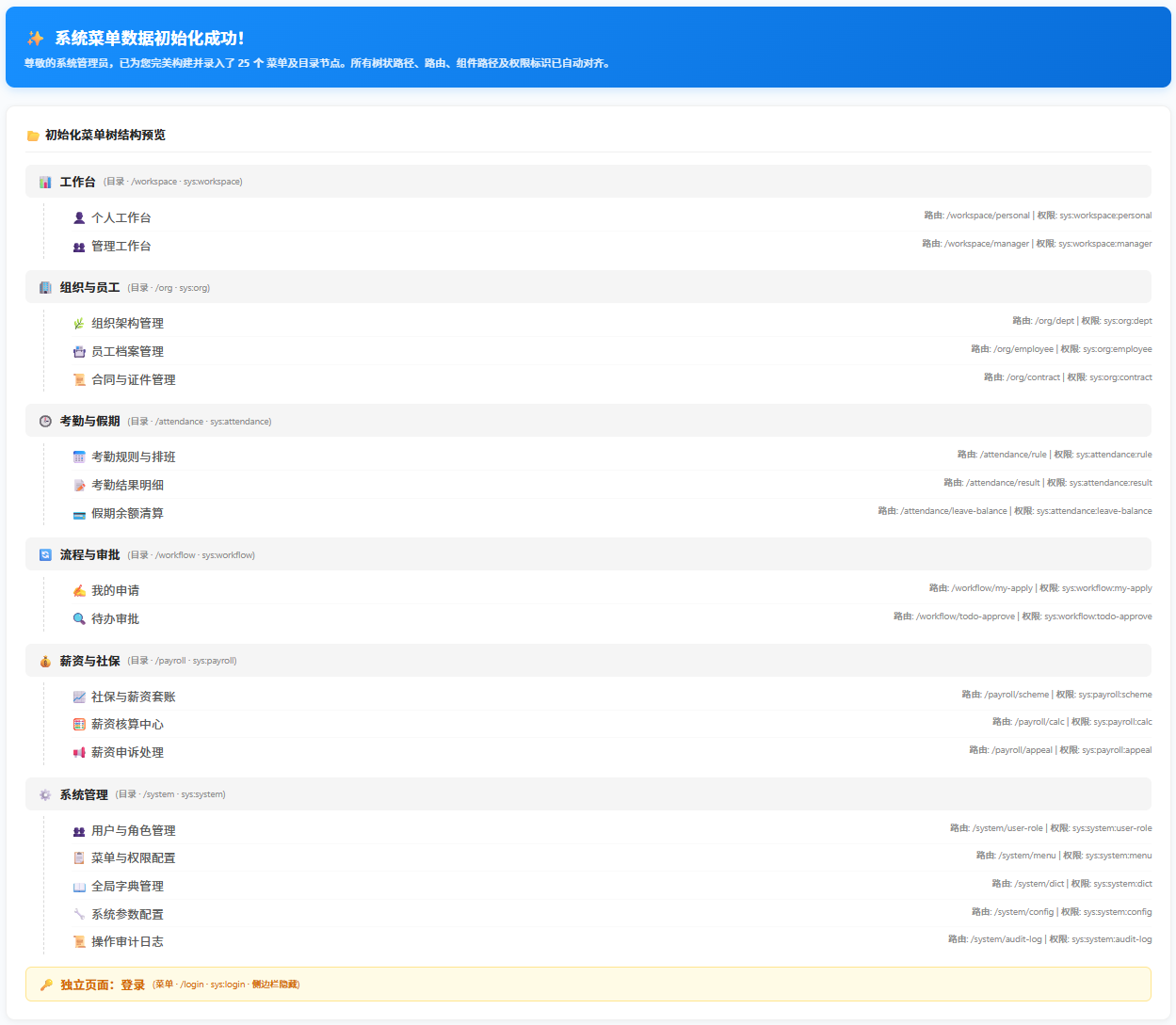 Figure: New Menu & Permission Configuration Interface with menu data saved
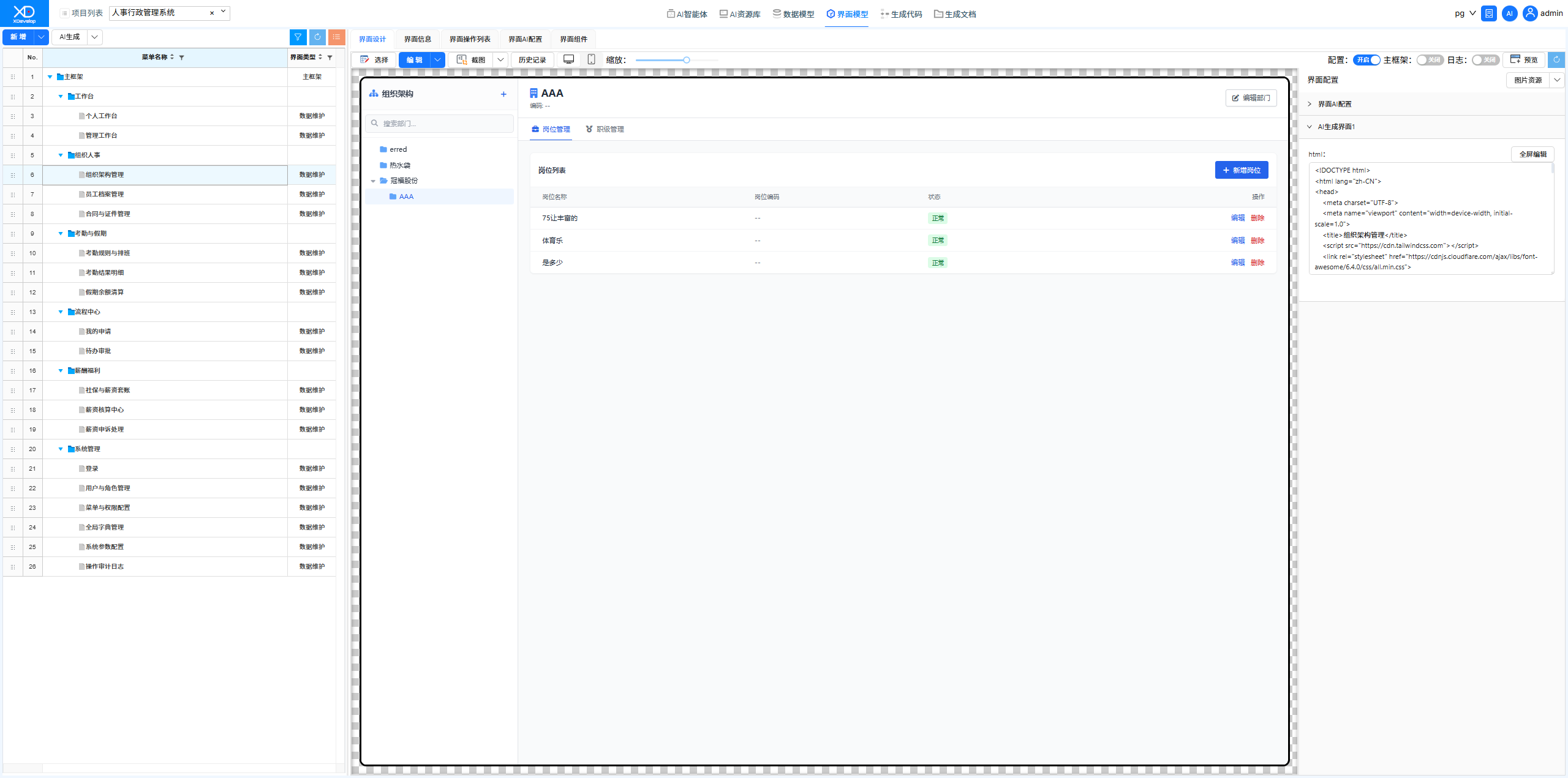
Organizational Structure Management Interface Fix
Discovered abnormal data display on the organizational structure page. Described the issue through XD Dev Assistant, and AI identified the data binding issue in the frontend tree component and completed the fix.
Figure: Original Organizational Structure Management Interface, data display issues
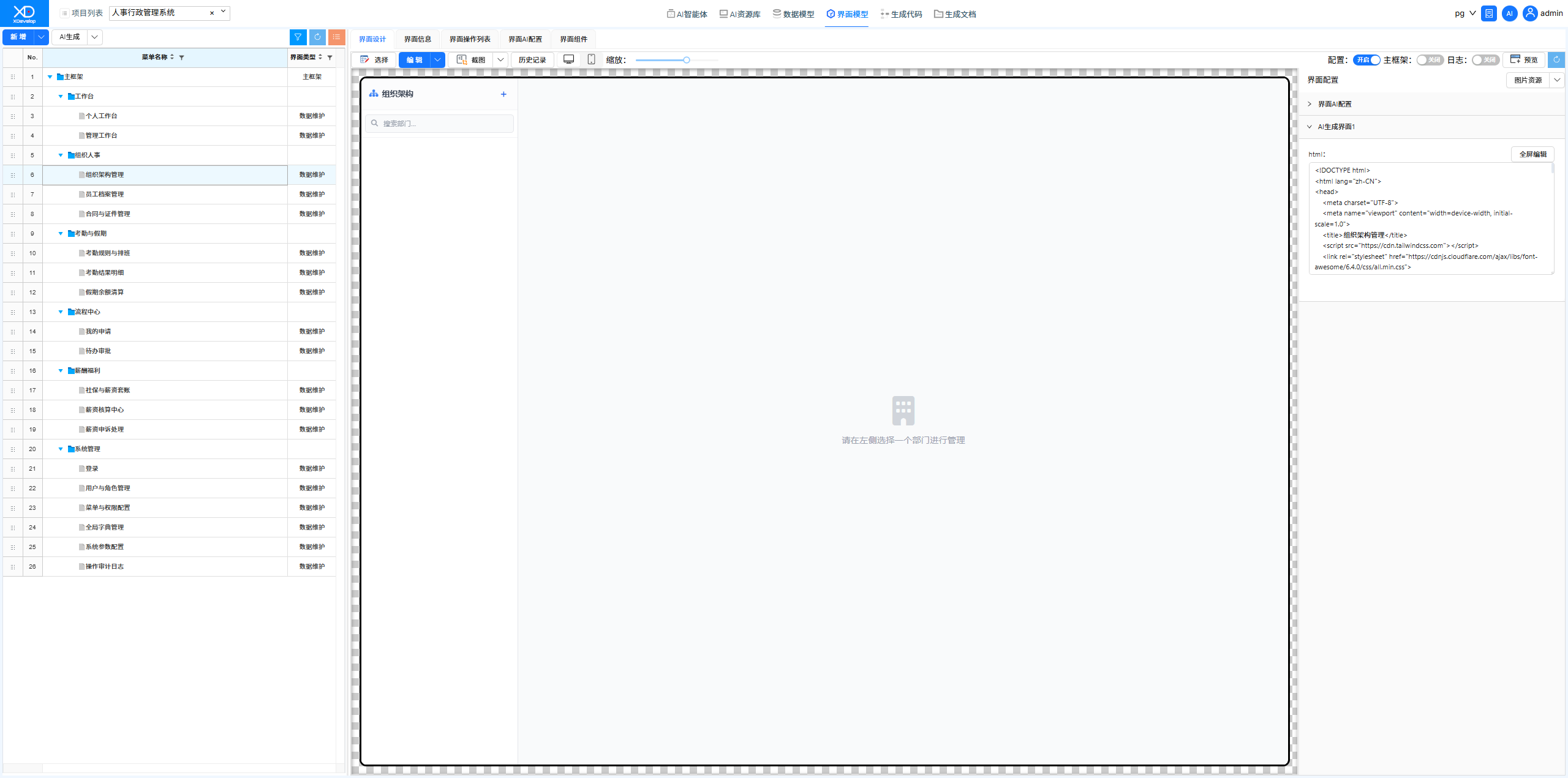 Figure: Sending problem description to XD Dev Assistant
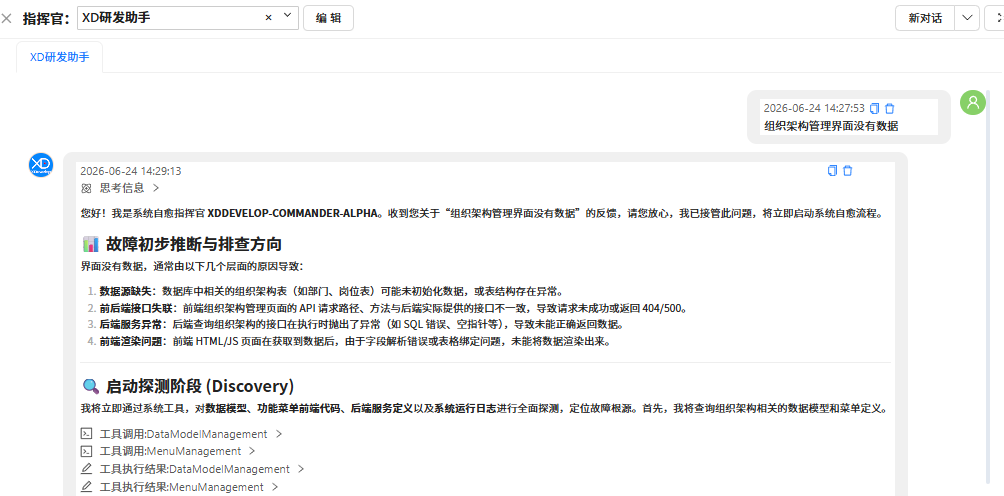 Figure: Selecting a Solution
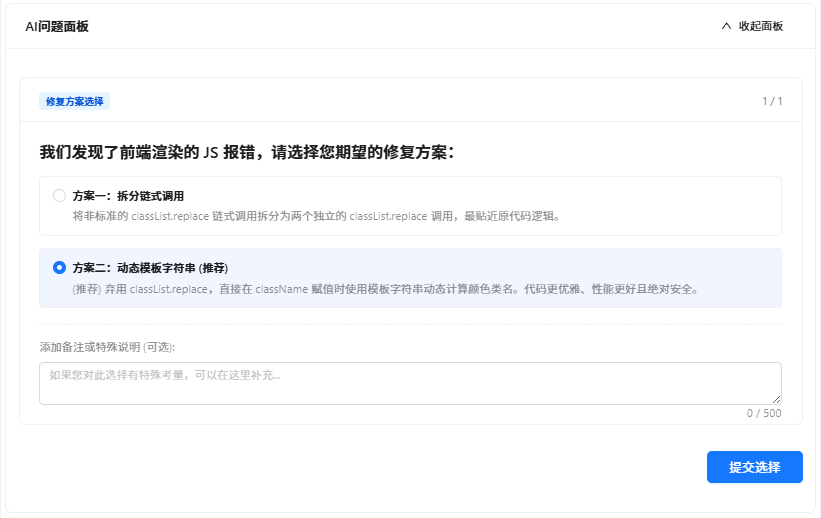 Figure: AI Fix Report
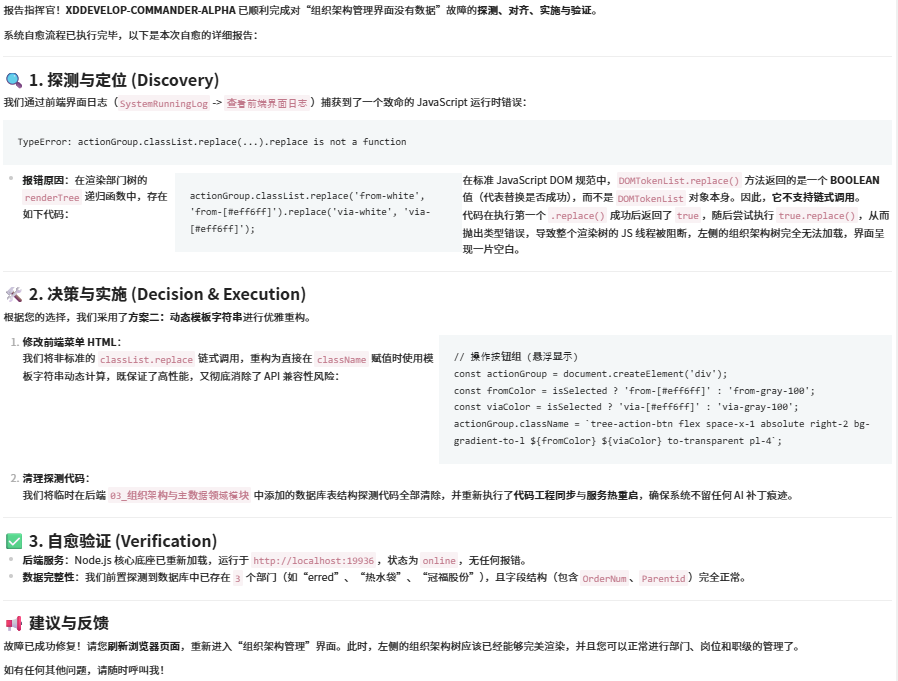 Figure: New Organizational Structure Management Interface, data displayed correctly
Frontend Error on Employee Records Management Interface
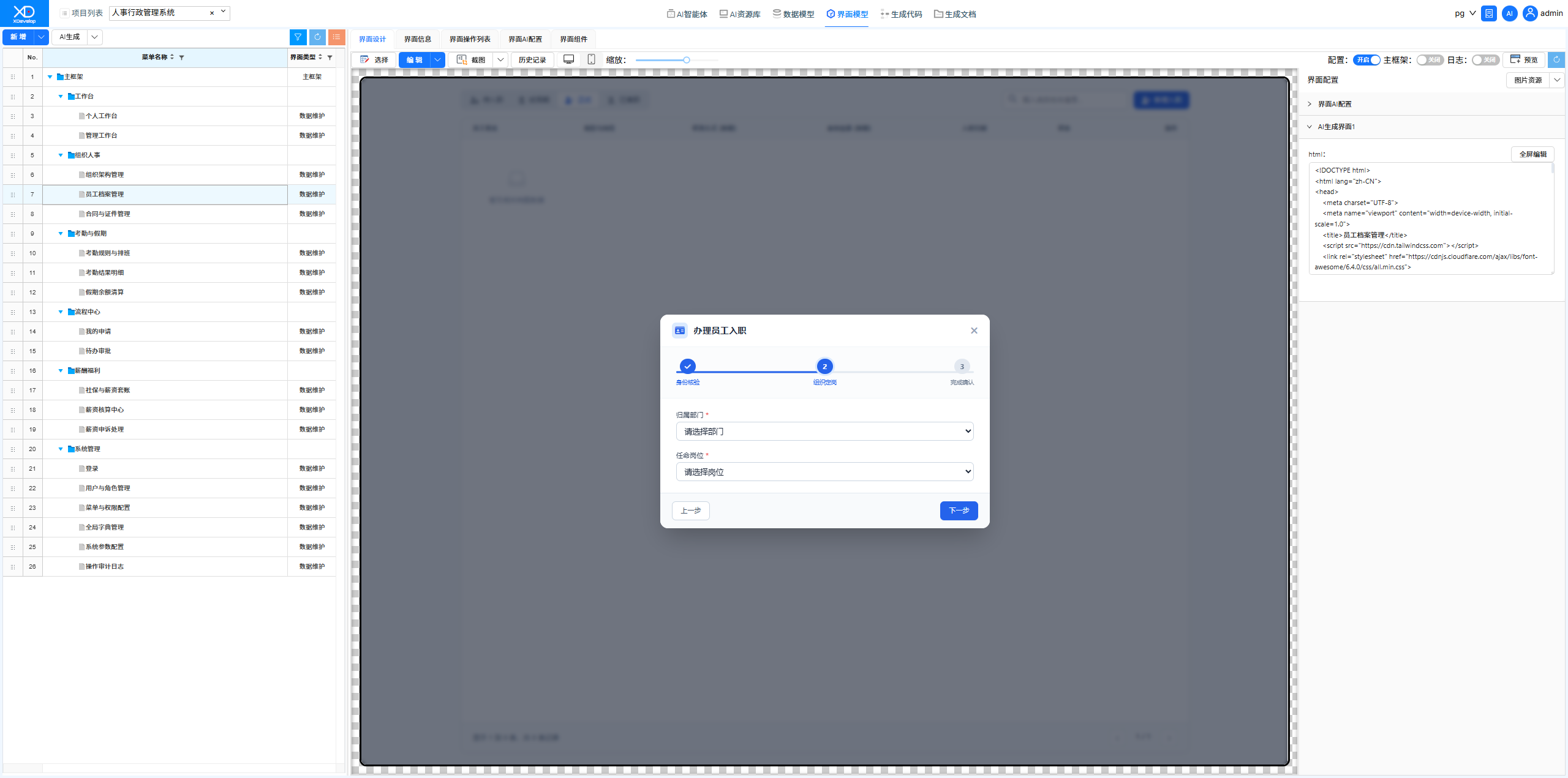
When adding a new hire and clicking "Next" after entering data, nothing happened. Described the bug through AI conversation, and AI automatically located and fixed the frontend event handling logic.
Figure: Original Employee Records Management Interface — clicking Next after entering data had no response
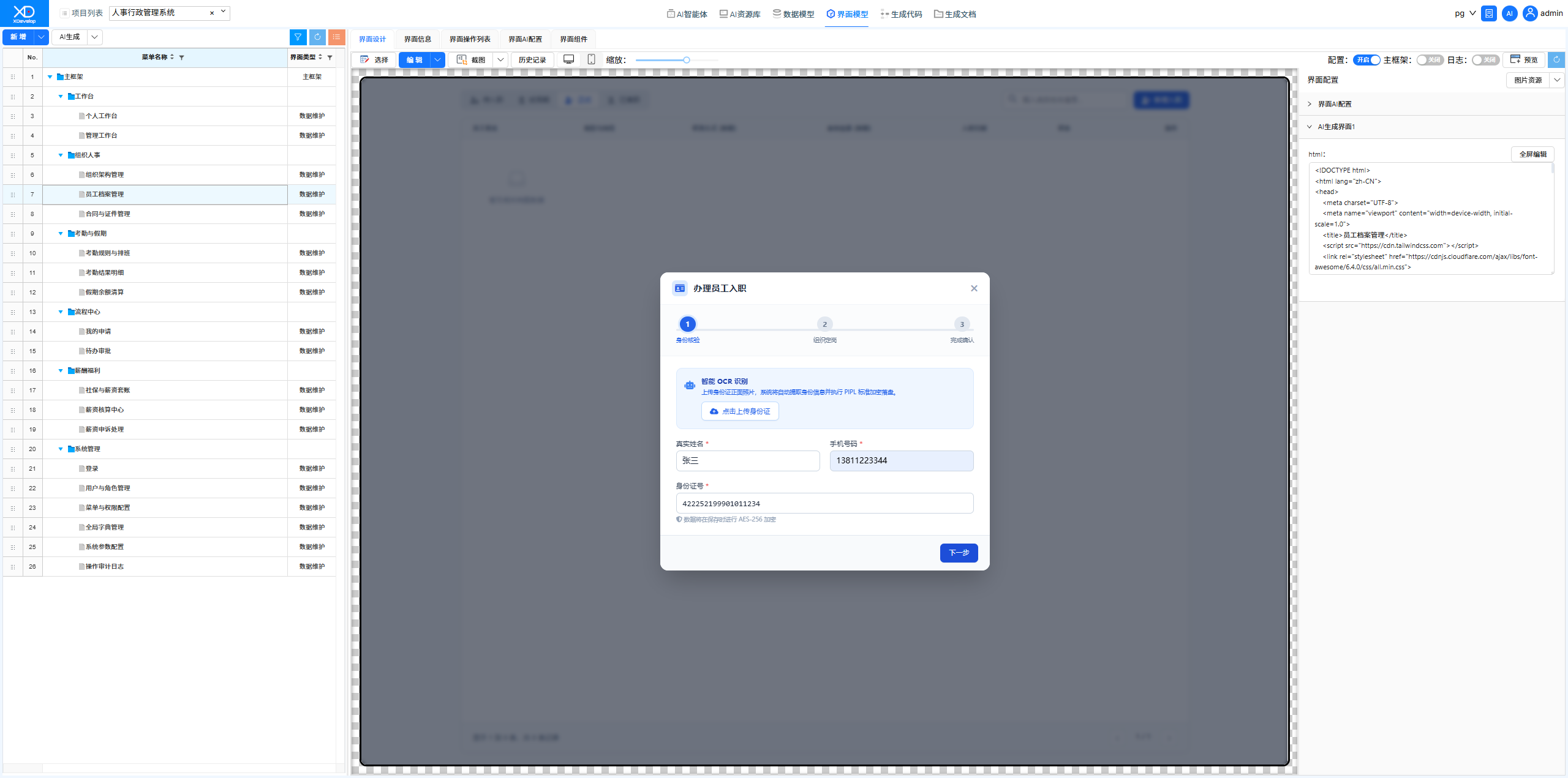 Figure: Sending Instructions
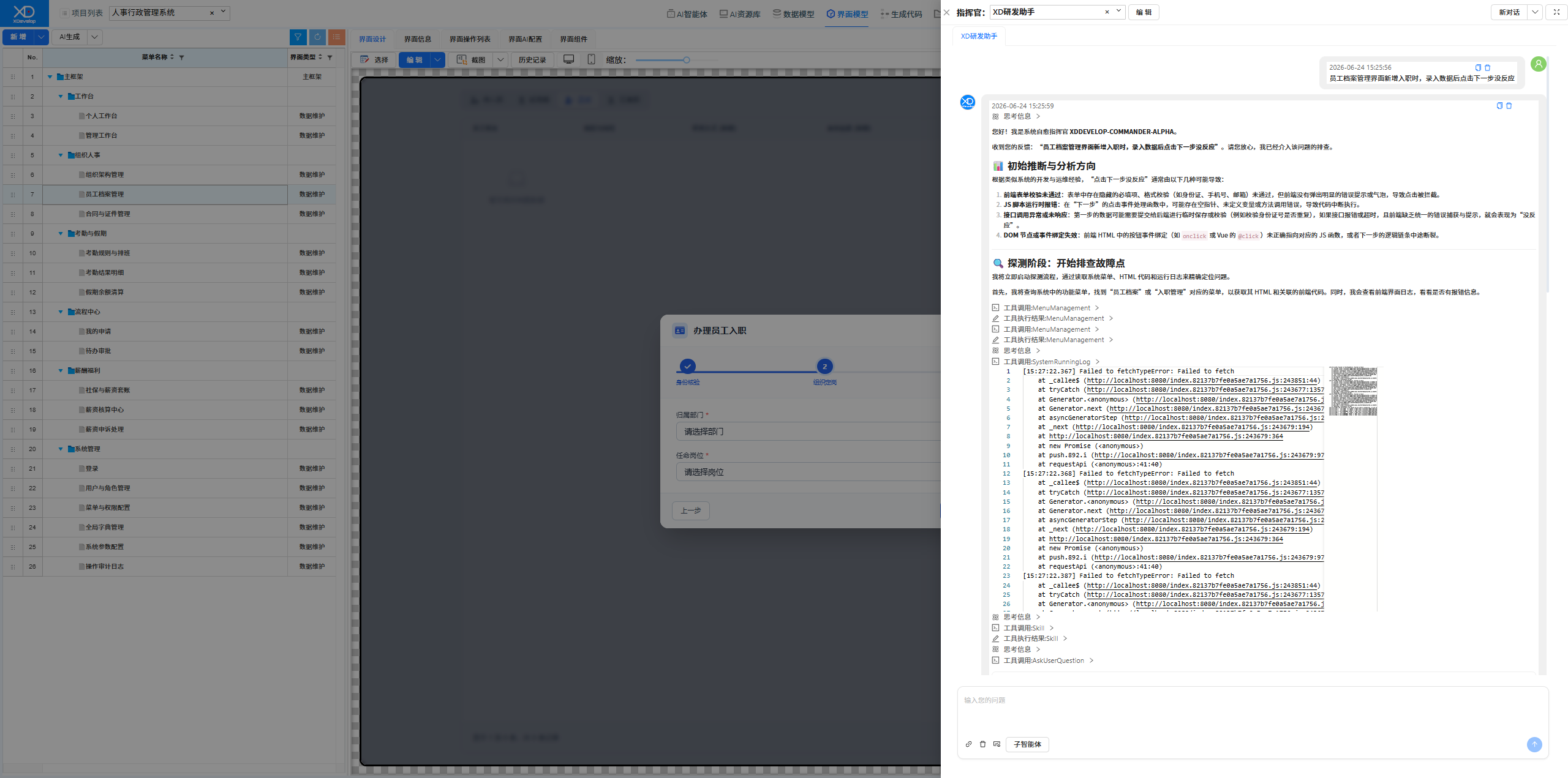 Figure: Fix Completed
Employee Records Management Interface Feature Enhancement
Added batch import, document expiration reminders, and other features on top of the existing records management — all implemented through natural language conversations.
Figure: Original Employee Records Management Interface
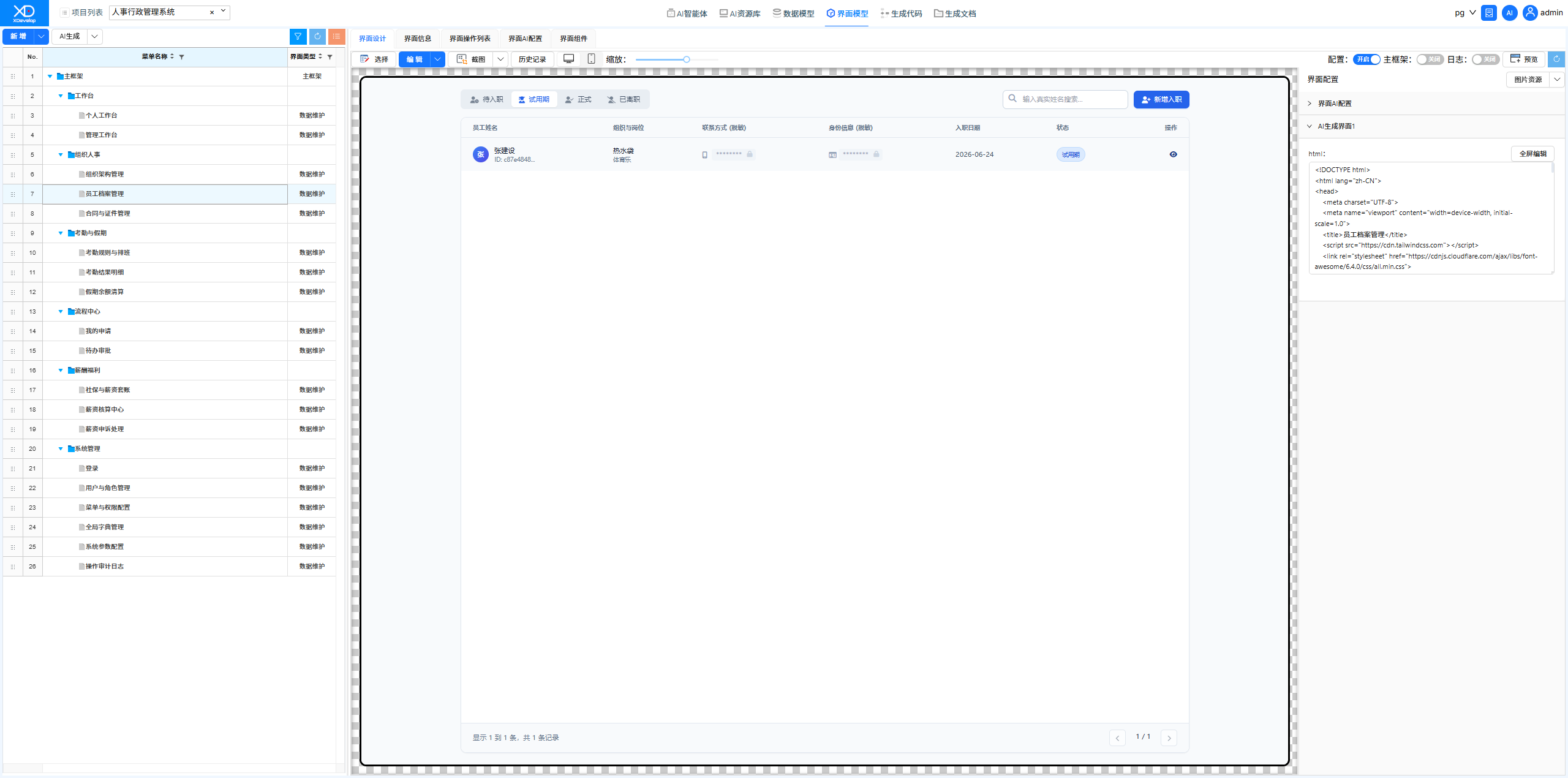 Figure: Sending Requirement Description
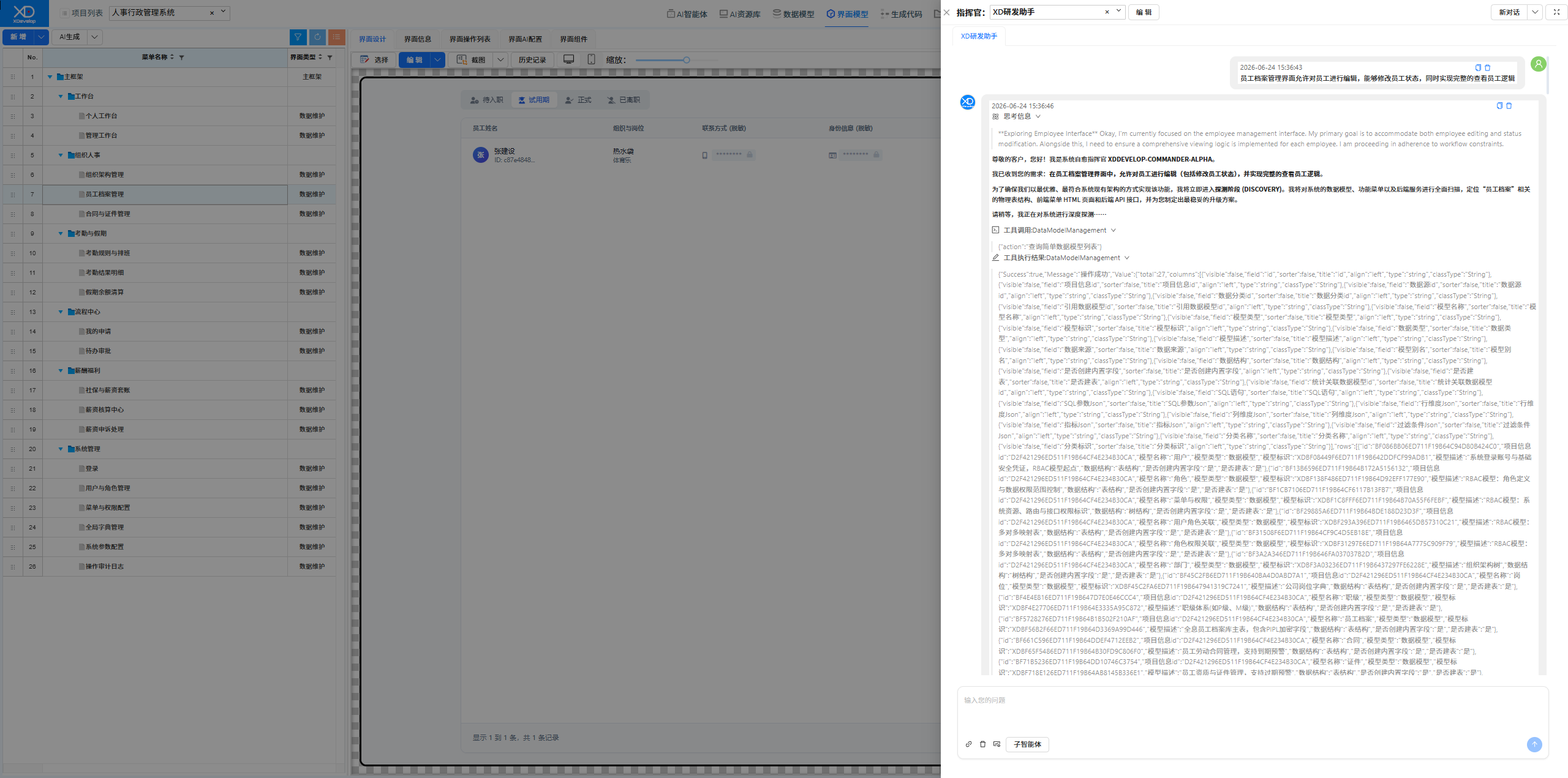 Figure: Solution Confirmation
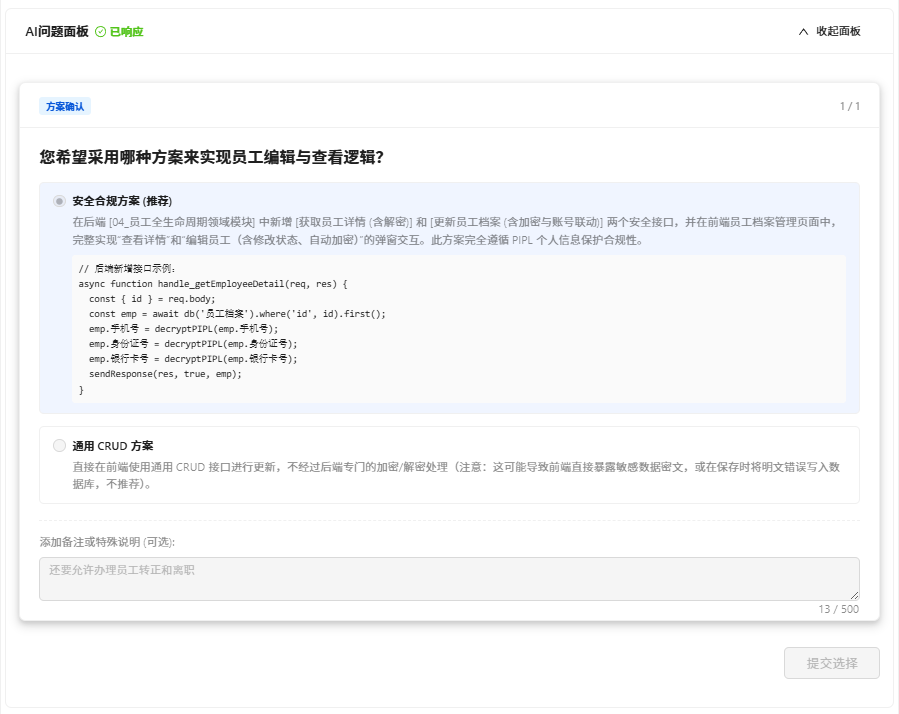 Figure: Feature Enhancement Completed