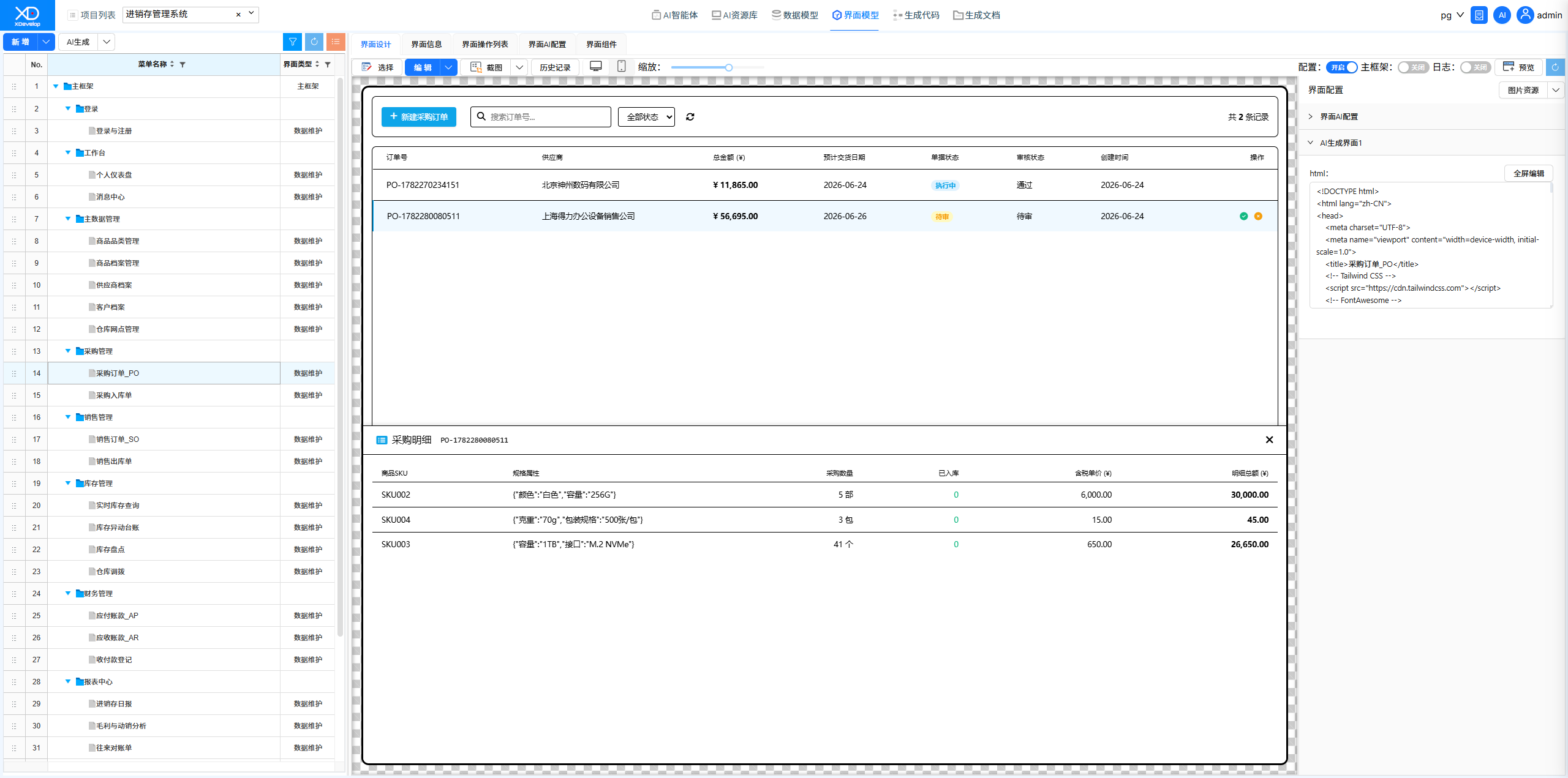
Inventory Management System
An inventory management system is the core management tool for trading enterprises, covering the three major business segments of procurement, sales, and inventory. XDevelop can quickly generate an inventory management system supporting multi-warehouse and multi-category management, helping enterprises achieve full-chain digitization of material flow.
Scenario Overview
A retail enterprise needs an inventory management system to manage product procurement and warehousing, sales and shipping, inventory counting, as well as supplier and customer accounts. Previously relying on manual Excel spreadsheets with delayed data updates and frequent errors, the enterprise urgently needs systematic transformation.
System Functional Modules
Generation Process
Through XDevelop's one-click generation process, data models and field definitions (product tables, purchase orders, sales orders, inventory transaction logs, etc.), functional menu construction, and frontend/backend code generation are completed sequentially, quickly producing a ready-to-use inventory management system.
The key to an inventory management system lies in the design of the inventory transaction log table — every inbound and outbound operation should record a transaction log rather than simply updating the inventory balance, ensuring data traceability. This design point can be emphasized in the task description.
Results Demonstration
- Login Page — Default user: admin, default password: 123456
- Product Category Management — Product classification maintenance
- Product Archive Management — Basic product information management
- Supplier Archive — Supplier information management
- Customer Archive — Customer information management
- Warehouse Location Management — Multi-warehouse configuration
- Purchase Orders — Procurement process management
Figure: Inventory Management System
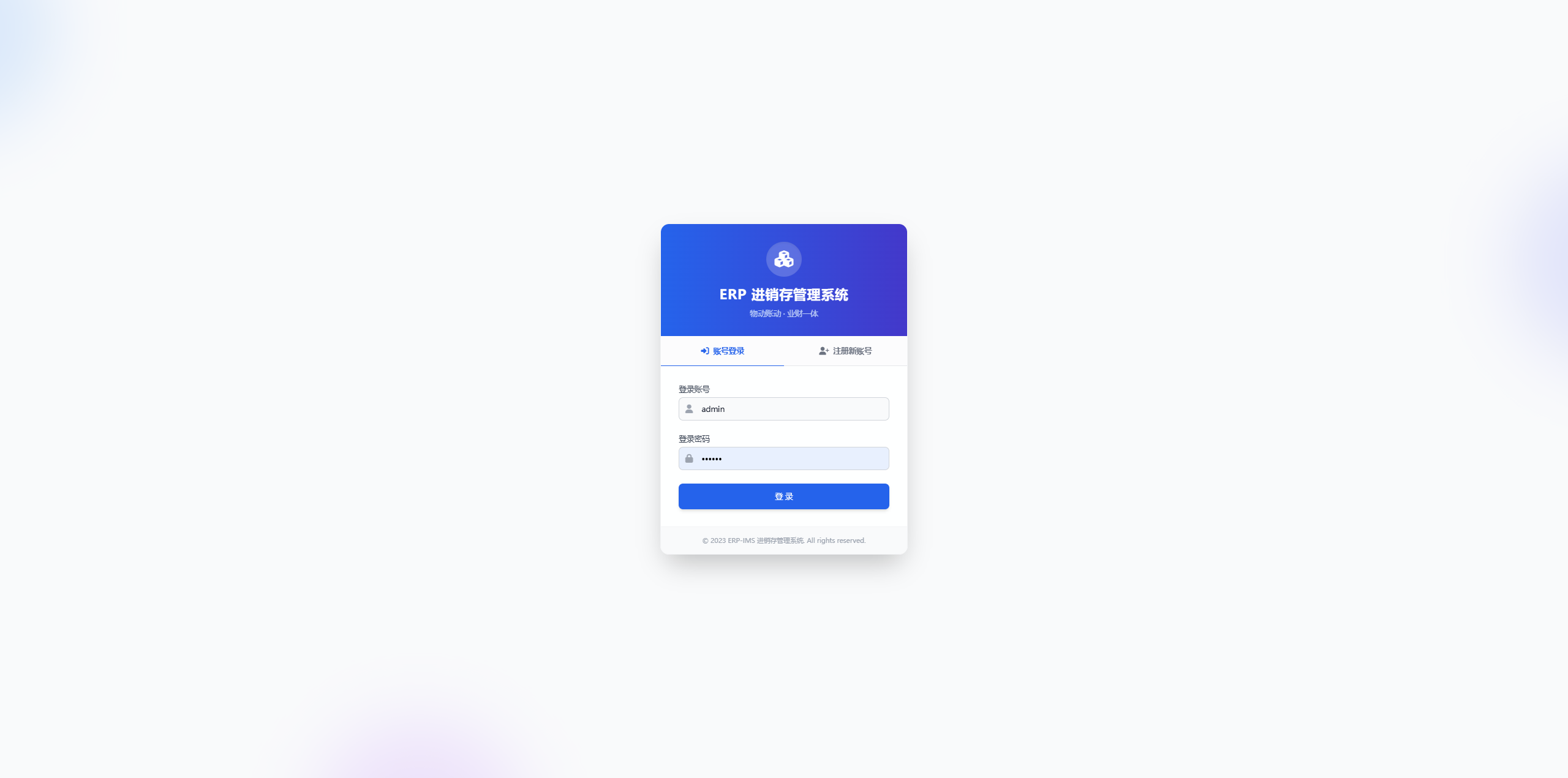
Figure: Product Category Management Interface
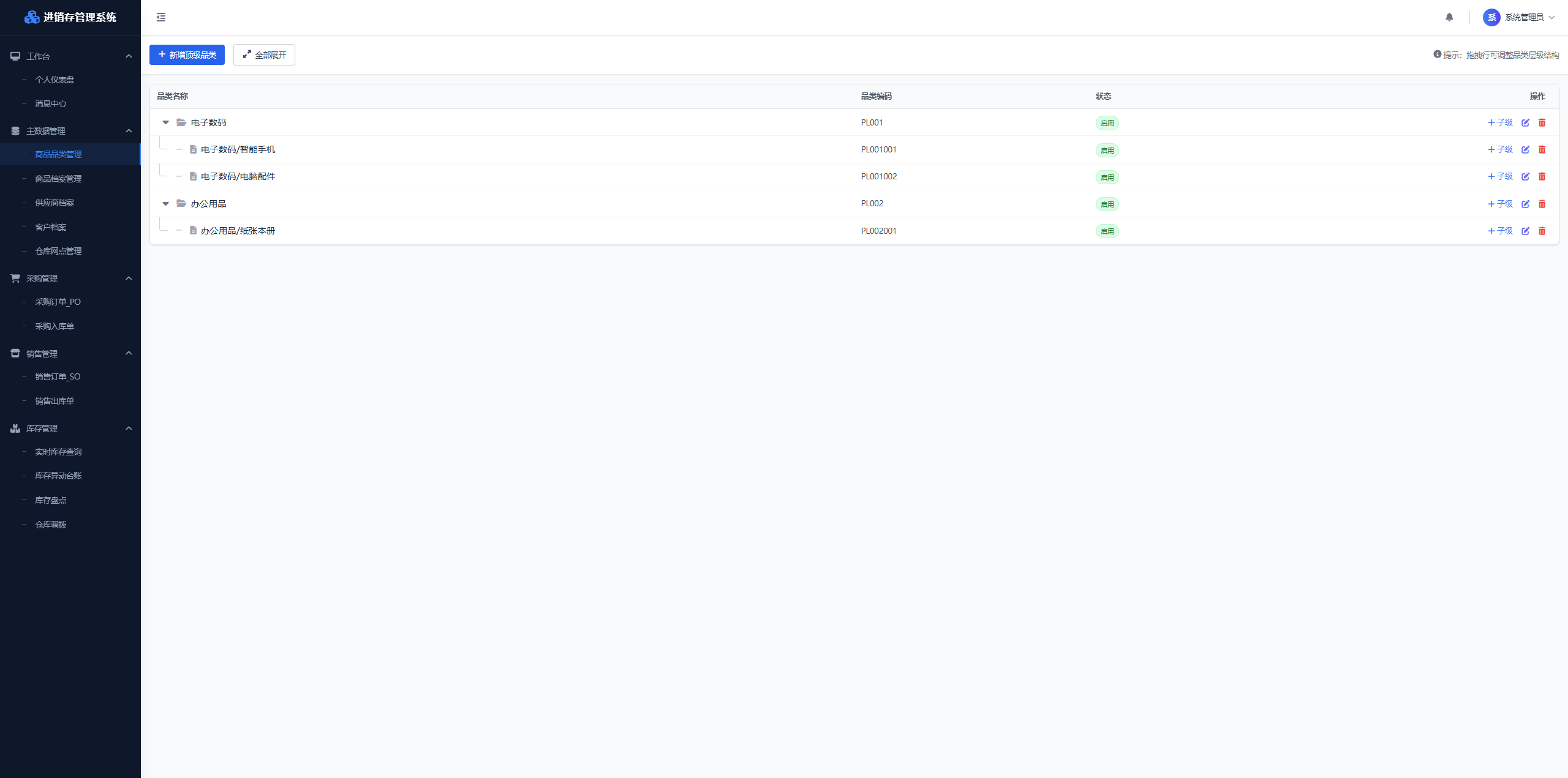
Figure: Product Archive Management Interface
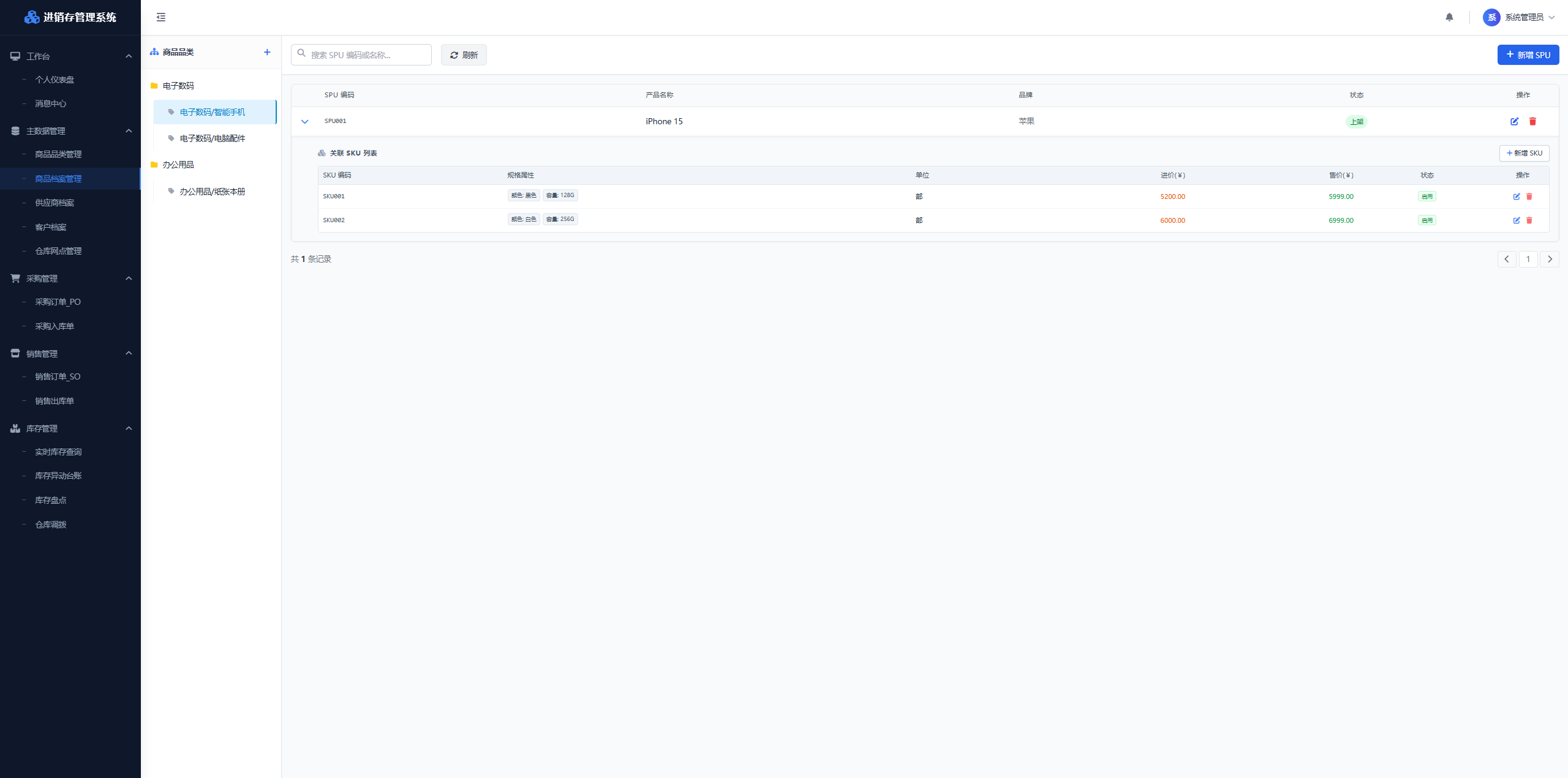
Figure: Supplier Archive Interface
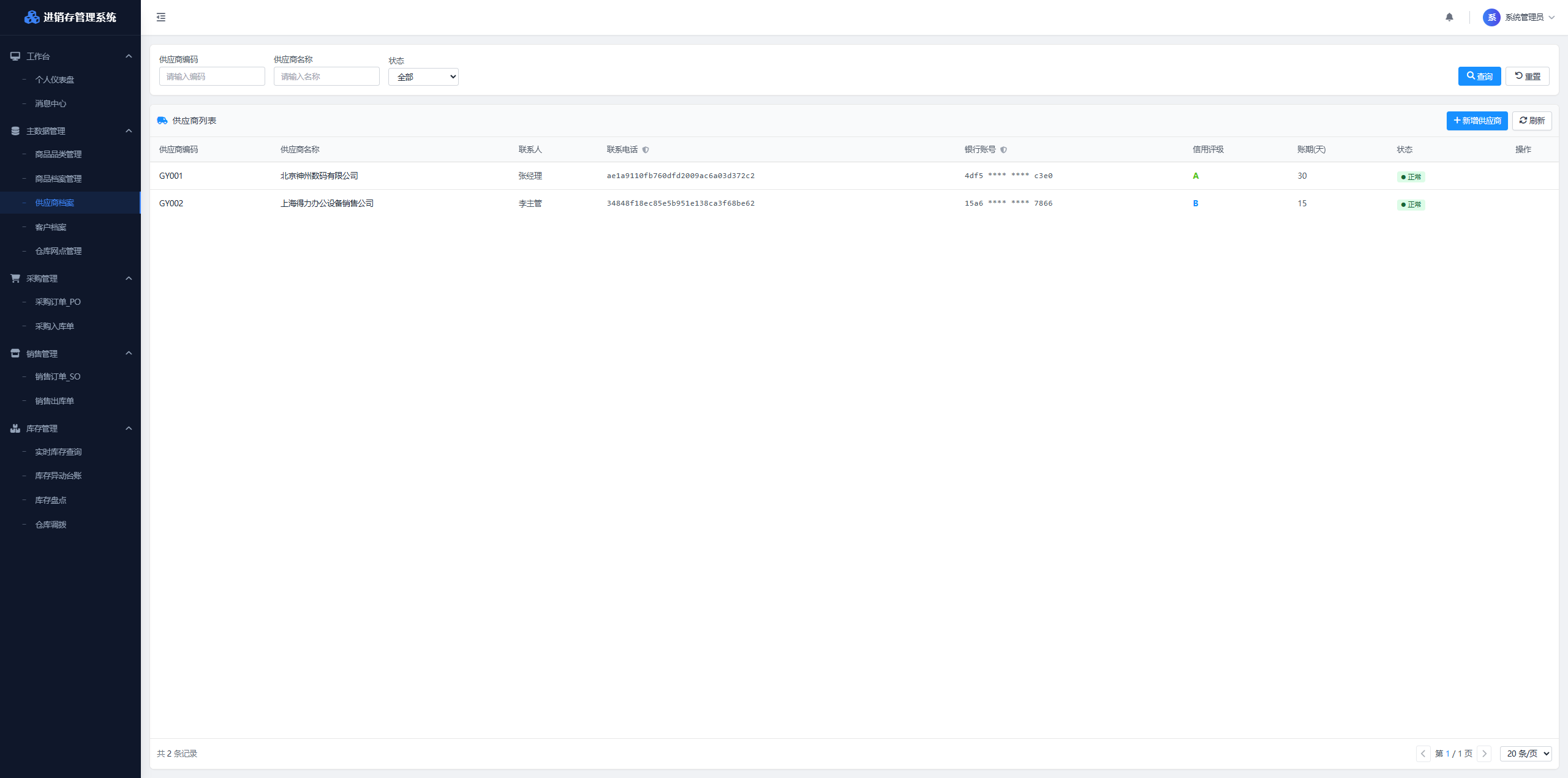
Figure: Customer Archive Interface
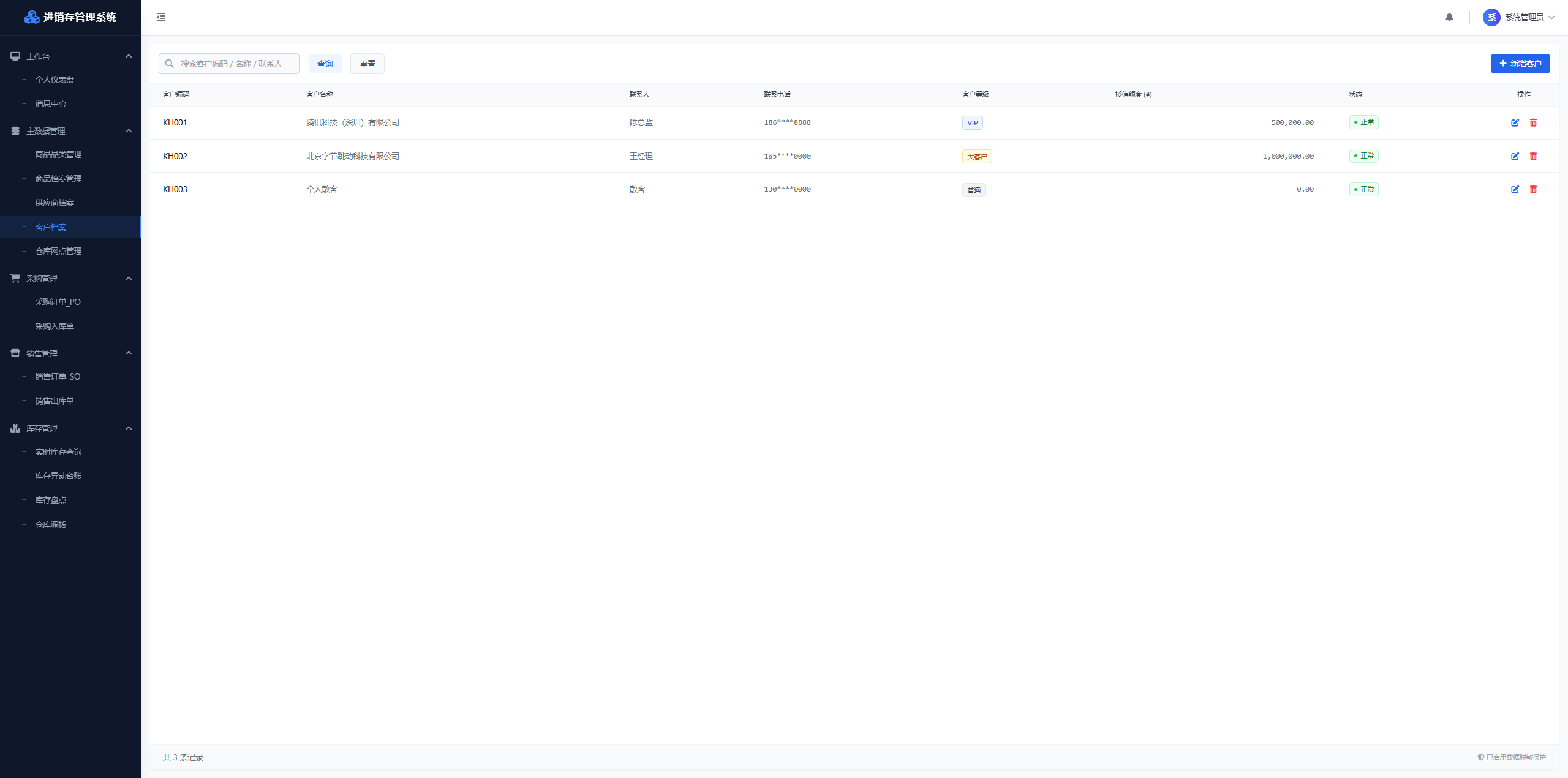
Figure: Warehouse Location Management Interface
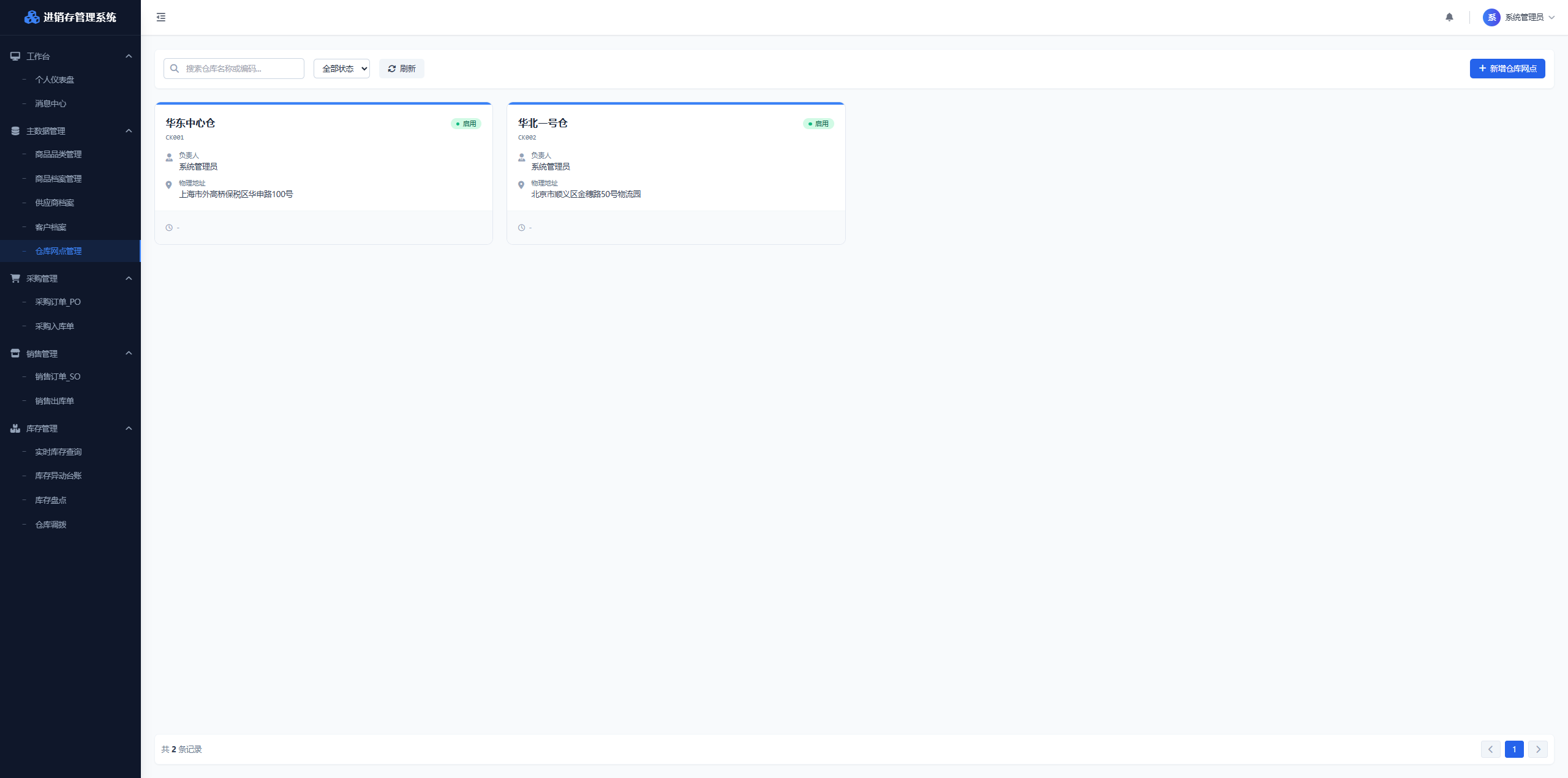
Figure: Purchase Order PO Interface
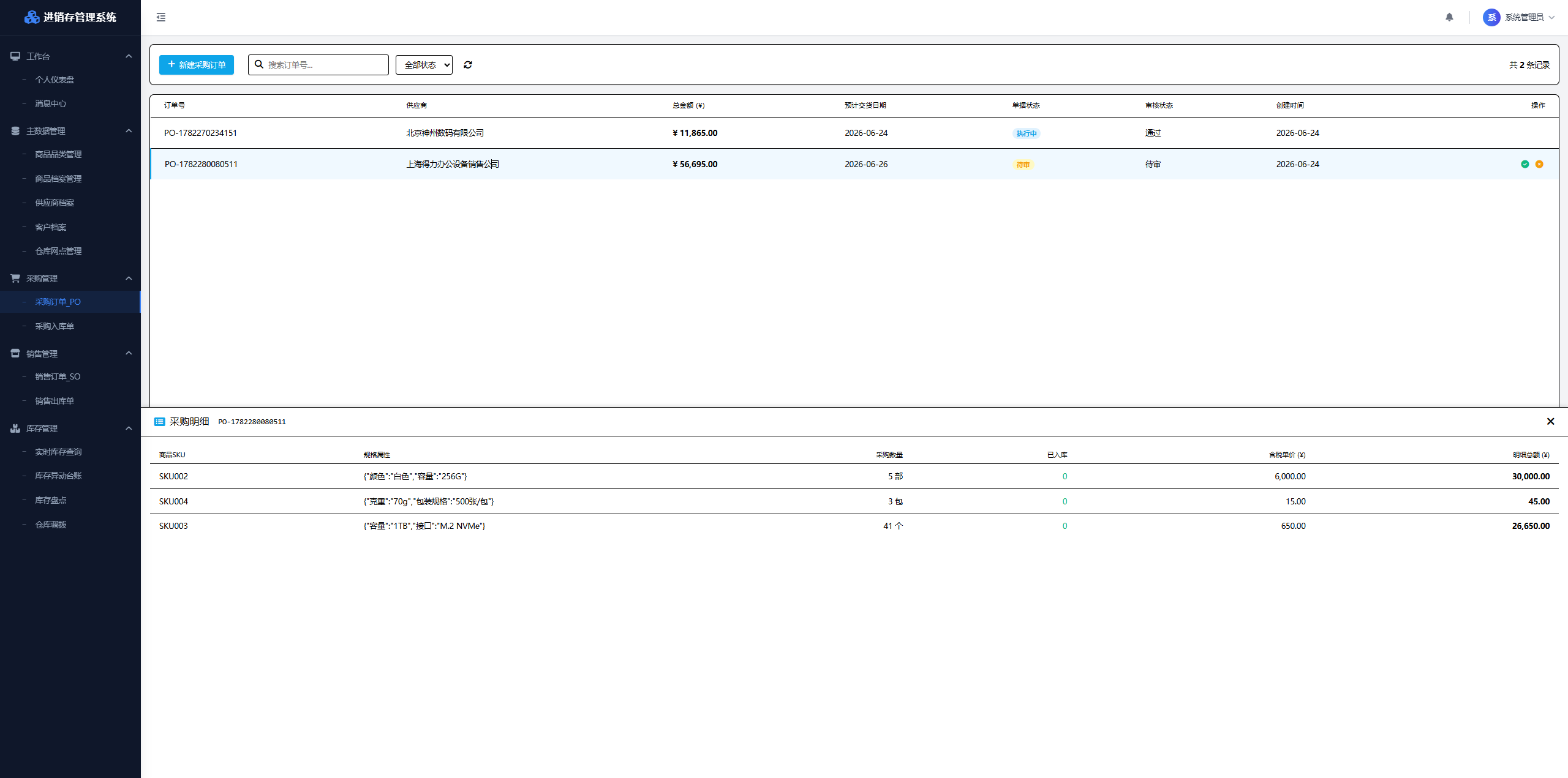
Modification Iteration Examples
Missing Menu Permission Configuration Page
Added menu permission configuration functionality using the XD Dev Assistant. AI automatically generated the backend management page and related business code.
Figure: Modification Iteration
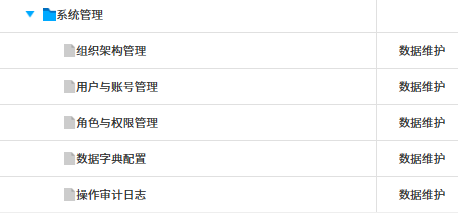 Figure: Sending requirement description using XD Dev Assistant
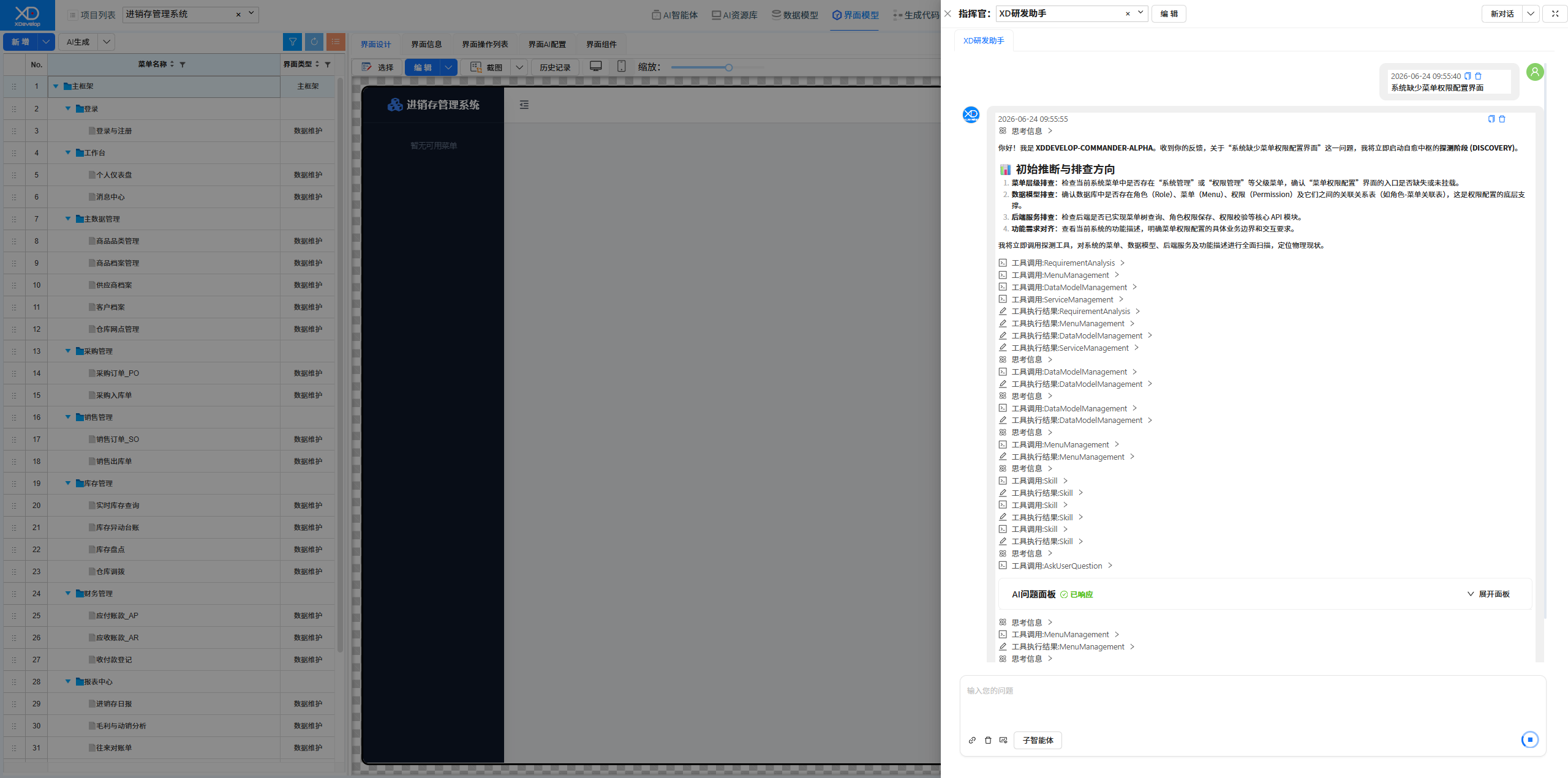 Figure: Solution Selection
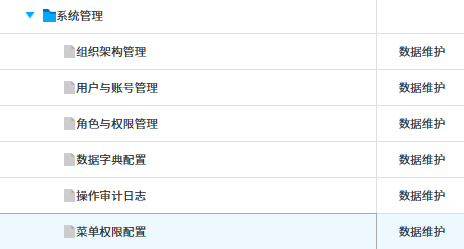
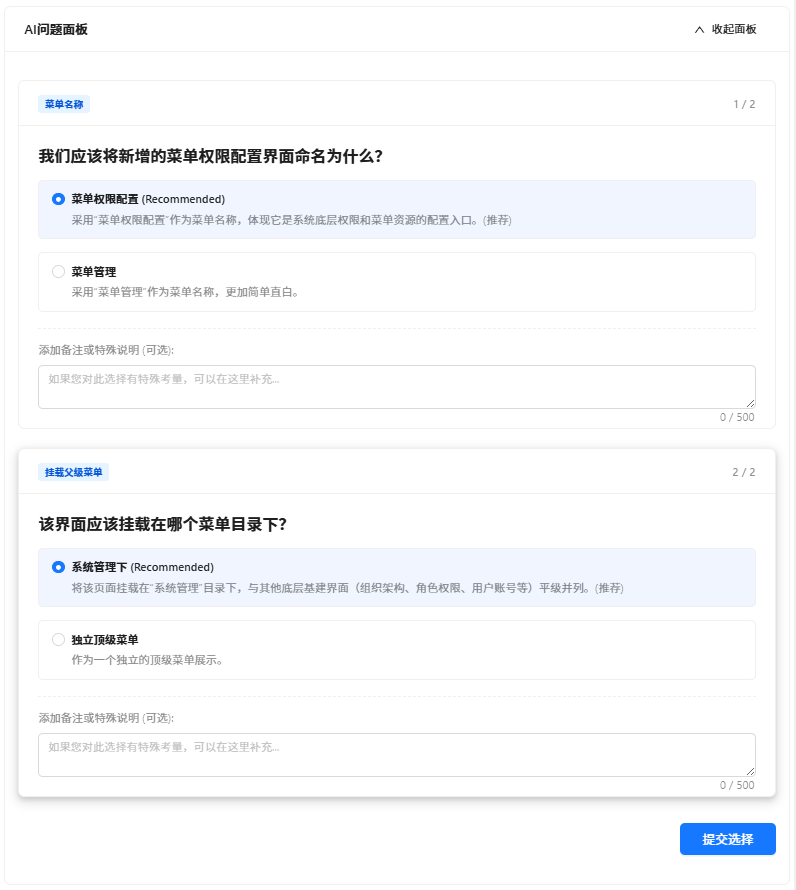 Figure: New system function menu tree — System Management — added Menu Permission Configuration page
Data Entry for Menu Permission Configuration Interface
Used the XD Operations Assistant to bulk enter initial data (menu tree structure) for the permission management interface. AI automatically parsed and wrote to the database.
Figure: Original Menu Permission Configuration Interface, no data
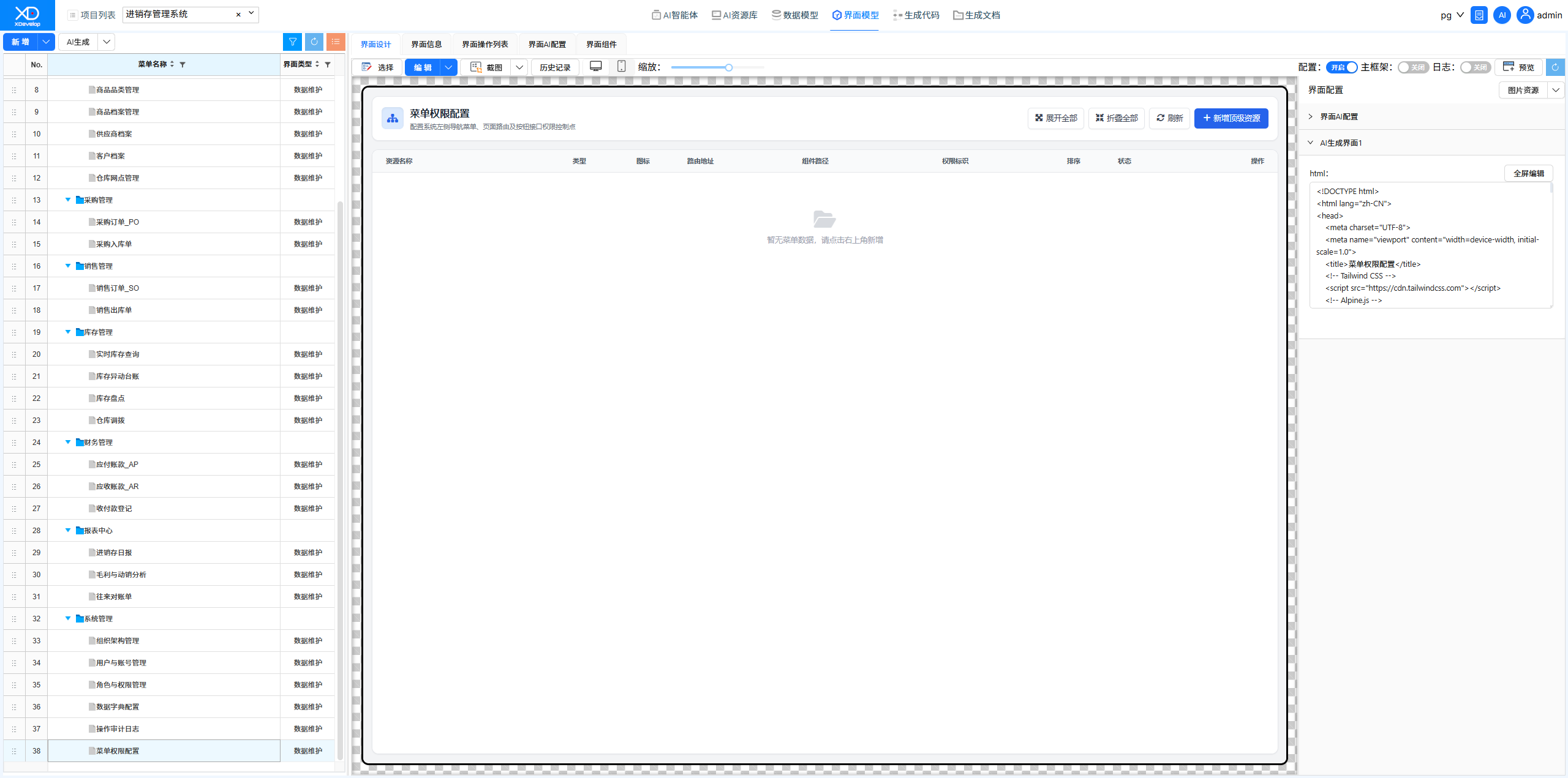 Figure: Sending requirement description using XD Operations Assistant (data entry is an operations function, not a development function)
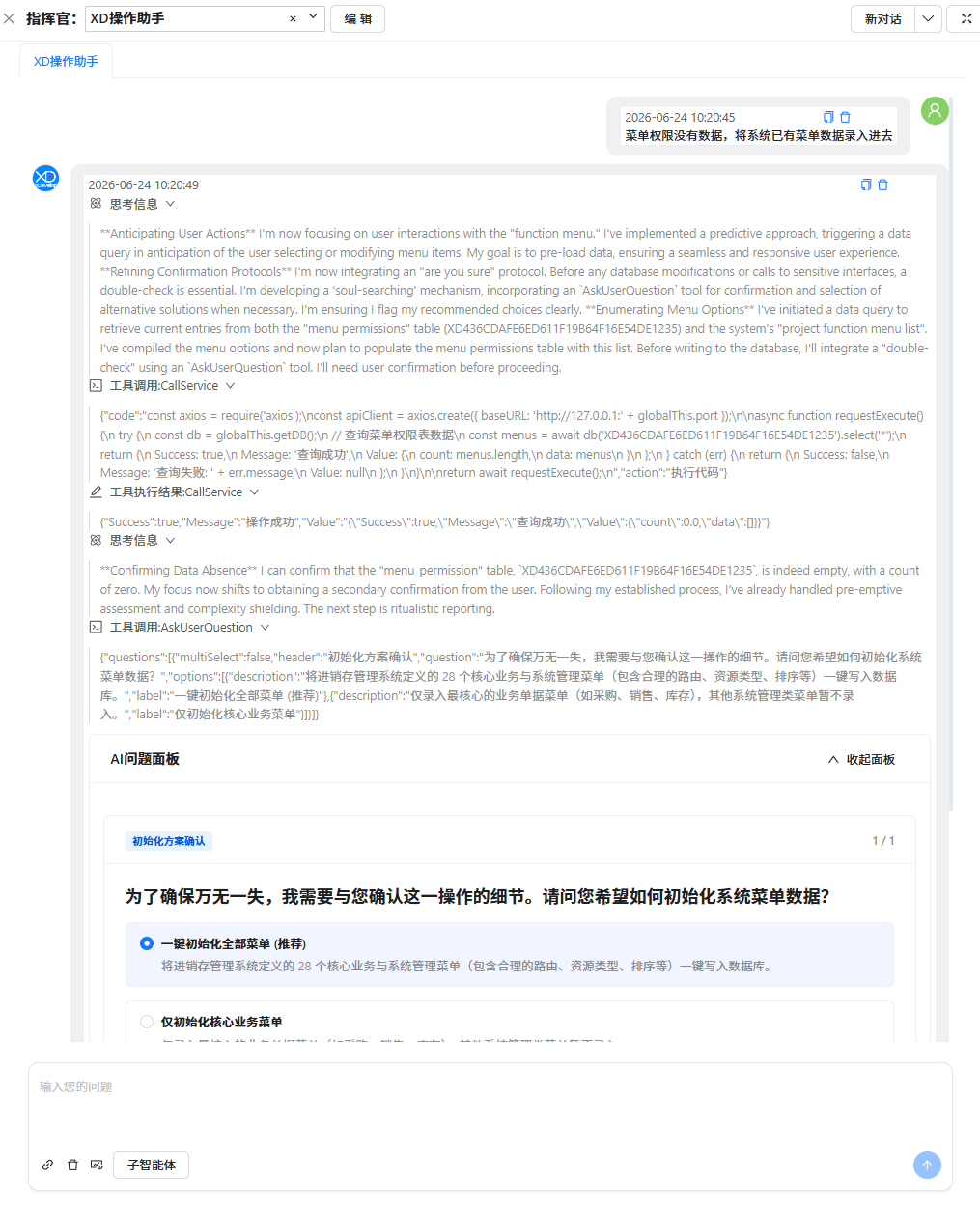 Figure: Selecting a Solution
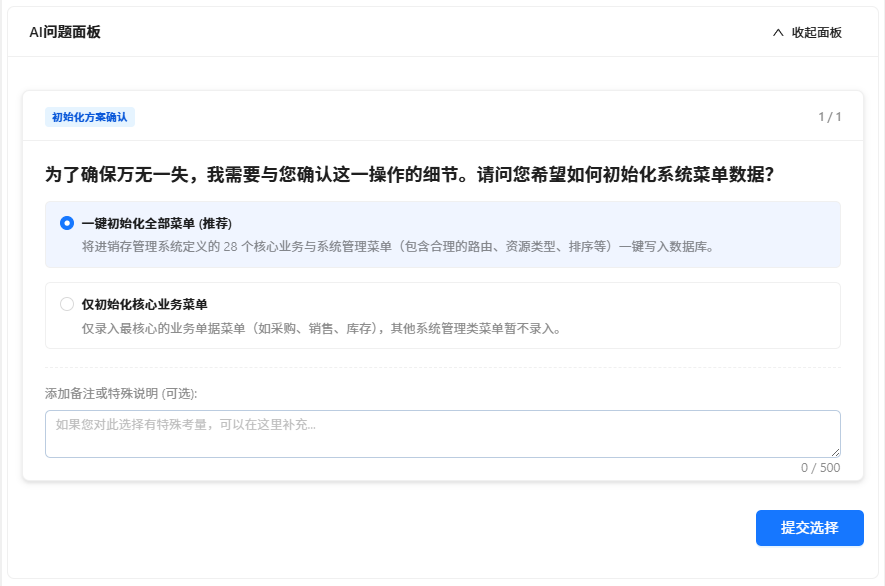 Figure: AI-generated Data Entry Completion Report
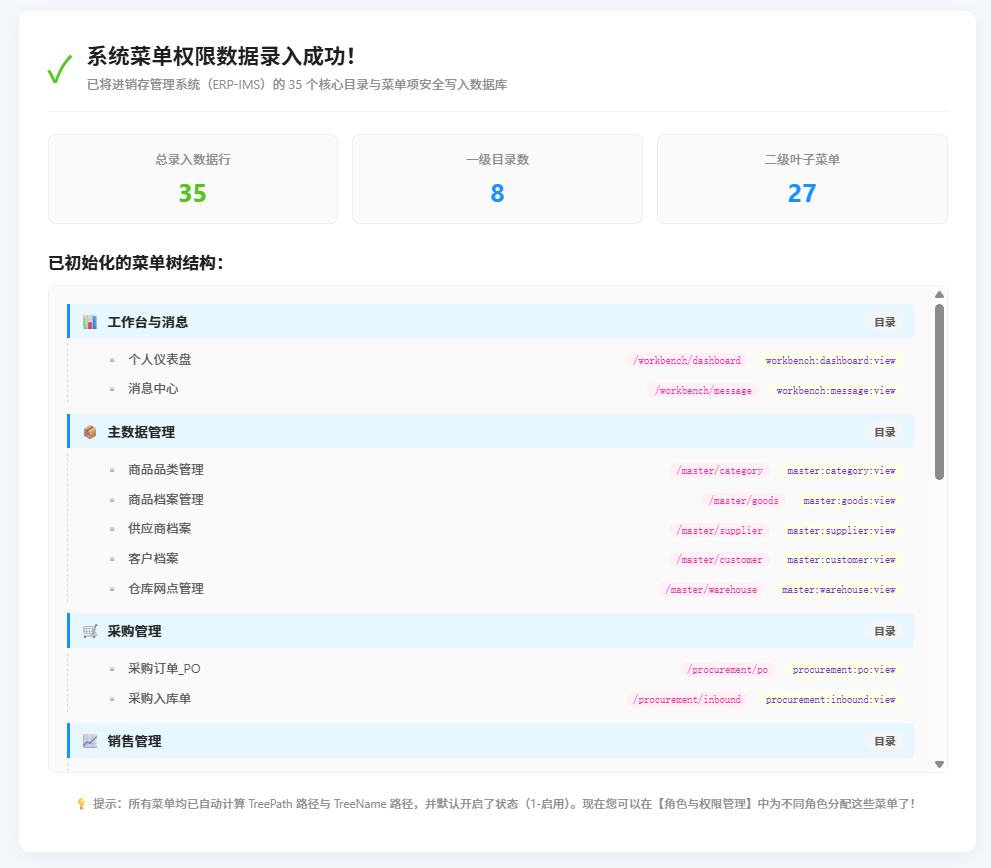 Figure: New Menu Permission Configuration Interface with real data entered
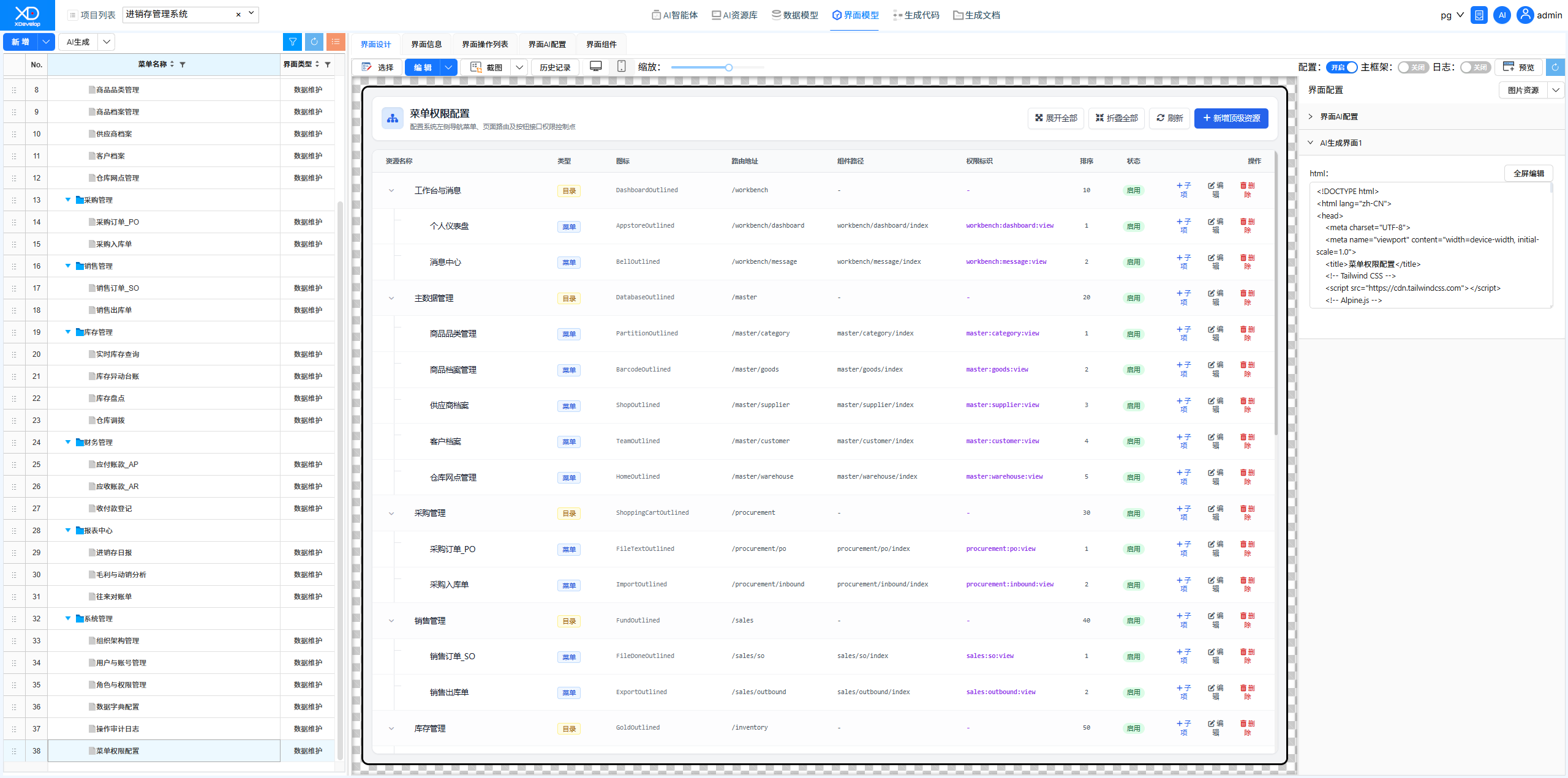
Menu Permission Configuration Interface Modification Error
Discovered an error when modifying permissions. Used the XD Dev Assistant to locate and fix the backend data validation logic issue.
Figure: Original Menu Permission Configuration Interface, modification error
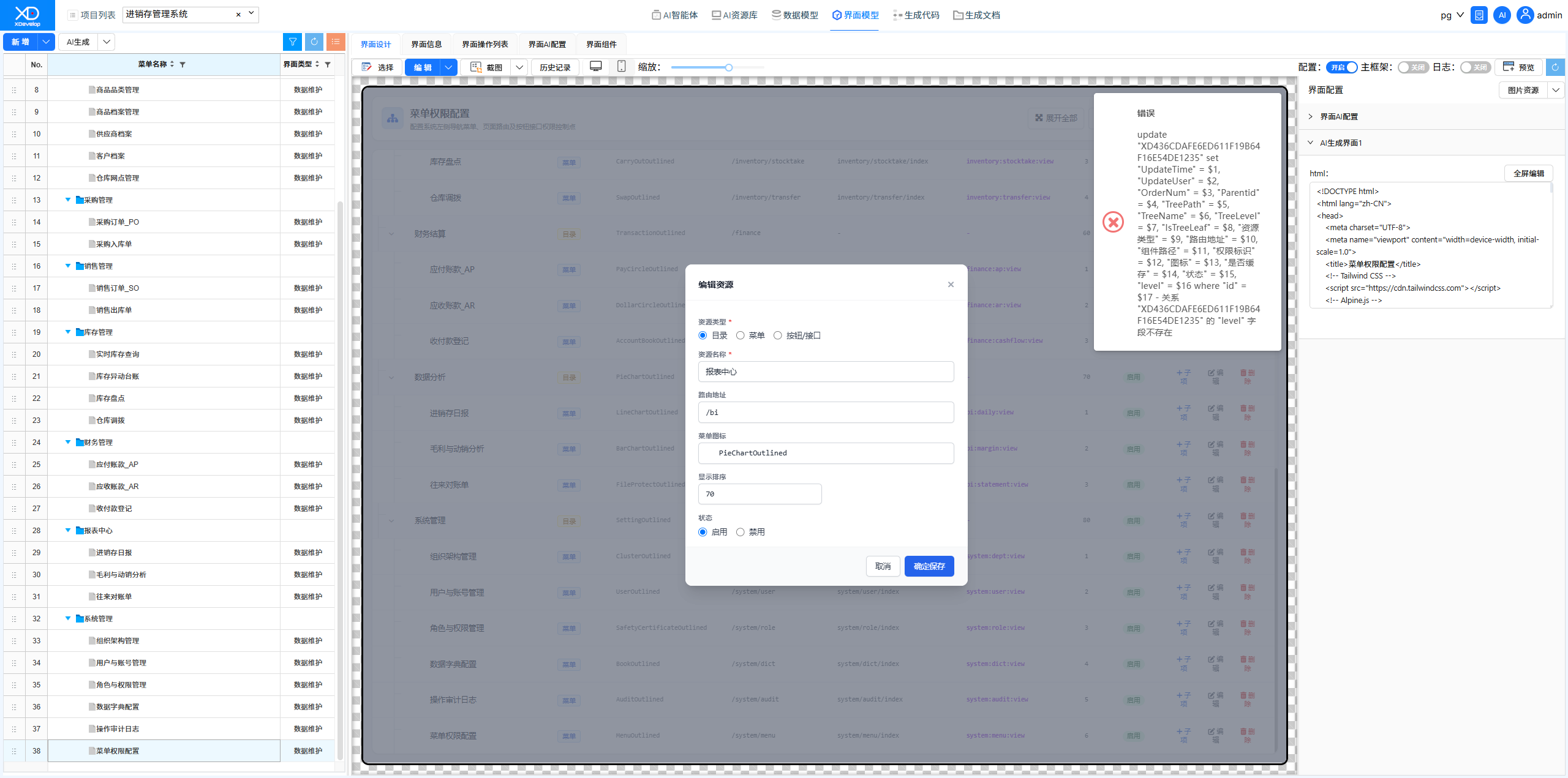 Figure: Sending requirement description using XD Dev Assistant
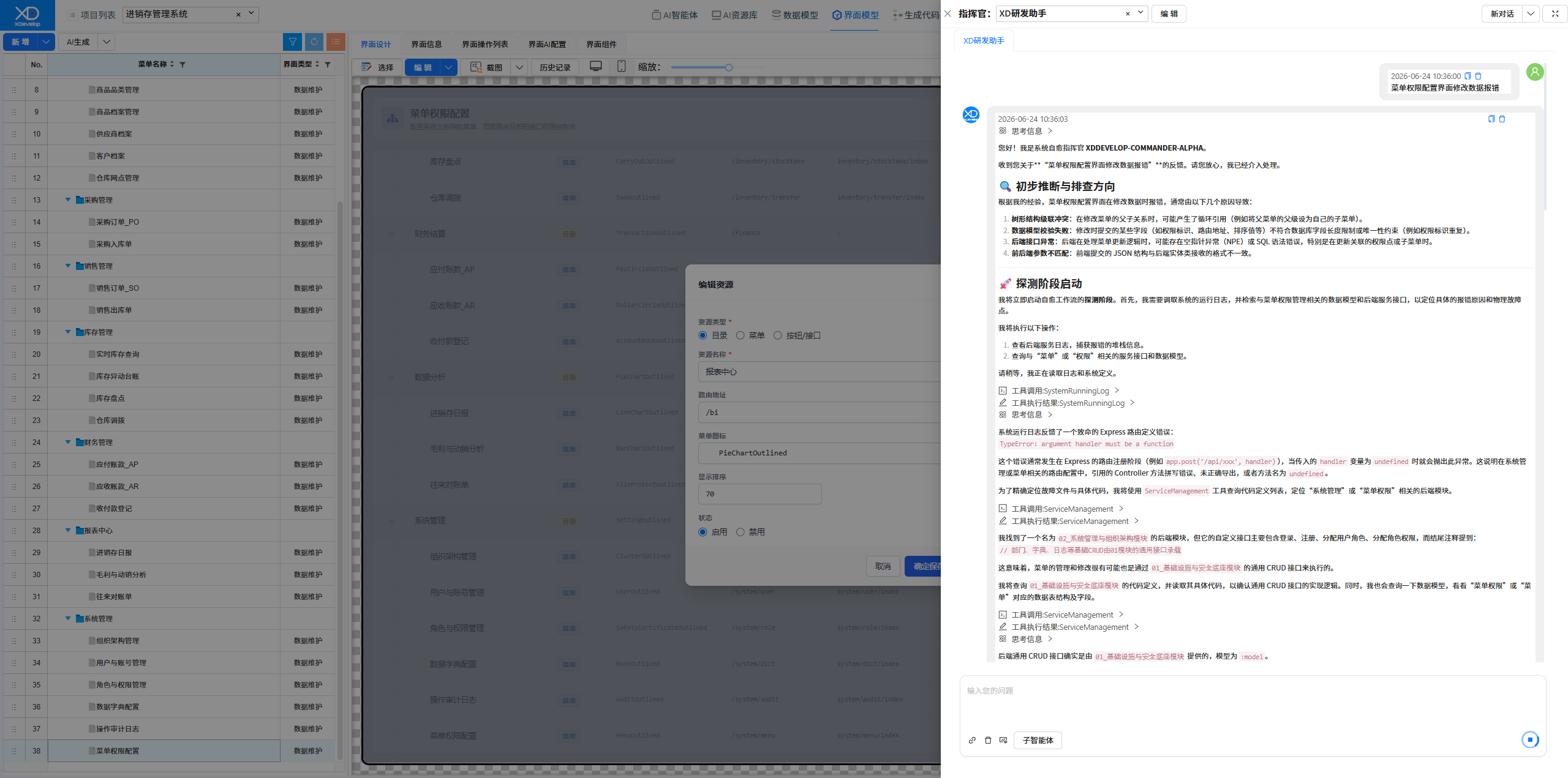 Figure: Selecting a Solution
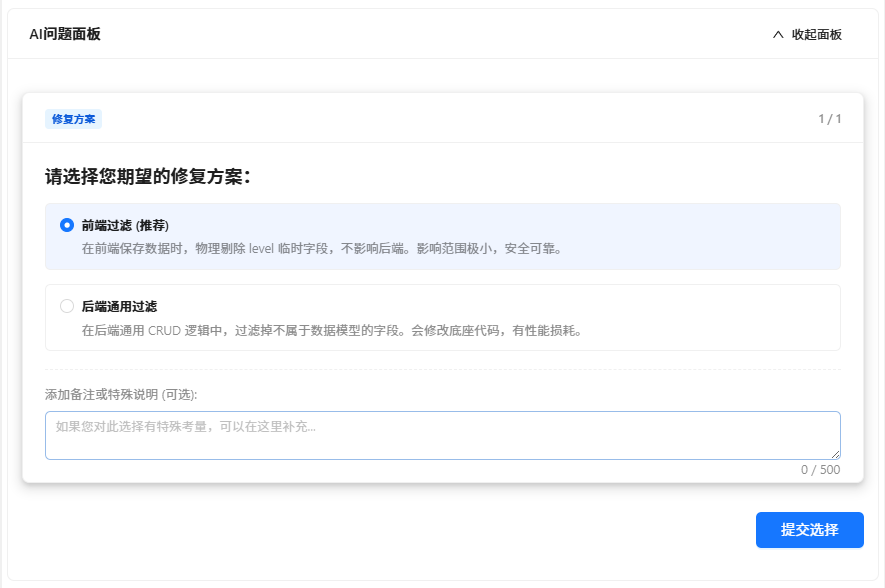 Figure: Fix Completion Report
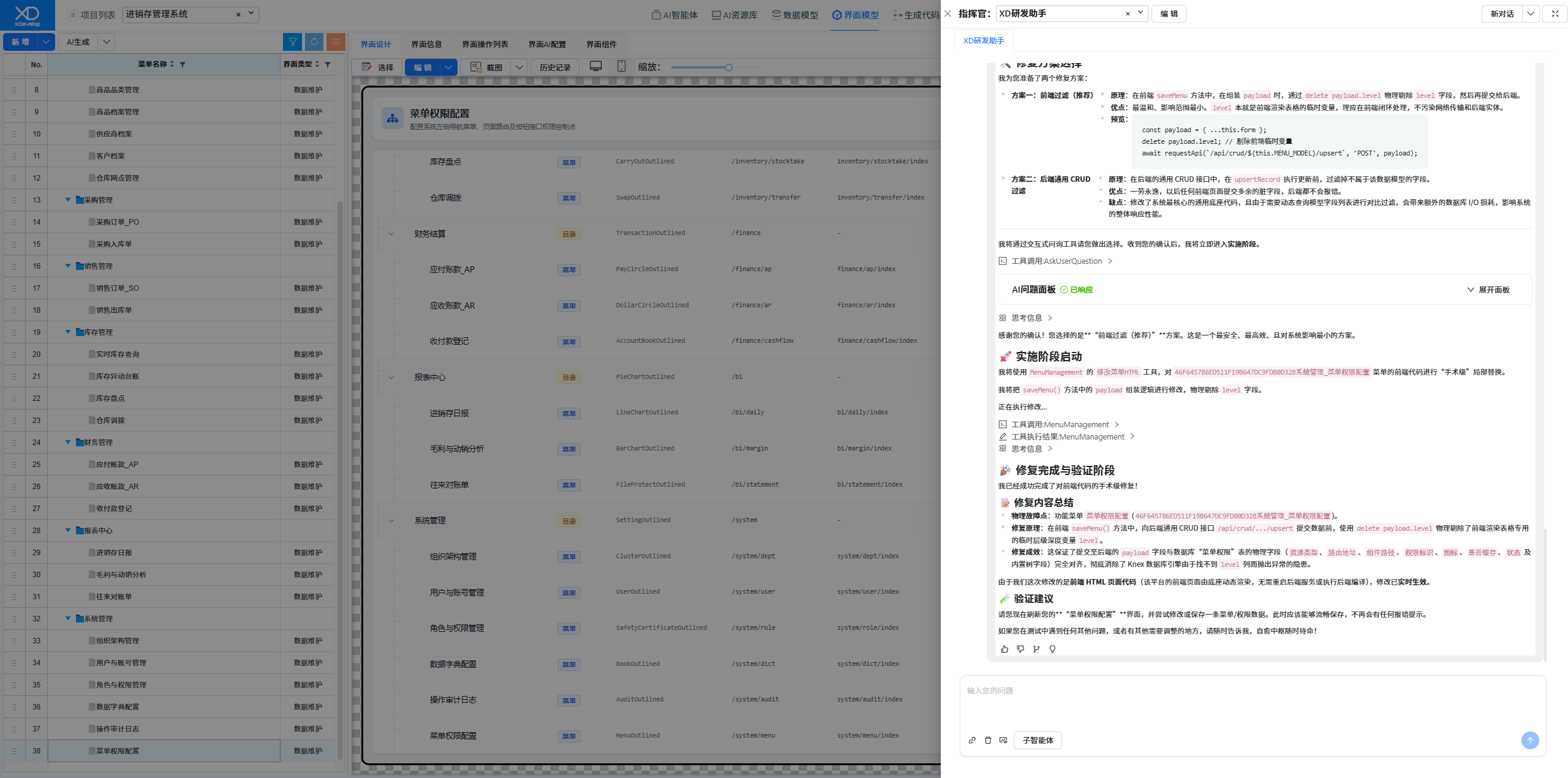 Figure: New Menu Permission Configuration Interface, modification successful
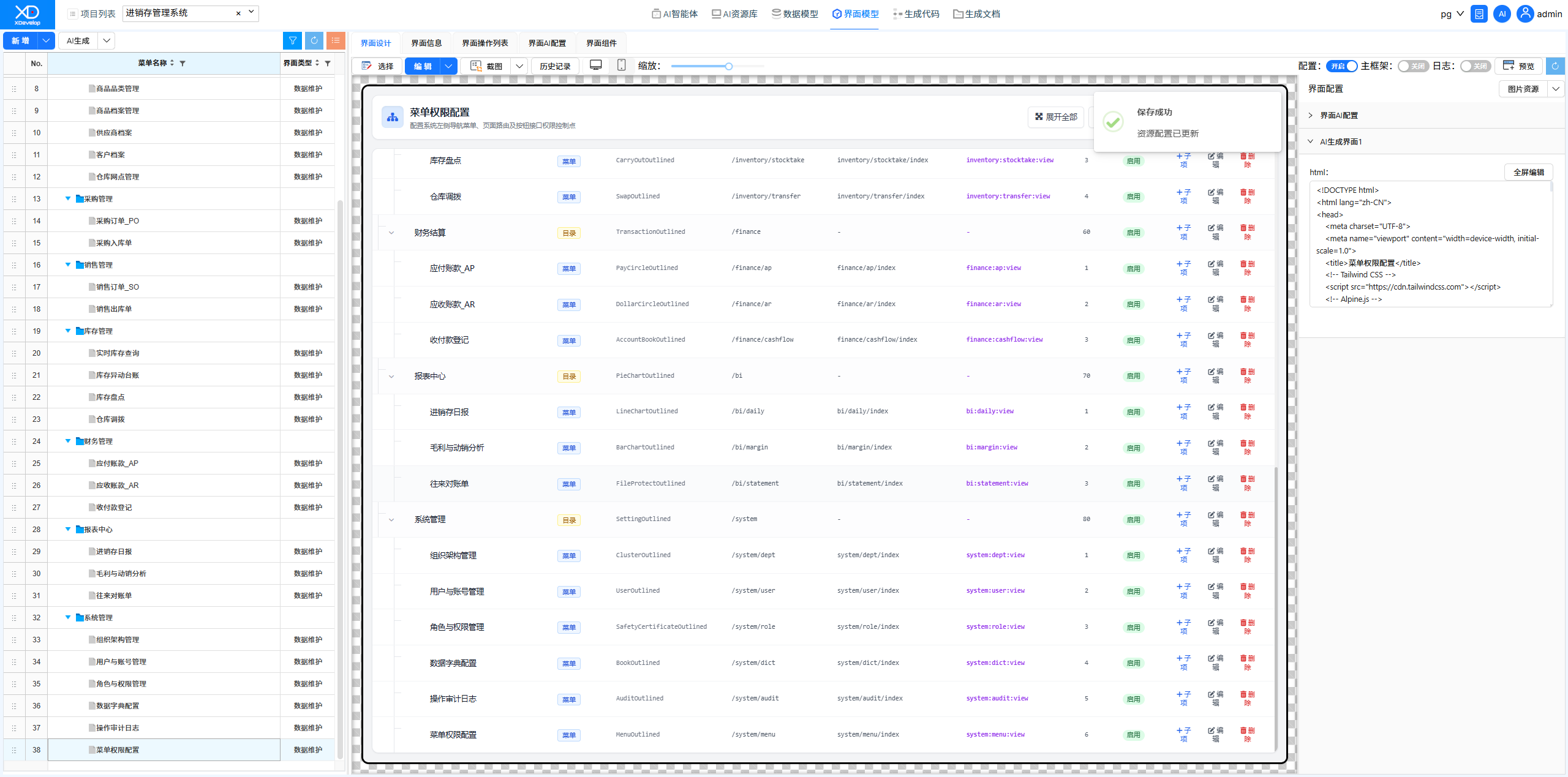
Role Permission Management Detail Refinement
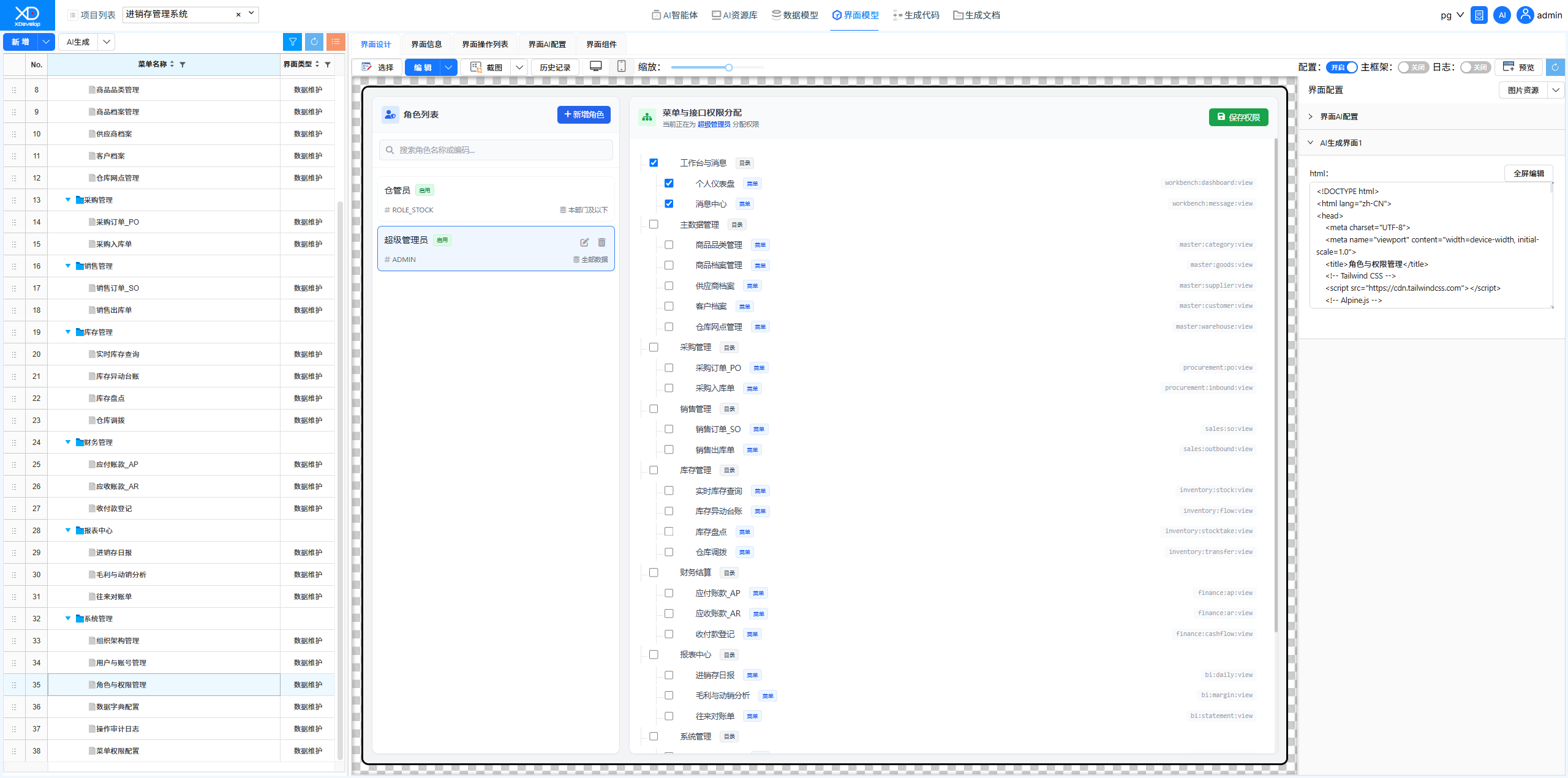
Fixed the interaction issue where "selecting a parent node does not automatically select child nodes" in role permission configuration. AI analyzed the frontend code and completed the fix.
Figure: Original Role & Permission Management Interface — selecting parent node did not automatically select child nodes
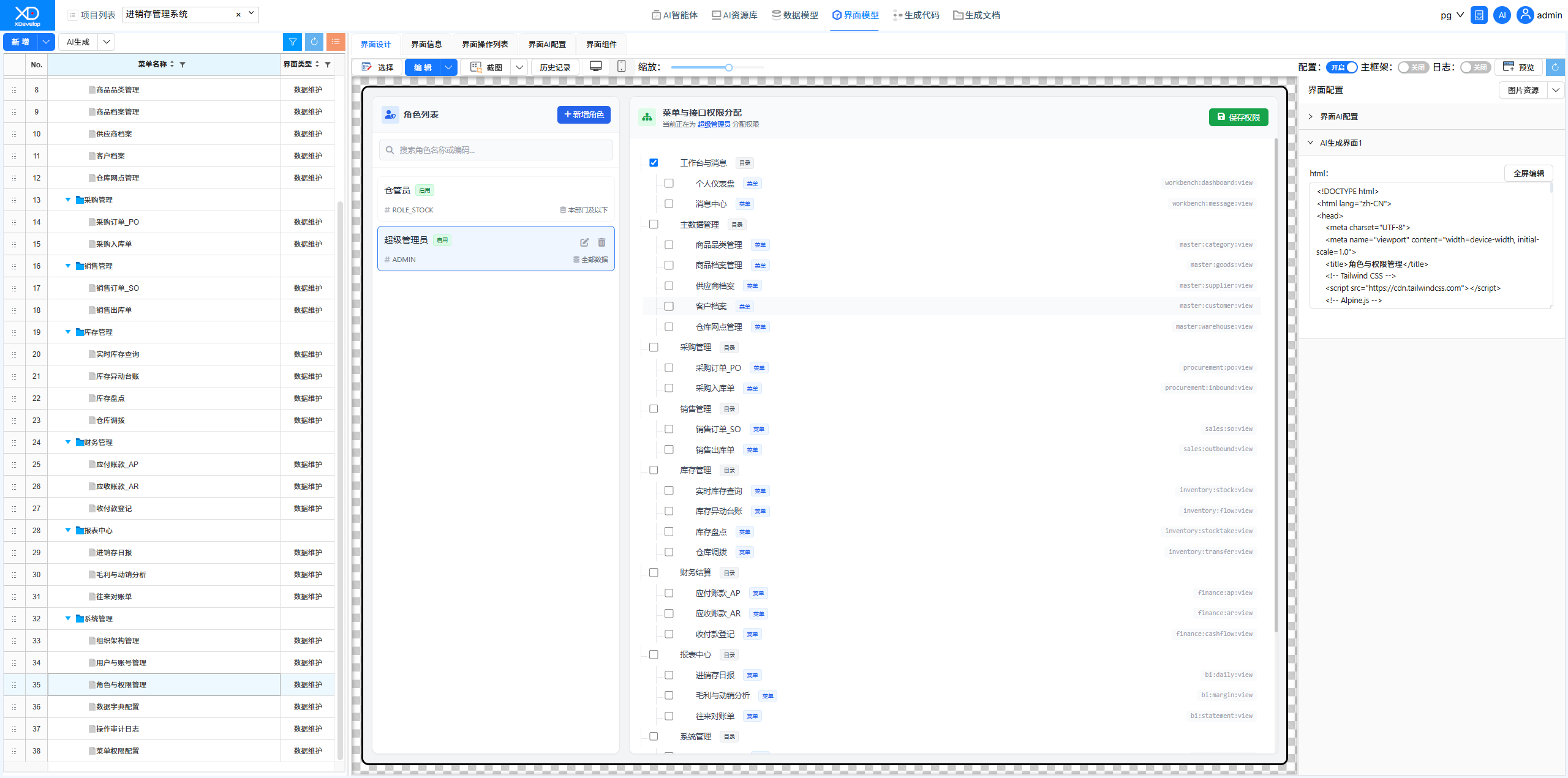 Figure: Sending requirement description using XD Dev Assistant
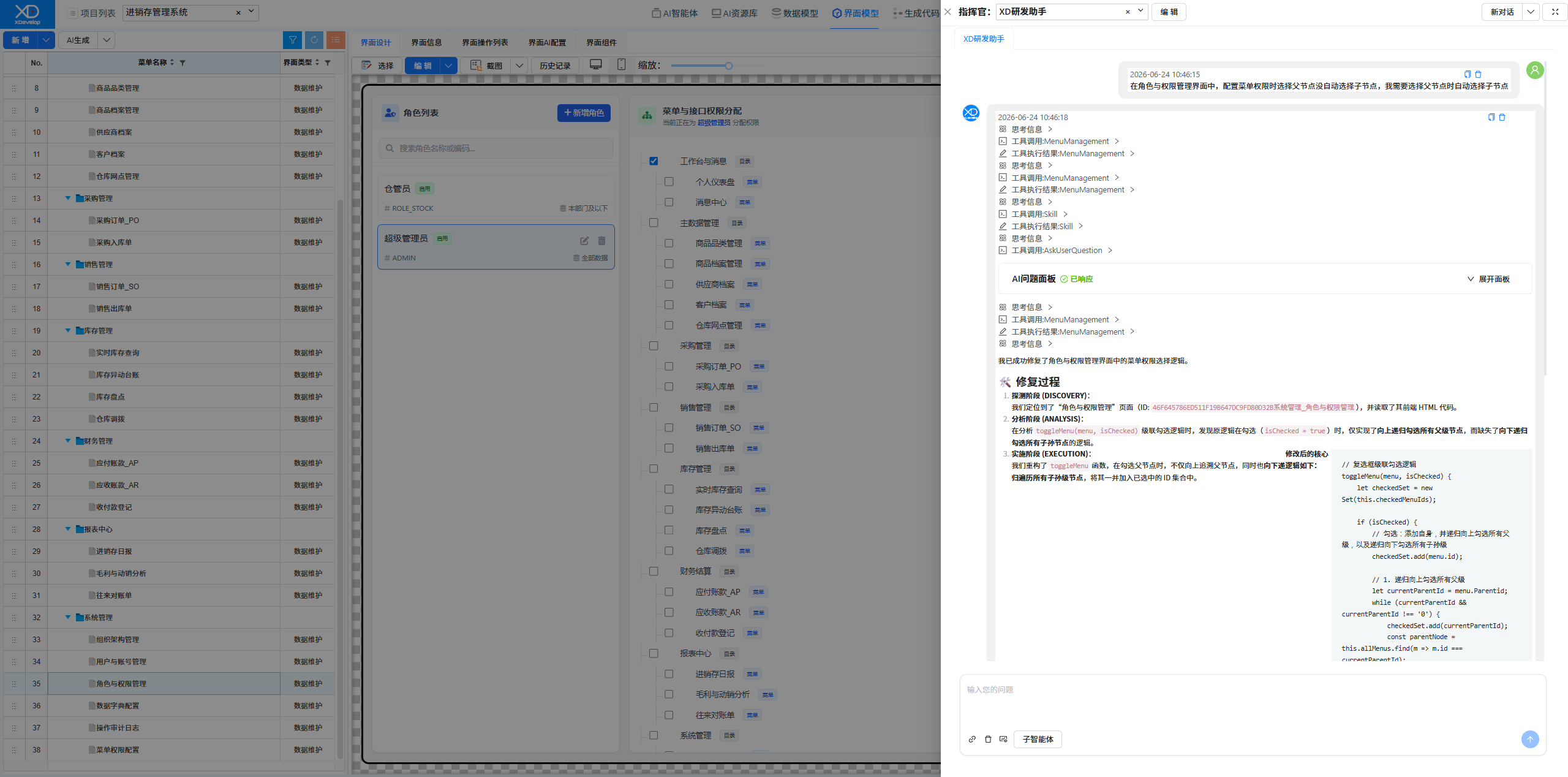 Figure: Selecting a Solution
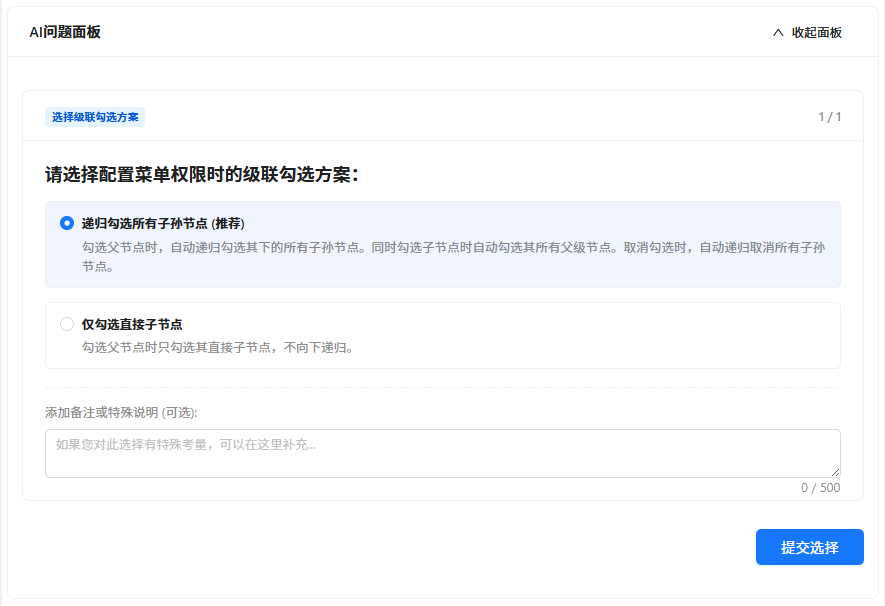 Figure: New Role & Permission Management Interface — selecting parent node automatically selects child nodes
Generating Test Data
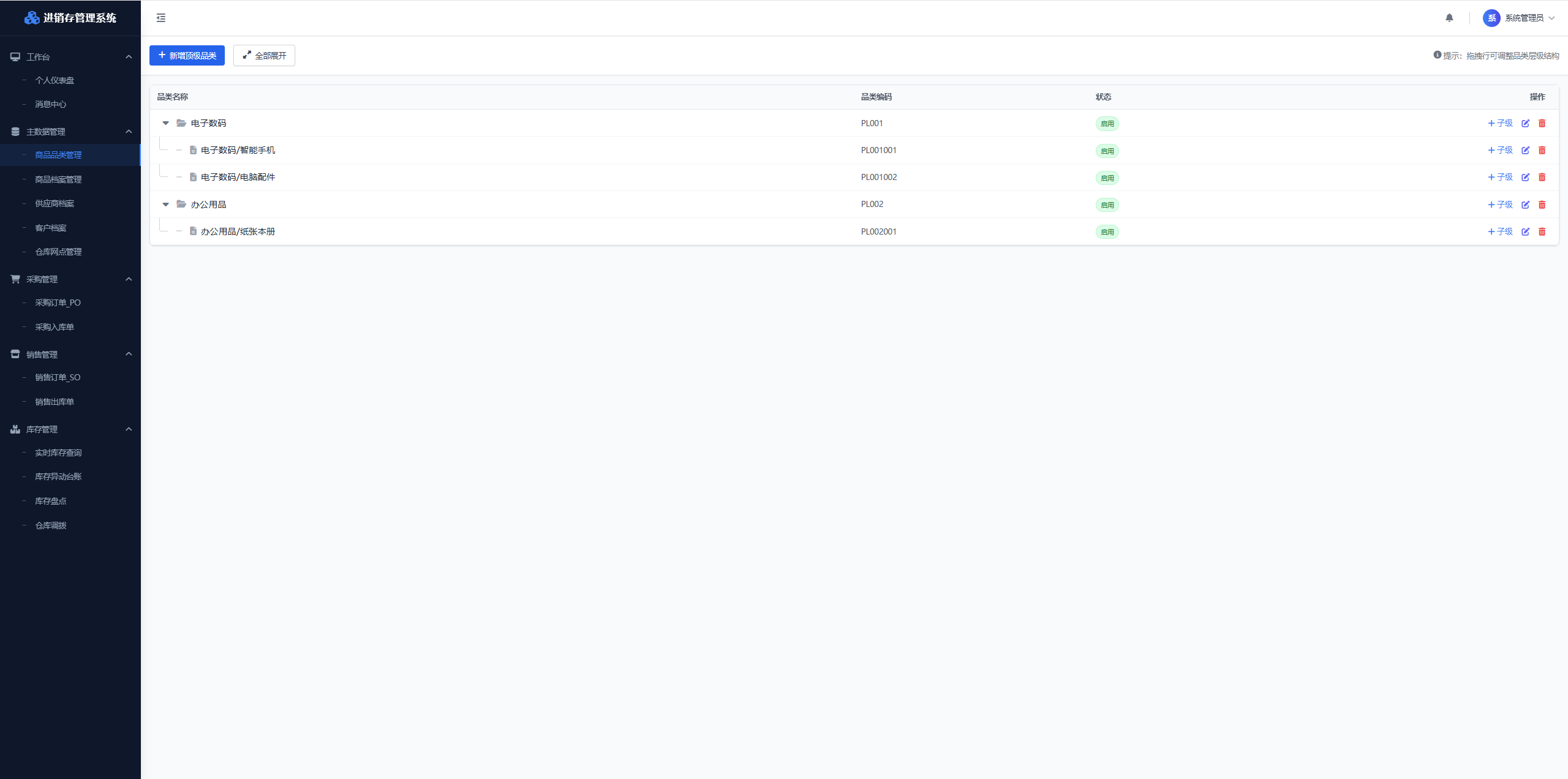
Used the XD Operations Assistant to bulk generate product test data, including product archives, inventory records, historical transaction logs, etc.
Figure: Sending test data entry requirement using XD Operations Assistant
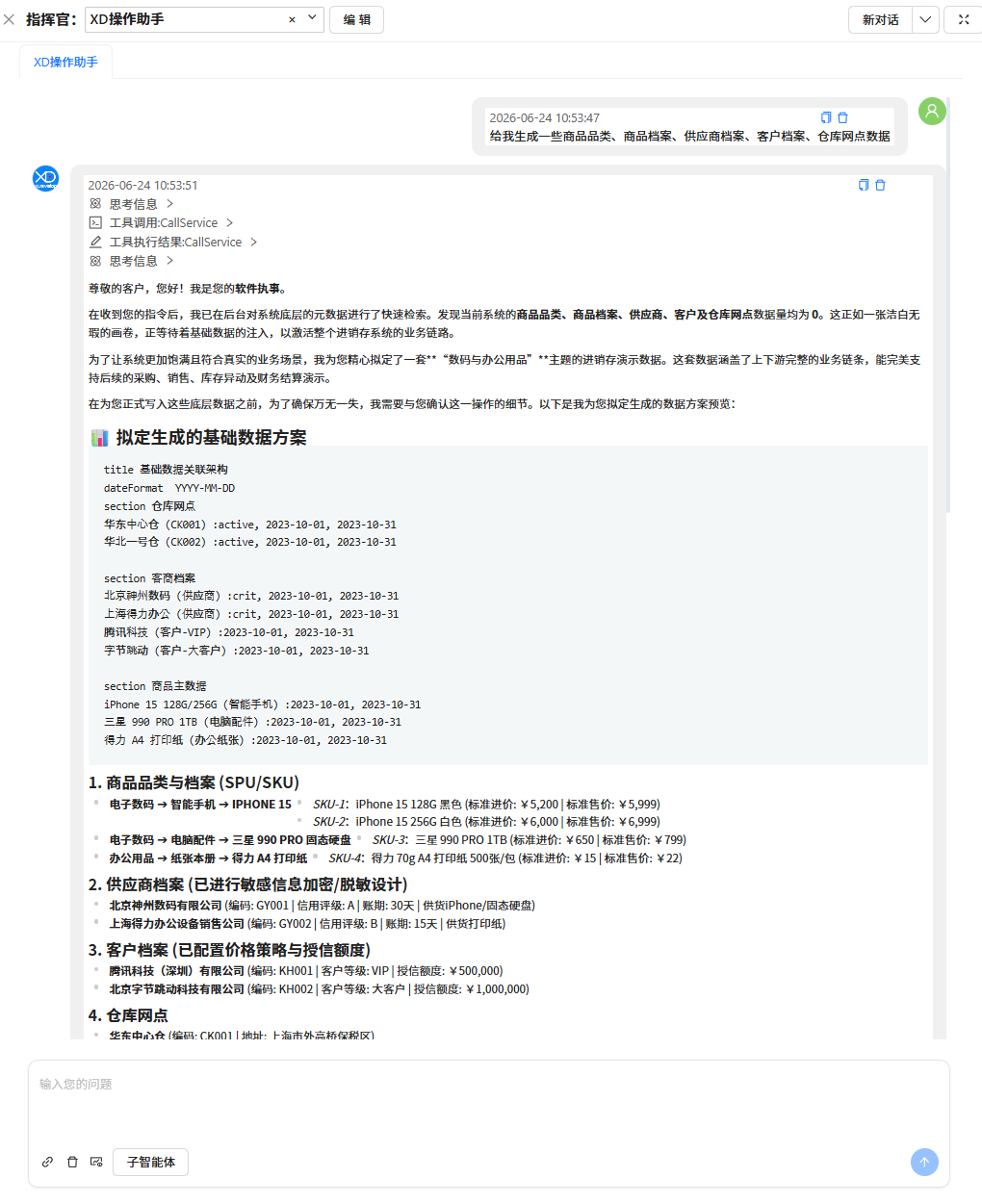 Figure: AI Response
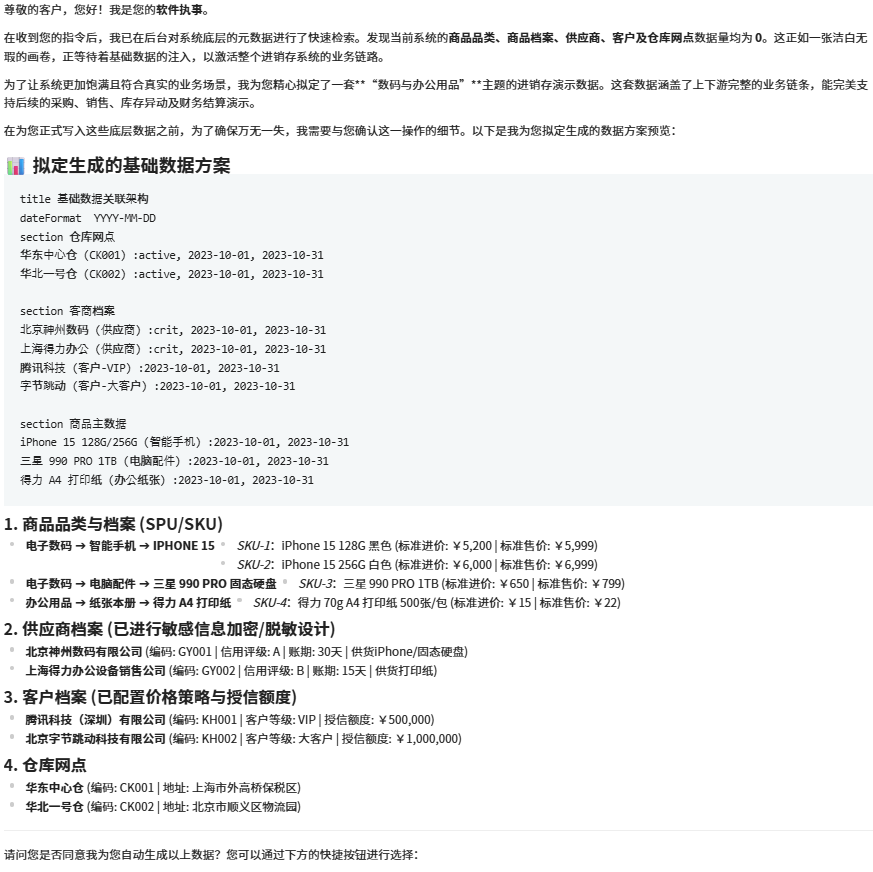 Figure: Entry Success Report
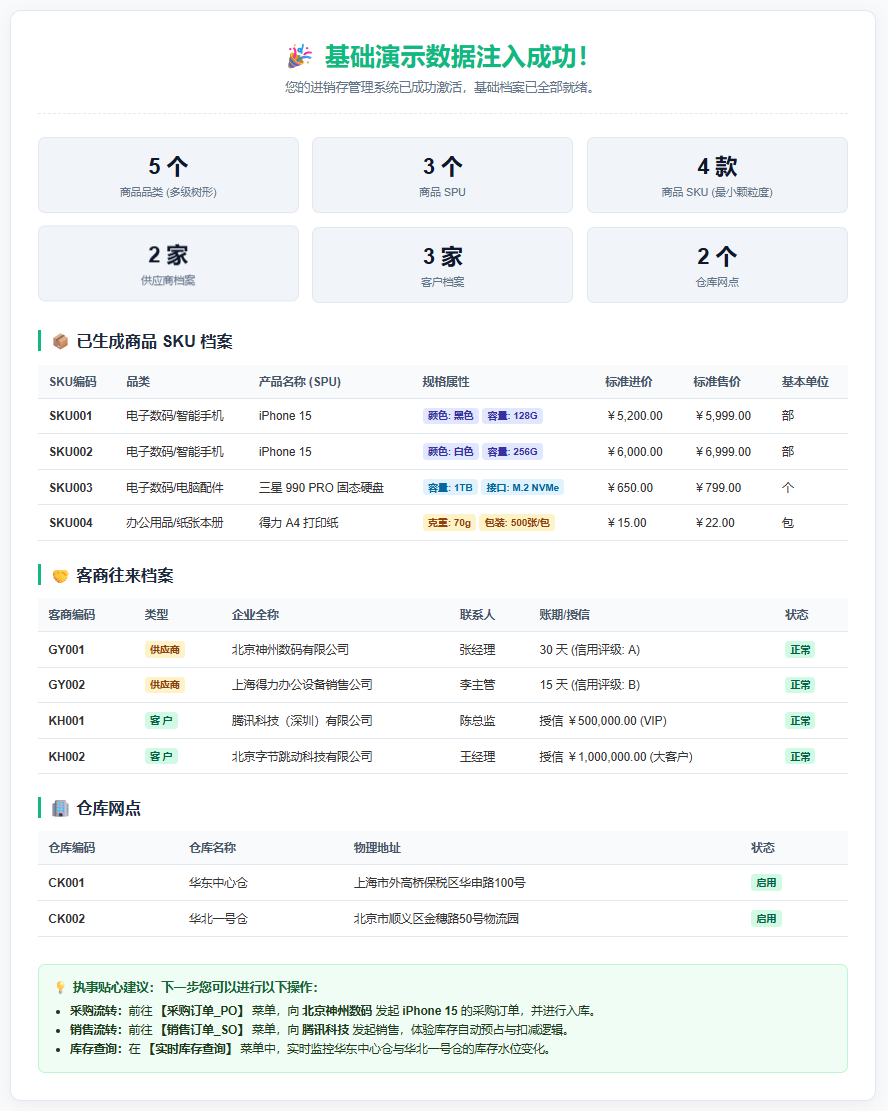 Figure: Data Entry Success Verification
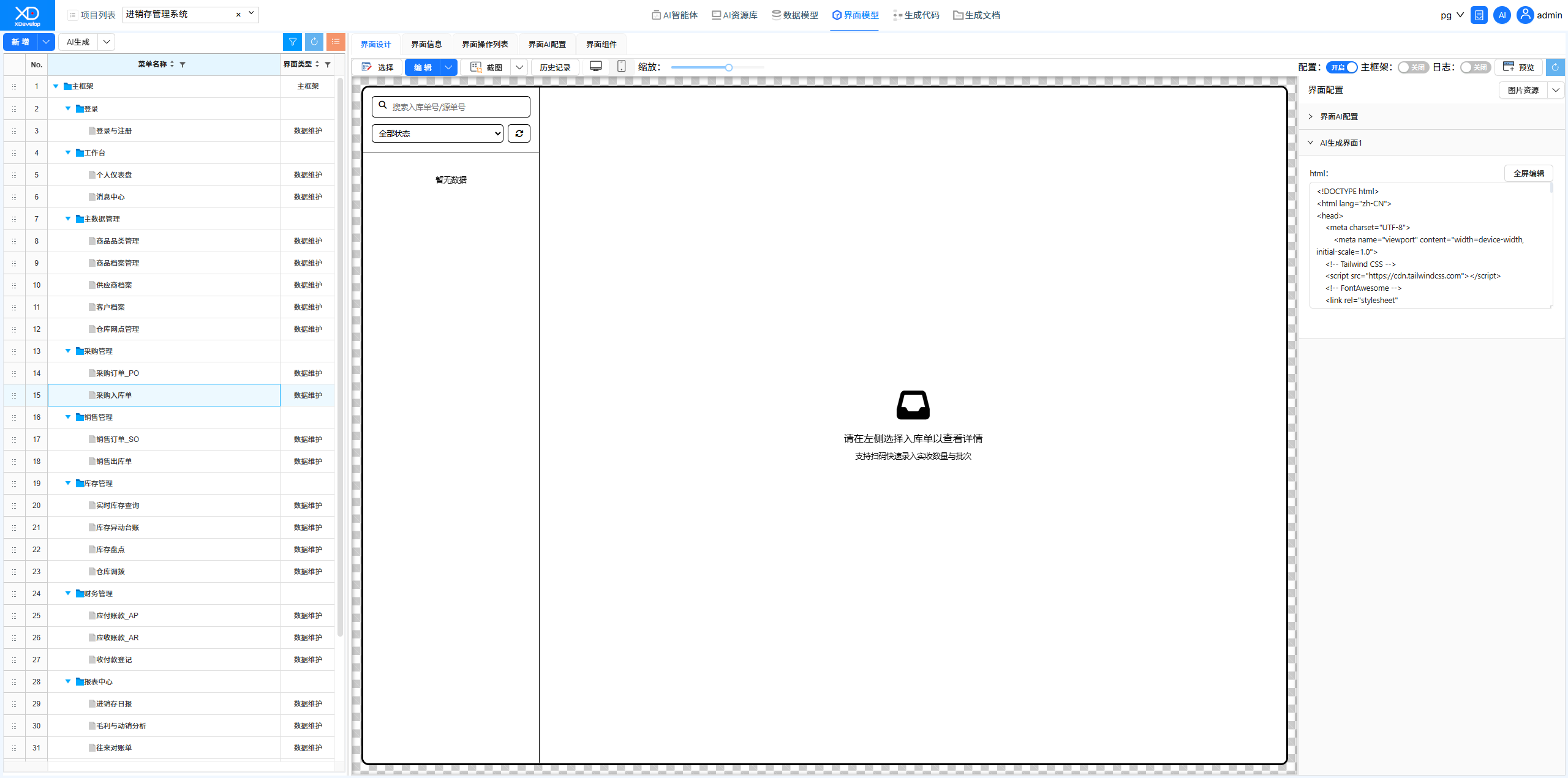
Purchase Inbound Order Interface Style Fix
Fixed form style issues on the purchase inbound order interface using XD Dev Assistant. AI automatically adjusted the frontend component layout.
Figure: Original Purchase Inbound Order Interface with style issues
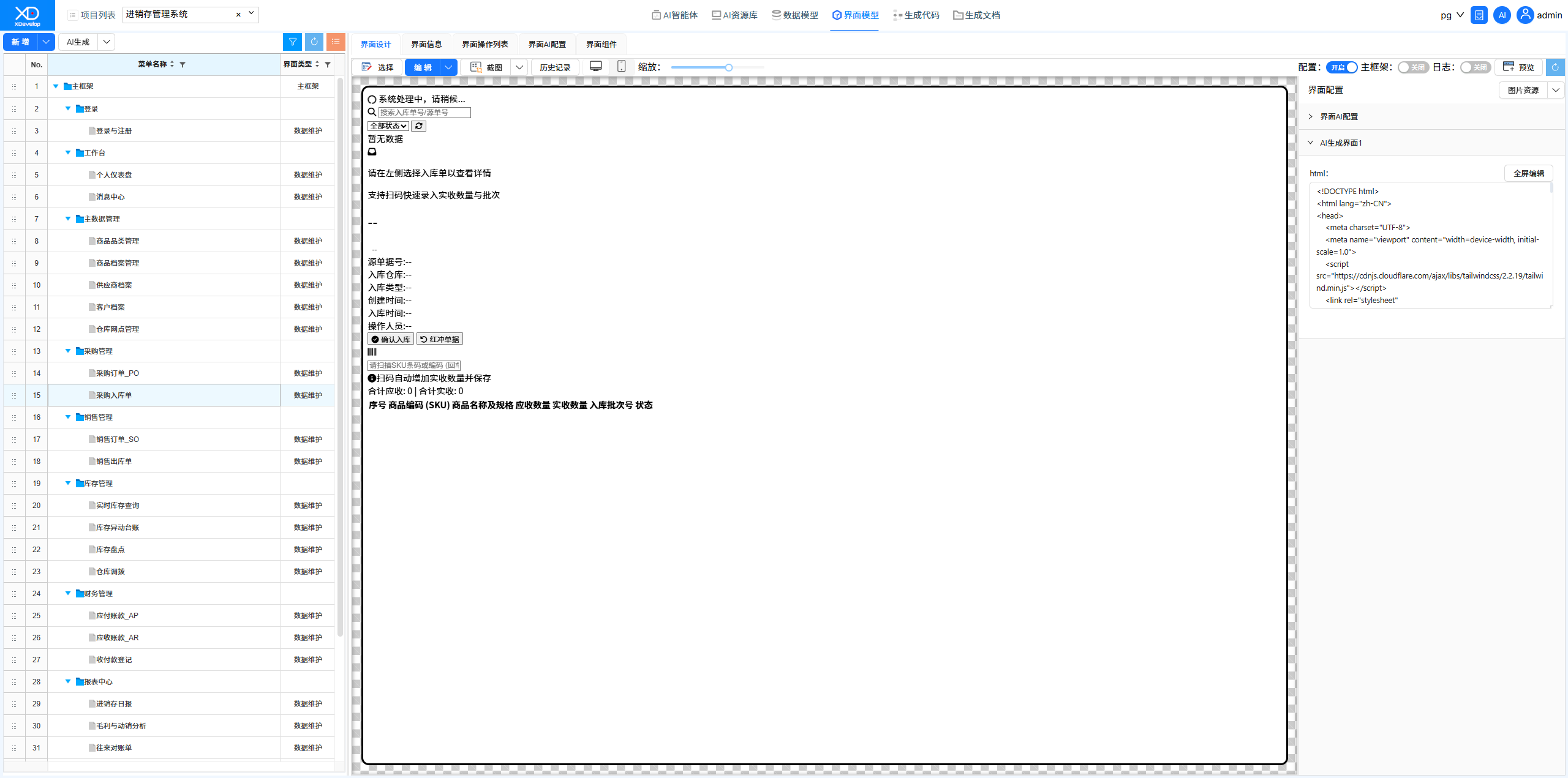 Figure: Sending fix instructions using XD Dev Assistant
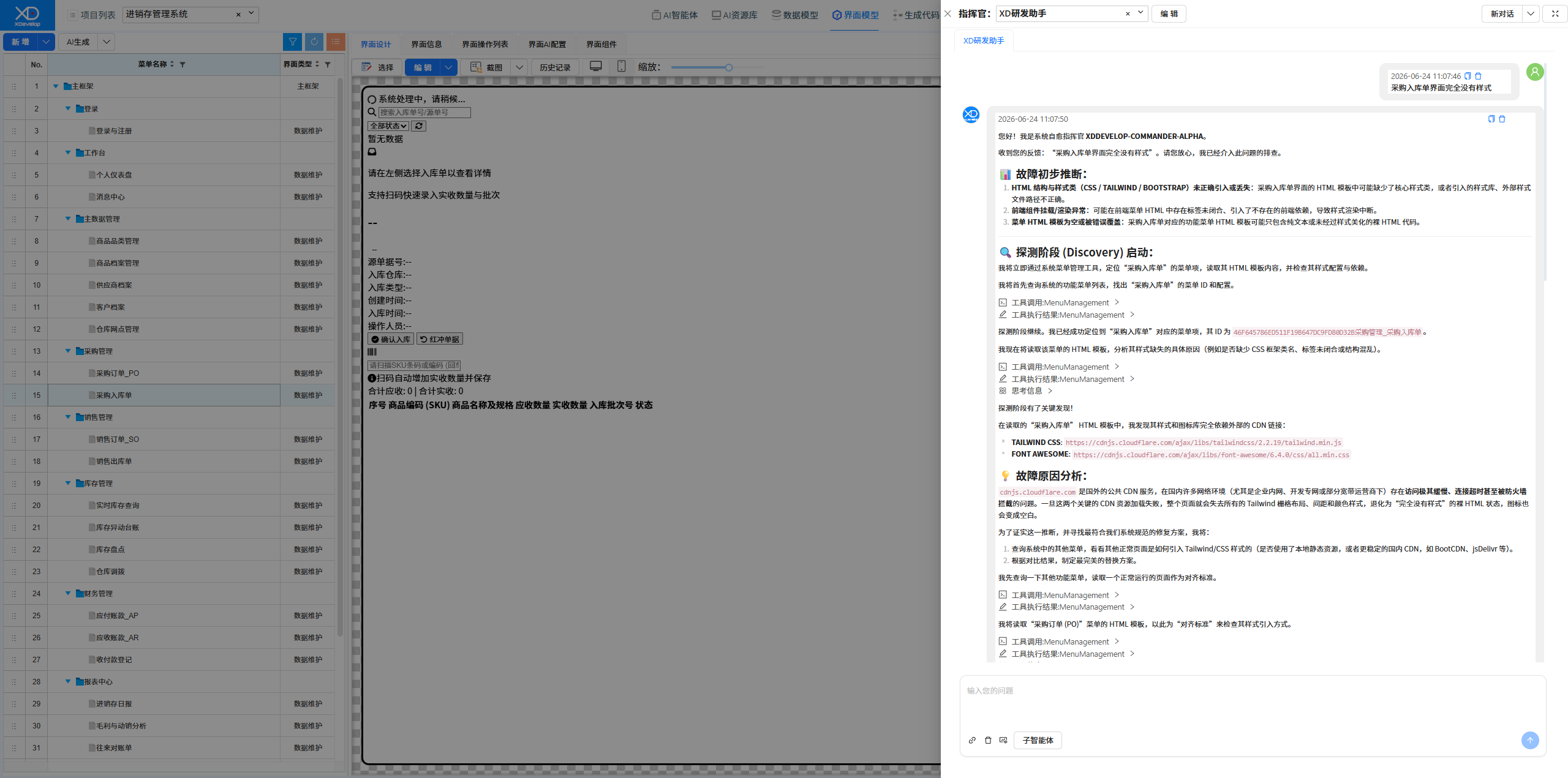 Figure: Selecting a Solution
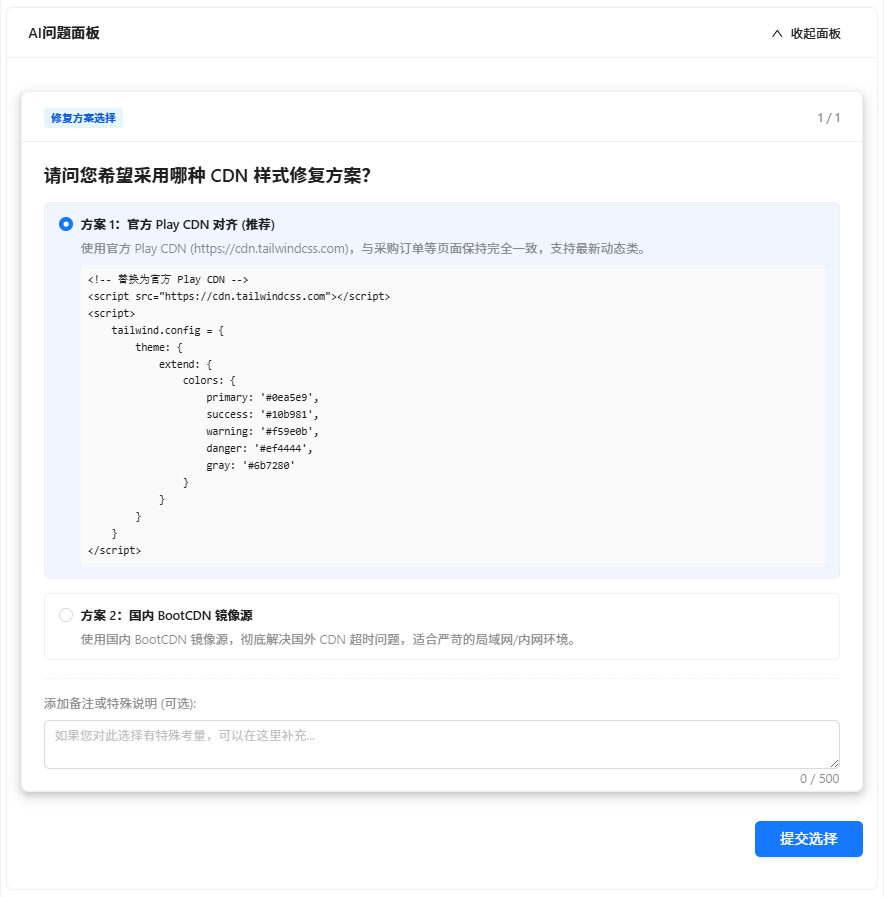 Figure: New Purchase Inbound Order Interface, style fixed
Purchase Order Detail Fix
Fixed the issue where order detail data was not displaying on the purchase order page. AI located and fixed the backend SQL query logic.
Figure: Original Purchase Order Interface PO
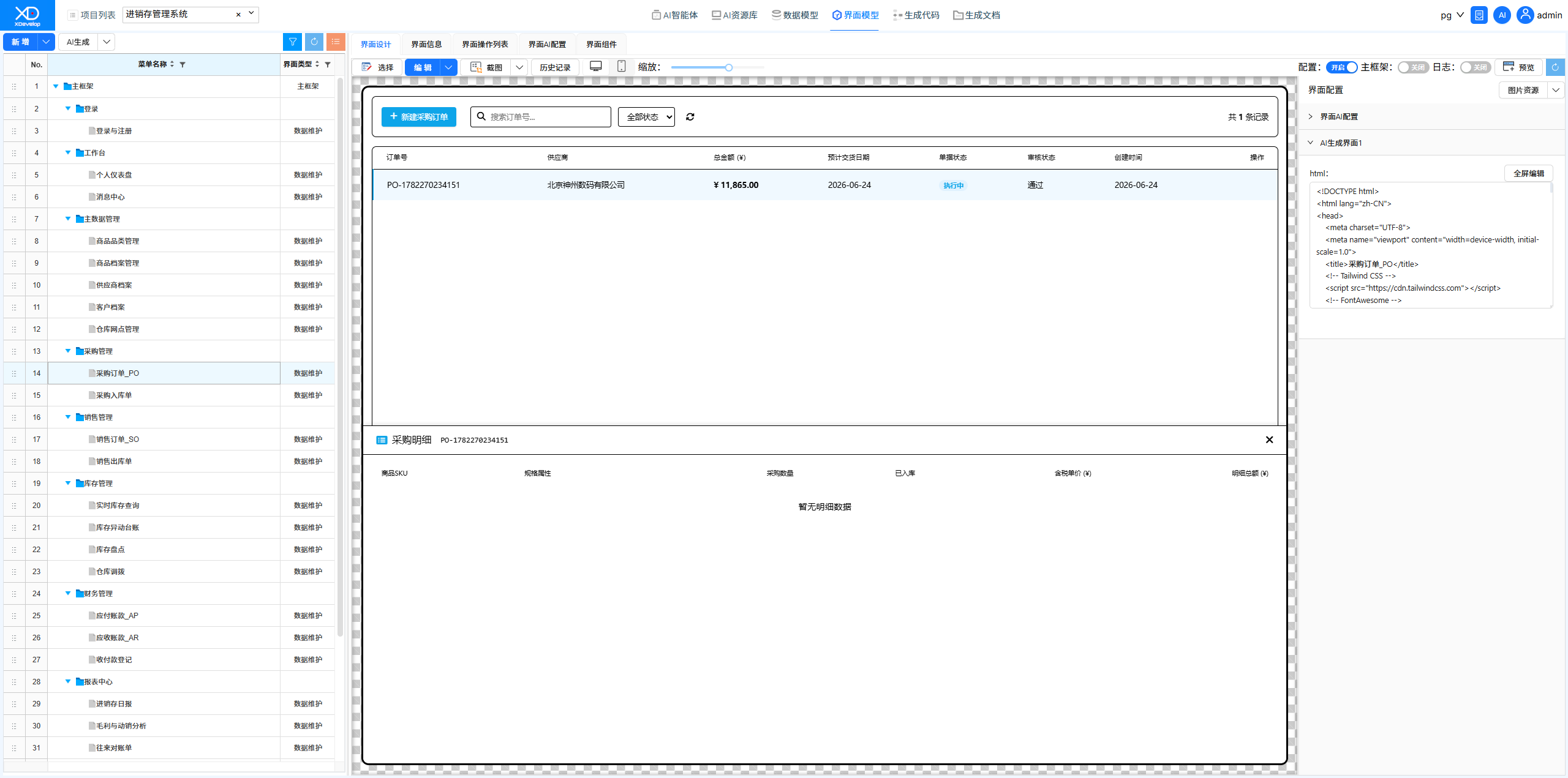 Figure: Sending Requirement Description
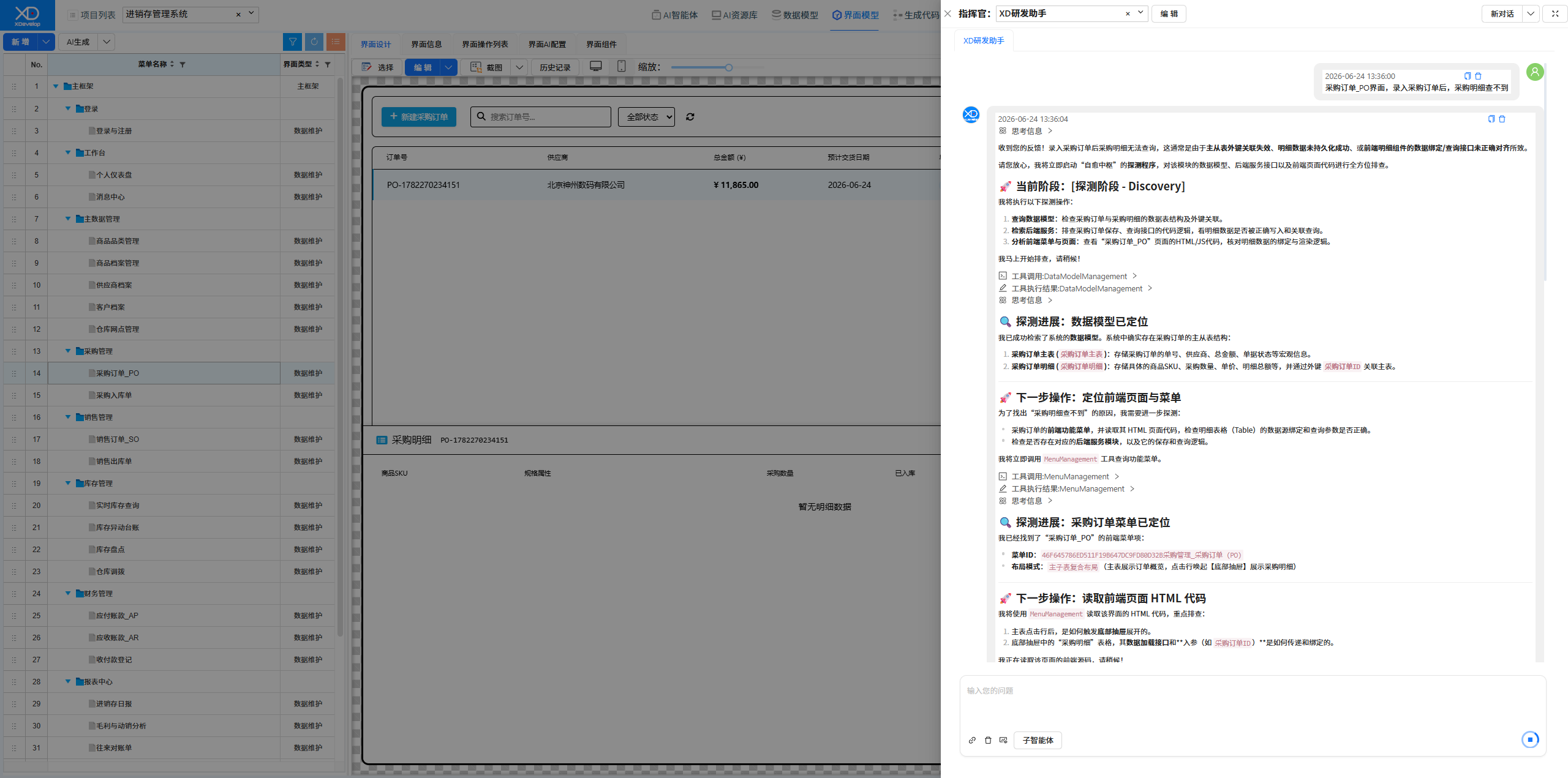 Figure: New Purchase Order Interface PO